

Foggy Pale Garden (FPG) x Polytone
Resource PackAdds fog to the Pale Garden biome exactly as it appears in both vanilla and backporting mods
Description


Resource Pack adds fog to the Pale Garden biome exactly as it appears in both vanilla and backporting mods.
This is a resource‑pack–based evolution of the Foggy Pale Garden mod, built on top of the capabilities provided by the Polytone and Respackopts mods.
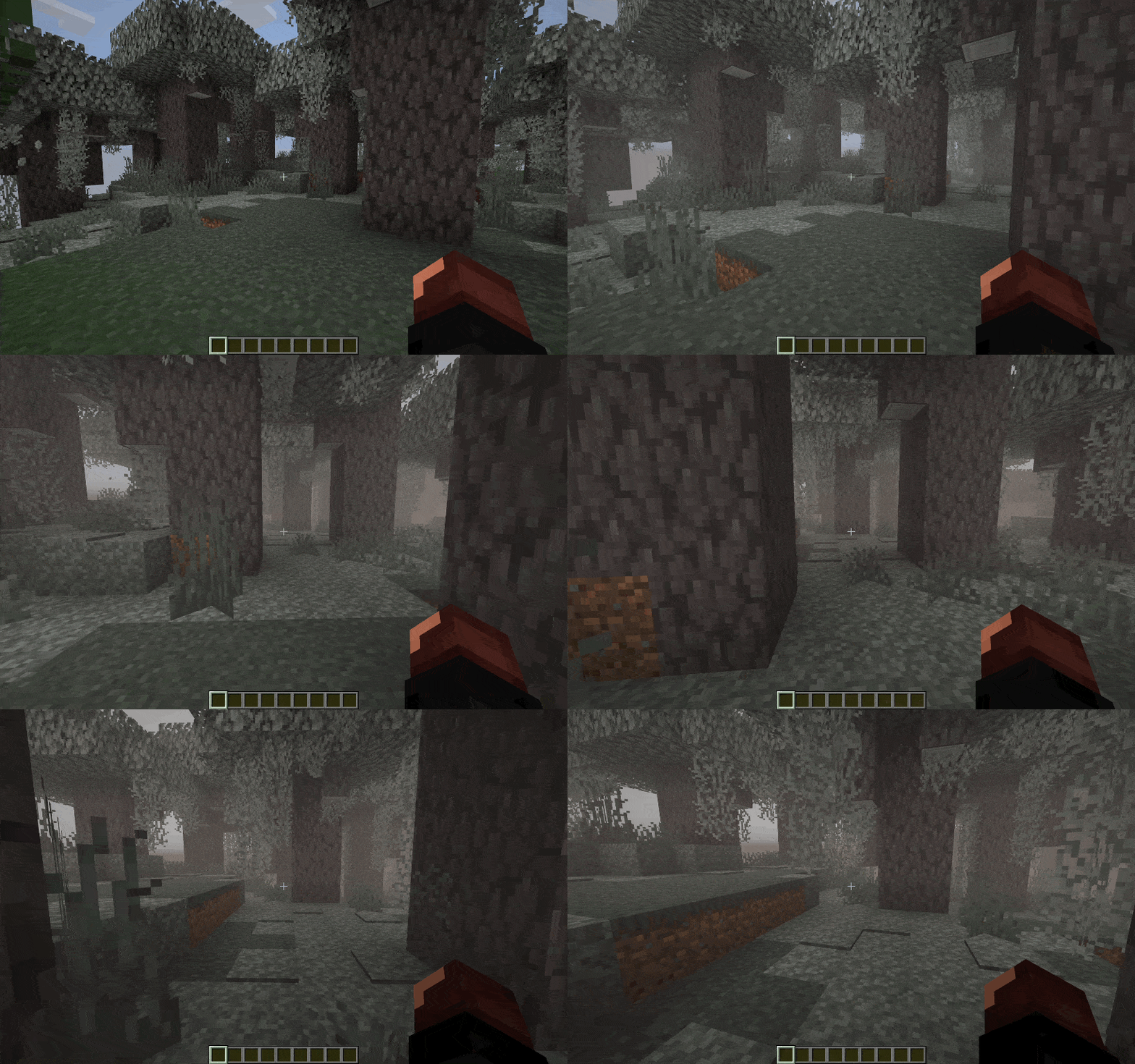
✨ Features
🧠 Smart Fog in the Pale Garden Biome
The resource pack not only adds fog but also takes your convenience into account.
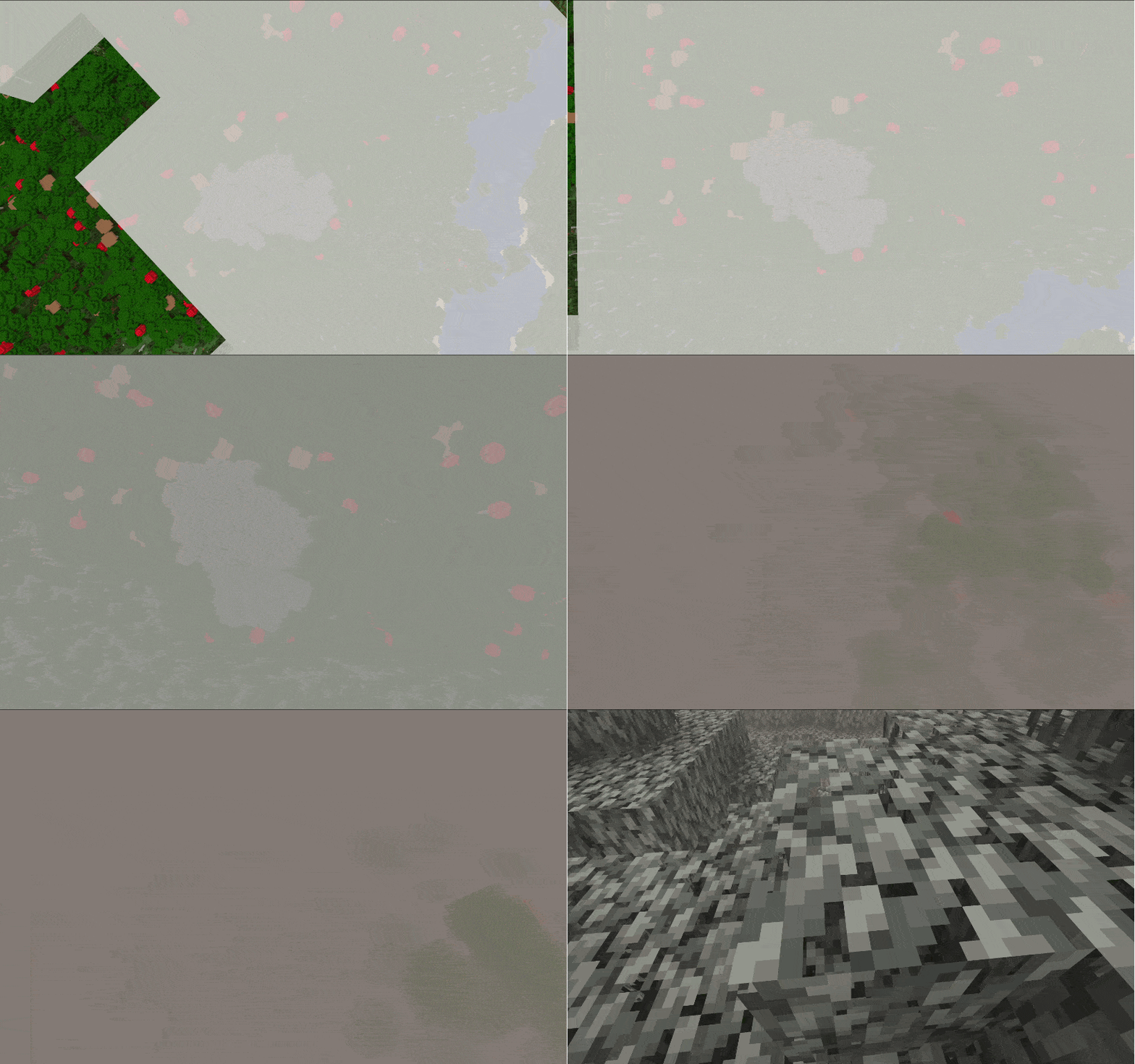
- 🪽 Fog dissipates when you fly over the biome above the cloud layer
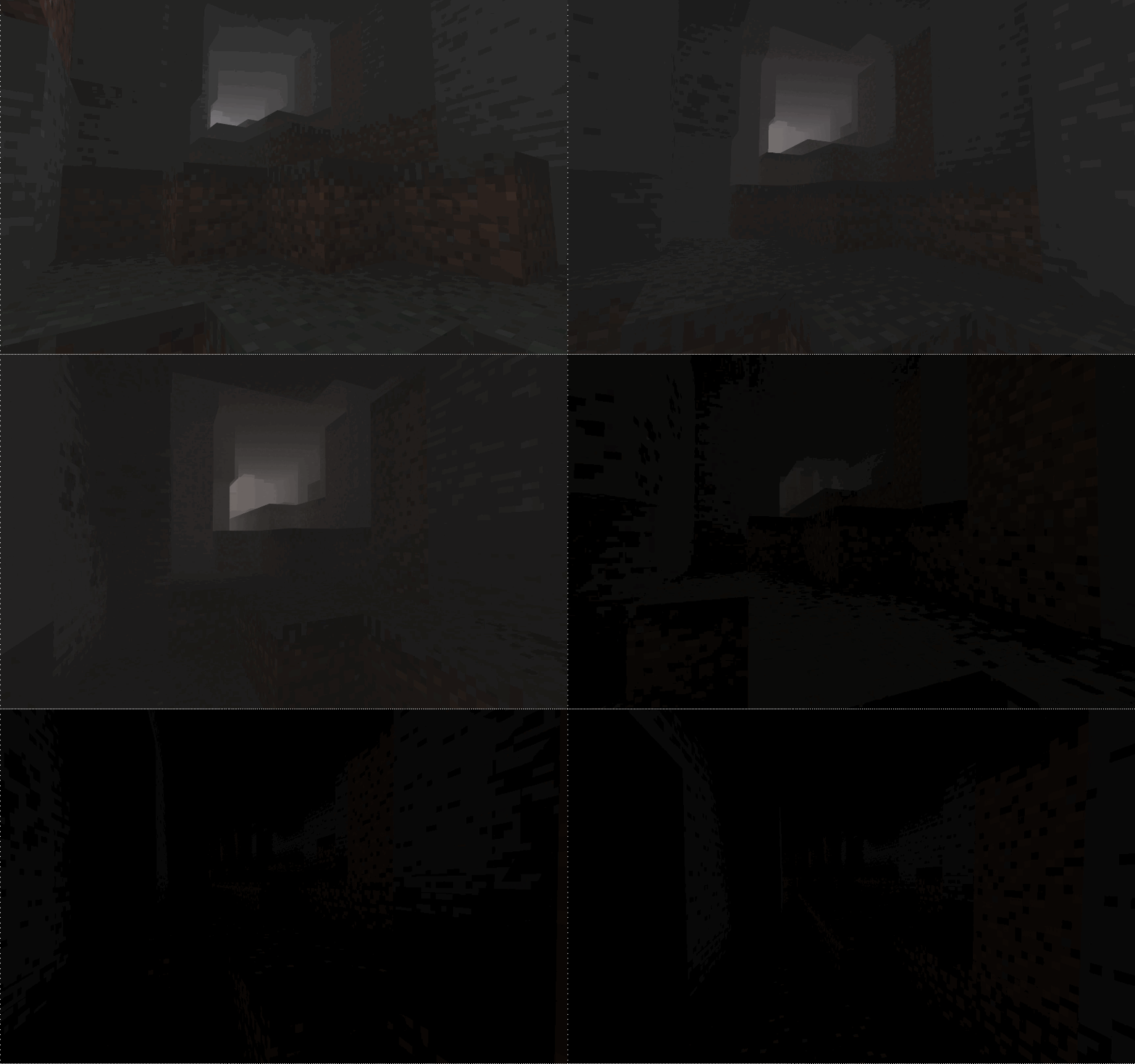
- 🕳️ Fog dissipates when you descend into caves beneath the biome
⏮️ Backport Support for “The Garden Awakens”
Fog is added to every biome named pale_garden, providing automatic compatibility with almost all Pale Garden backport mods.
Tested with:
🔧 Visual Settings & Localization
With the Respackopts mod, you can adjust the fog settings and use built‑in presets directly from this resource pack.
Radius– how far the fog extends from the playerFade– smoothness of fog dissipationMinimum Sky Light– the sky brightness threshold below which fog clears (useful for caves and mines)Maximum Height– the highest altitude at which fog appears (lets you fly above the biome without entering fog)
🎨 Fog Density Presets
In the pack’s settings you’ll find several ready‑to‑use presets with varying fog densities:
Ambient– adds a light, atmospheric fog that doesn’t hinder movement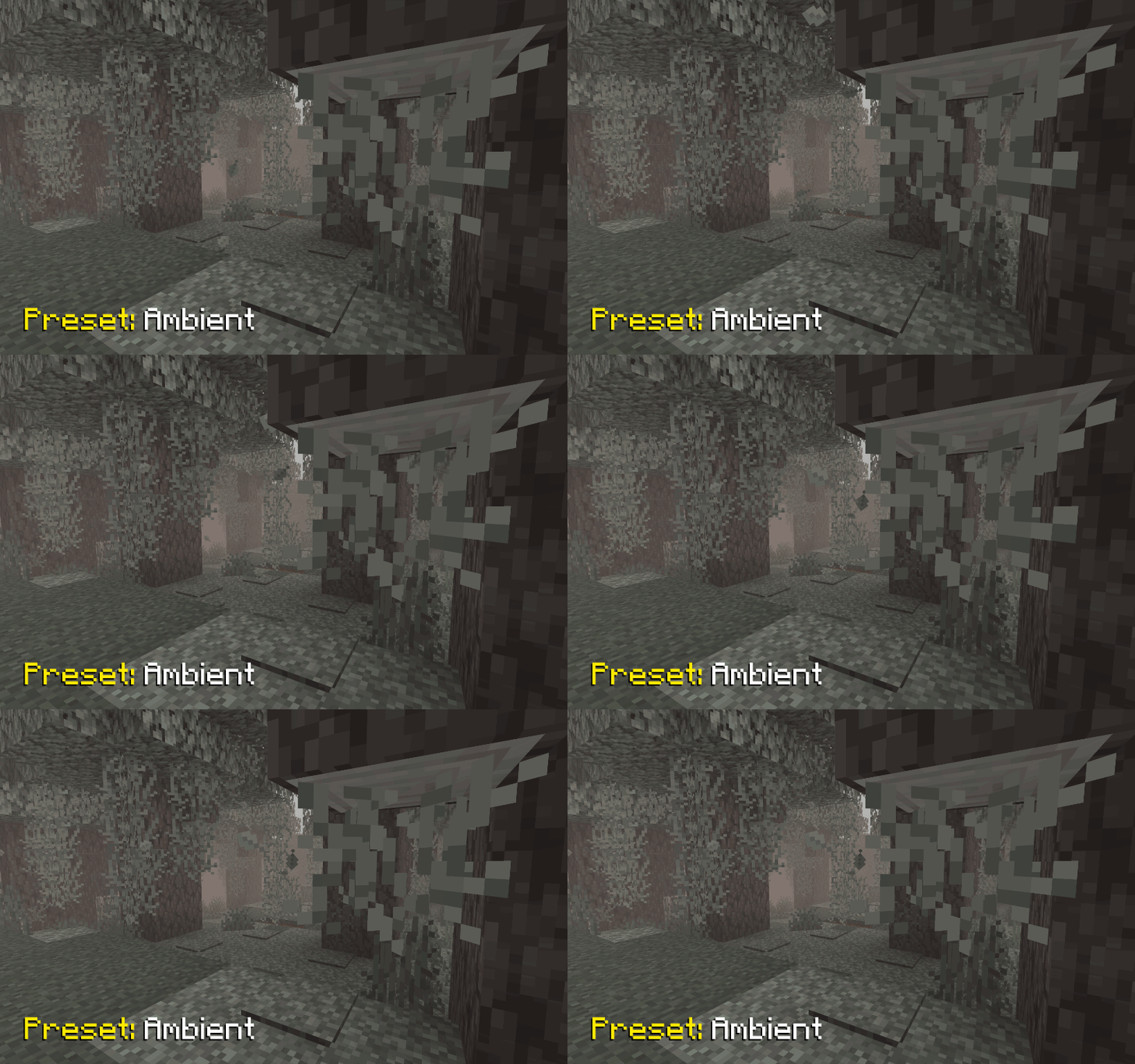
I Am Not Afraid, But...– introduces a slightly denser fog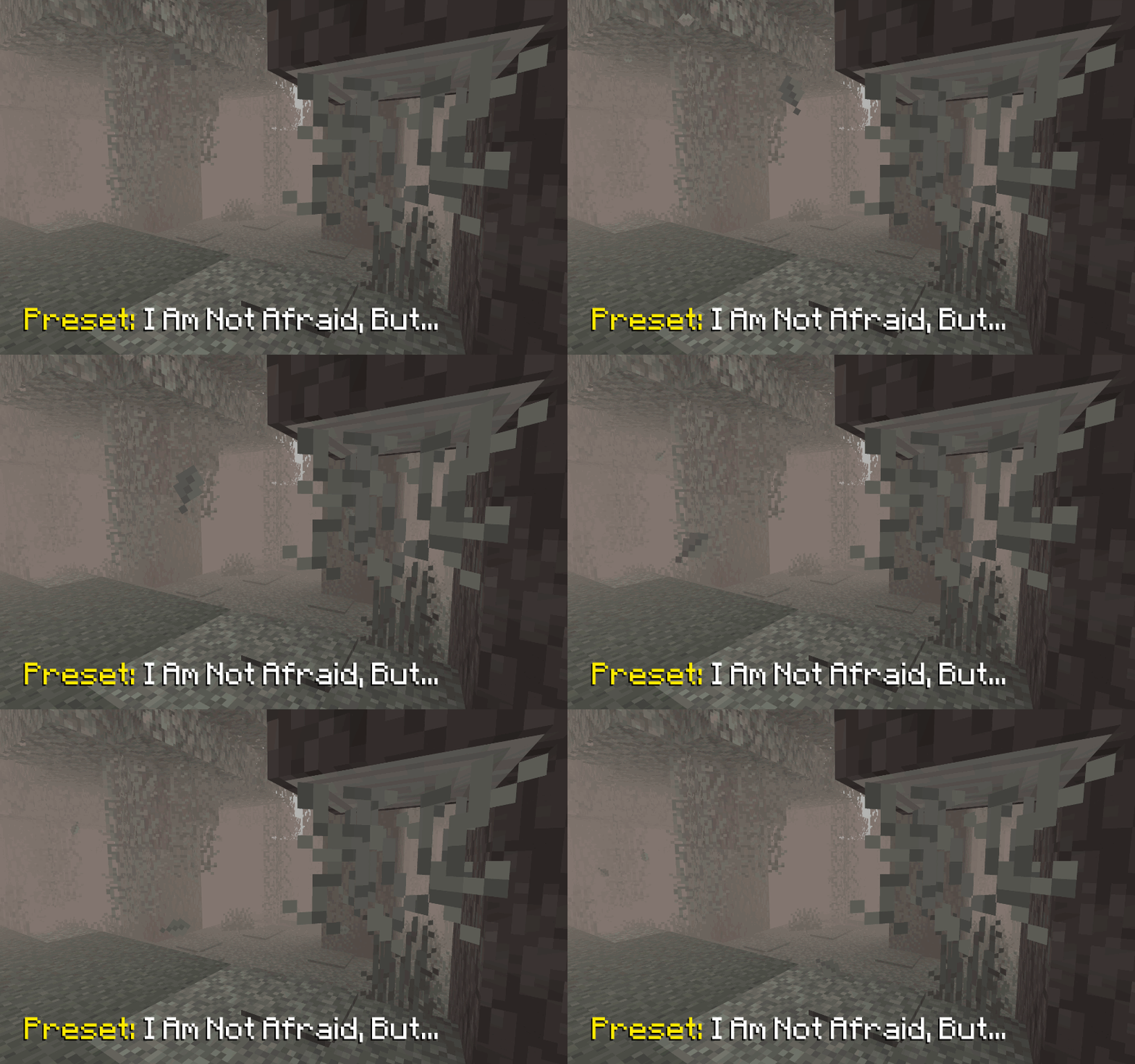
Stephen King– a very thick fog that makes encountering a Creaking truly unexpected (just like in the novella The Mist)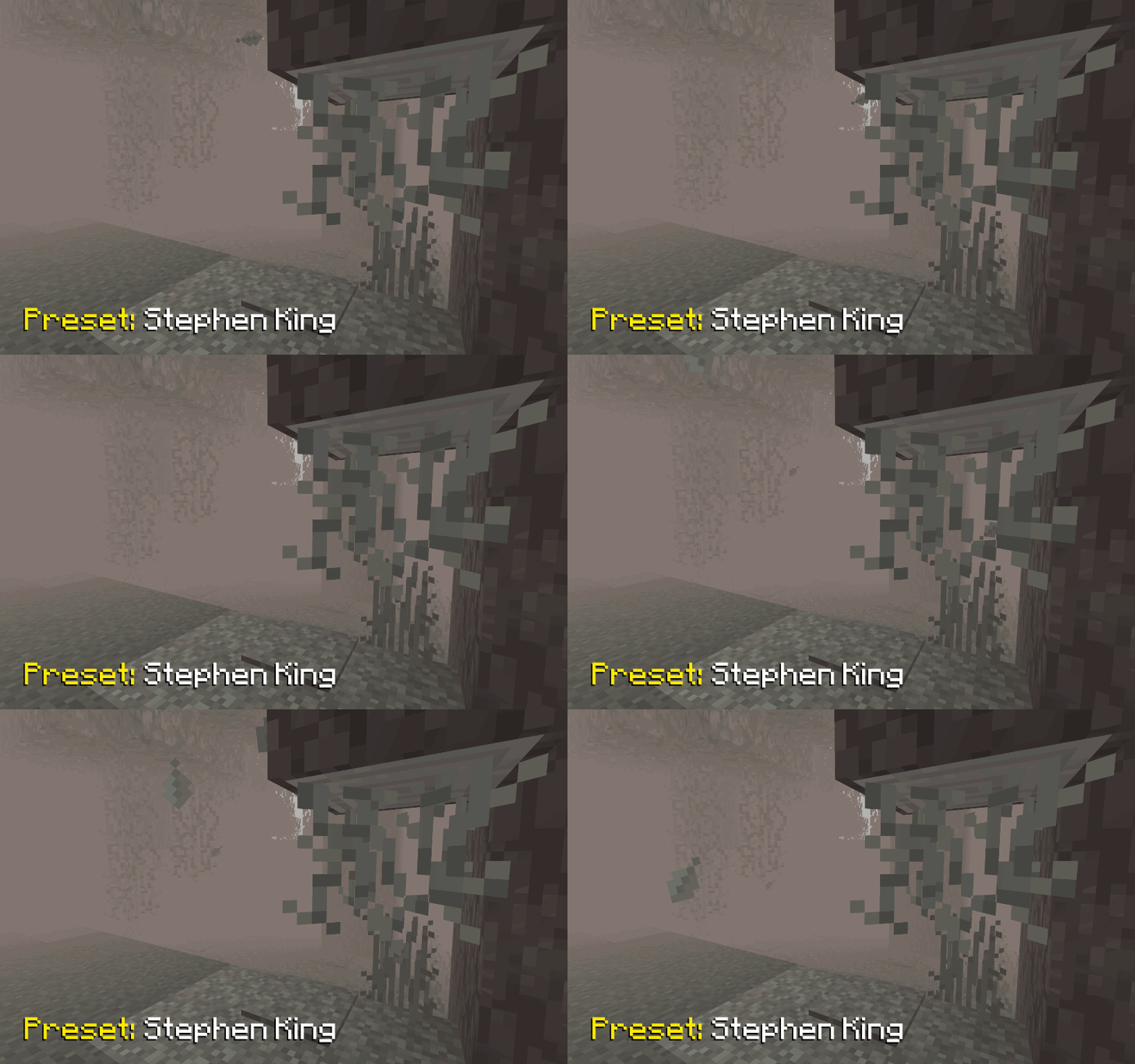
📥 Installation
Supported on all Minecraft versions and mod loaders that include Polytone v3 or higher.
- Install the Polytone mod
- Install the Respackopts mod to access pack settings and presets
- Download the resource pack and place it in your
resourcepacksfolder - Enable Foggy Pale Garden in the in‑game resource pack menu
🐞 Known Bugs
Presets Not Applied from Zip Archive
Currently, presets are indeed not applied if the resource pack is loaded as a zip archive. However, they are successfully applied if it is loaded as a folder.
It appears to be an issue with Respackopts. I have opened an issue in their tracker https://youtrack.frohnmeyer-wds.de/issue/RPO-40 (fixed in 4.13.6)
🤗 Modpacks
You’re free to include this resource pack in modpacks without requesting permission.
Compatibility
Mod Loaders
Game Versions
Recommended Gear
AffiliateHardware and extras that pair well with this resource pack.

As an Amazon Associate I earn from qualifying purchases.
Screenshots
Similar Resource Packs
Barebones 3D crops
adds 3d models for the plants in a barebones style textures

Supplementaries Touch-Ups
Some texture tweaks for Supplementaries

Mandalorian Armor
Replaces all common Armour and Armor Trim with Mandalor armour.

Jurassic Franchise Paintings
New paintings in Minecraft from the Jurassic Franchise!

Particles +
Giving diversity to particles

Simple Foliage
Adds subtle grass, fern, bush, and vine variations while staying true to vanilla

