Take a Seat
Modby icywhenhot
20+ sitting animations for an immersive experience!
Description
⚠️ Player Animation Library is a required dependency for this mod.
Take a Seat
Sit, lounge, and relax
Press a key and Take a Seat plays a context-aware sitting animation on your player, it figures out what you're near or holding and picks a fitting pose, then keeps your model in frame with a smooth camera. Other players see you sitting too, when they also have the mod.
Take a Seat is a from-scratch rebuild of the discontinued Sitting Plus, running on the Player Animation Library backend.
These are cosmetic animations. You don't actually mount the block — your model poses in place, and moving stands you back up.

How to use
- Press X (rebindable in Options → Controls → Take a Seat) to sit.
- Press it again while seated to cycle to the next variation of the current pose.
- Move (WASD / jump / sneak / sprint) to stand back up.
- Right-click a stair with an empty hand to snap onto it and sit (can be disabled in the config).
- Or use the /sit command: /sit for context detection, /sit <pose> to force a pose (e.g. /sit chair), or /sit <pose> <variant> (e.g. /sit bed 2).
- You can't sit while airborne, swimming/underwater, or riding something.
How the pose is chosen
When you press the key, Take a Seat checks these in order and uses the first match:
# Trigger Pose Notes 1 Looking at a campfire (within ~2 blocks) campfiresit Looping idle 2 Looking at a furnace (furnace / blast furnace / smoker) furnacesit Looping idle 3 Holding a sword swordsit, swordsit2 2 variants 4 Holding an axe sittingaxe 1 variant 5 Holding a shovel sittingshovel 1 variant 6 Holding a fishing rod fishing Looping cast 7 Standing on stairs chairsitting 1–4 "Sit in a chair" — 4 variants 8 Standing on a fence fencesitting 1–2 Perched higher, 2 variants 9 Standing on a bed bedlyingdown 1–3 Lie down, 3 variants 10 Standing on a bottom slab chairsitting 1–4 Treated as a chair 11 Standing on a carpet Ground poses Treated as floor 12 Standing on a #takeaseat:sittable block chairsitting 1–4 Datapack-defined chairs, incl. modded 13 Anywhere else (ground) kneesitting, buttsit, buttsit2, kneeleaning Default, 4 variantsBecause the list is checked top-down, what you're looking at or holding wins over what you're standing on, holding a sword while standing on stairs gives you the sword pose, not the chair pose. Empty your hand and look away from campfires and furnaces to get the stair, fence, bed and ground poses.
That's 20 hand-made animations in total, cycled per category by tapping the key again.
Camera
- Auto third person — sitting flips you to third person so you can see the pose (toggle: enableThirdPersonOnSit). Standing restores your previous view.
- Focus on the model — the camera eases downward while seated so the sitting body stays centered (toggle: enableSitCameraFocus, distance: cameraFocusOffset).
- Your F5 is respected — once you're seated you can change view freely, and cycling through poses will not snap the camera back.
Configuration
Edit config/TakeASeatConfig.json, created on first launch:
Option Default Description enableClickToSit true Right-click stairs with an empty hand to sit on them enableThirdPersonOnSit true Switch to third person while sitting enableSitCameraFocus true Smoothly lower the camera to focus on the seated model cameraFocusOffset 0.55 How far (in blocks) to lower the camera while sitting onlyLowerCameraInFirstPerson false Only apply the camera lowering effect in first person enableAfkSit false Auto-sit after being idle — off by default, as it was non-functional in the original Sitting Plus afkSitDelaySeconds 60 Idle seconds before AFK auto-sit triggers
Multiplayer
Take a Seat syncs poses to other players: when you sit, your client tells the server, which relays it so everyone running Take a Seat mirrors your animation.
The mod should be installed on the server and on each client that wants to see the animations. Players who were already sitting when you join are synced to you automatically — no need for them to stand and sit again.
For datapack and modpack makers
Make any block sittable — it'll use the chair pose — by adding it to the #takeaseat:sittable block tag. Create data/<your_pack>/tags/block/sittable.json:
{ "replace": false, "values": [ "mymod:fancy_chair", "minecraft:lectern" ] }Bottom slabs and carpets are recognised automatically, so you only need the tag for extra or modded blocks.

Requires: Player Animation Library
I will be fixing bugs across various versions, but the most maintained port is still 26.2 fabric.

Q: Do I need this on the server?
Only if you want other players to see your animations. Install it on the server and on every client that should see people sitting.
Q: What happens if another player doesn't have the mod?
They simply won't see the animation. Nothing breaks for them, and nothing breaks for you.
Q: Am I actually sitting on the block?
No. The poses are purely cosmetic — you don't mount anything, and any movement stands you back up.
Q: Can I use your mod in a modpack?
Yes, feel free to include it.
Q: Can I repost your mod to another site?
No, you cannot.

- SaltyWater: creator of the original Sitting Plus, which inspired this rebuild
- Original Sitting Plus page: curseforge.com/minecraft/mc-mods/sitting
- Stradat: for making the "EMF Compat: Take a Seat" mod which makes Take a seat work with fresh animations: player extensions, and detailed animations!





Recommended Gear
AffiliateHardware and extras that pair well with this mod.

As an Amazon Associate I earn from qualifying purchases.
Screenshots
Similar Mods
HBM NTM Lucky blocks
Lucky block addon fro 1.12.2 HBM
Simple Graves
Adds graves that store your items upon death.
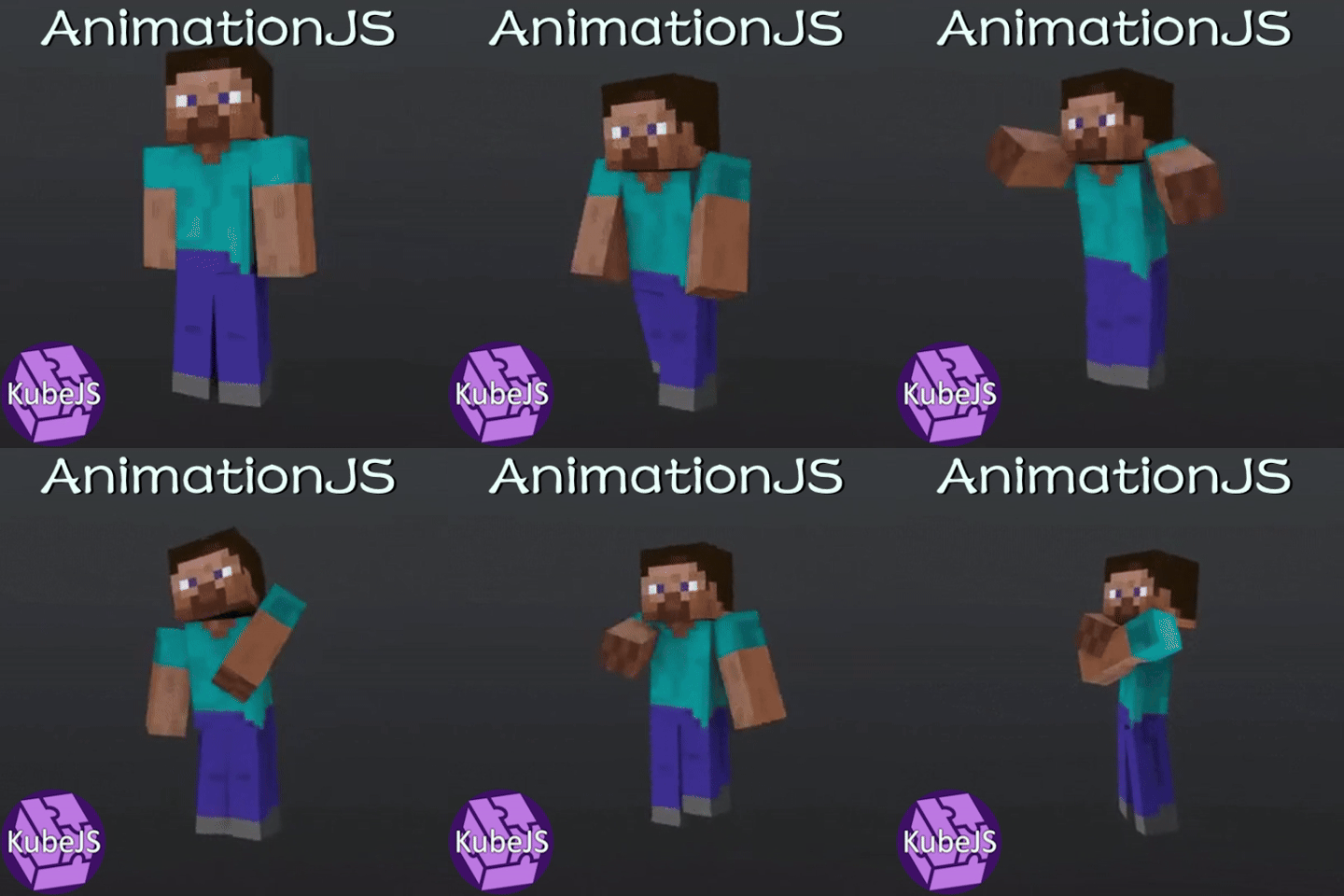
AnimationJS
Player animation addon for KubeJS

Animal Garden - Harp Seal
This mod adds the harp seal as tamable mob to the frozen ocean biome!
EmoteTweaks Fork
A addond which adds few tweaks to emotecraft

Wooden Buckets
Adds durable buckets made of wood to minecraft 1.16.3, 1.16.4, 1.16.5 (aquaculture support)