Class Enhancement
Modby Misanthropy
Extremely lightweight class mod with super flexible configuration!
Type
Mod
CurseForge Downloads
167,785
CurseForge ID
1460324
Last Updated
Jul 26, 2026
Description

Class Enhancement
Class Enhancement introduces an extremely flexible, configuration-driven class system. It allows you to implement custom classes with deep mod support with ton of other features!
Features
- Smooth GUI -
A clean, responsive interface for class selection.

- How does Classes work? -
Modpack developers can assign:
- Starter items
- Attributes (buffs & debuffs)
- Commands (for pehkui etc)
- Color codes for texts (ex: &6This will be a orange text&r - &aThis will be green&r)
!- Configuration -!
Nearly everything in this mod is customizable, allowing modpack developers to do anything they want!
Tutorial on how to do custom classes:
1. Find config file. | class_enhancement.toml
2. Find [custom_classes] segment.
3. Configure! In here we can use 100 pre-existing custom classes, we just gotta customize them to our liking!
(Don't forget to set the custom class limit)
Example:
[custom_classes.custom_0] #Unique internal ID. Leave empty to disable. | Needs to be assigned, otherwise the class is basically disabled. id = ""#Display name shown in GUI. name = "New Class" #Lore text shown in the panel. description = "A custom path." #Cosmetic stat summary lines. stats = ["&a+20% Speed", "&c-2 Health"] #Mechanical modifiers. attributes = [] #Main hand item. main_hand = "" #Off hand item. off_hand = "" #Armor items. armor = [] #Starting items. items = [] #Commands to execute when this class is selected. Use %player% for player name. commands = [] Here's a quick tutorial on how commands work:
How to assign commands
Command Syntax Rules
DO:
- Write commands without the / prefix
- Use %player% placeholder for player names
- Test commands manually first (with / in chat)
- Use multiple commands for complex setups
DON'T:
- Include / at the start of commands
- Hardcode player names
- Forget to test commands manually first
- Use client-side only commands
Quick Examples
Basic Size Modification (Pehkui)
[classes.tank] commands = ["scale set %player% 1.5"]Multiple Commands
[classes.warrior] commands = [ "effect give %player% minecraft:strength infinite 0 true", "attribute %player% minecraft:generic.attack_damage base set 3.0" ]Complex Setup
[custom_classes.custom_0] id = "assassin" commands = [ "scale set %player% 0.75", "effect give %player% minecraft:speed infinite 1 true", "attribute %player% minecraft:generic.movement_speed base set 0.12" ]Size Mods (Pehkui, Chiseled Me, etc.)
# Make bigger commands = ["scale set %player% 2.0"] # Make smaller commands = ["scale set %player% 0.5"]Permanent Effects
# No particle effects (true at end) commands = ["effect give %player% minecraft:night_vision infinite 0 true"] # With particles (false at end) commands = ["effect give %player% minecraft:speed infinite 1 false"]Attributes
# Set base value commands = ["attribute %player% minecraft:generic.max_health base set 30.0"] # Step height (climb blocks) commands = ["attribute %player% minecraft:generic.step_height base set 1.5"] # Knockback resistance commands = ["attribute %player% minecraft:generic.knockback_resistance base set 0.5"]Teleportation
# Teleport + set spawn commands = [ "tp %player% 100 64 200", "spawnpoint %player% 100 64 200" ]Teams
# Join a team commands = ["team join meowmeow %player%"]Items
# Give items commands = [ "give %player% minecraft:diamond_sword 1", "give %player% minecraft:golden_apple 5" ]Titles
# Show title commands = [ "title %player% title {\"text\":\"WARRIOR\",\"color\":\"gold\",\"bold\":true}", "title %player% subtitle {\"text\":\"Strength and Honor\",\"color\":\"yellow\"}" ]Order: Commands execute in sequence
commands = [ "tp %player% 0 100 0", # Teleport first "scale set %player% 2.0" # Then scale ]Useful Commands Reference
Vanilla Minecraft
- effect give %player% <effect> <duration> <amplifier> <hideParticles>
- attribute %player% <attribute> base set <value>
- tp %player% <x> <y> <z>
- spawnpoint %player% <x> <y> <z>
- give %player% <item> <count>
- title %player% title <json>
- playsound <sound> master %player% ~ ~ ~ <volume> <pitch>
Common Attributes
- minecraft:generic.max_health - Health (default: 20.0)
- minecraft:generic.movement_speed - Speed (default: 0.1)
- minecraft:generic.attack_damage - Damage (default: 1.0)
- minecraft:generic.knockback_resistance - Resistance (0.0-1.0)
- minecraft:generic.step_height - Block climb (default: 0.6)
Popular Mods
- Pehkui: scale set %player% <value>
- Origins: origin set %player% <origin>
- Vampirism: vampirism level %player% <level> (I don't quite remember this one)
- (Check your mod's docs for exact commands)
Remember!! No "/" prefix in config
Here's a quick tutorial on how language files for this mod work:
How to Translate Custom Classes
Option 1: The Easy Way (No Lang File Needed)
In your CommonConfig.toml:
[custom_classes.custom_0] id = "pyromancer" name = "Pyromancer" description = "Master of the flame."Option 2: The Multi-Language Way (Using Translation Keys)
Step 1: In your CommonConfig.toml: as u can see, you enter the custom class title on the config thing and u can translate it like this:
[custom_classes.custom_0] id = "pyromancer" name = "class.myserver.pyro.name" description = "class.myserver.pyro.desc"Step 2: In your en_us.json: Add those exact keys to your language file.
{ "class.myserver.pyro.name": "Pyromancer", "class.myserver.pyro.desc": "Master of the flame." }Step 3: In your es_es.json (Spanish):
{ "class.myserver.pyro.name": "Piromántico", "class.myserver.pyro.desc": "Maestro de la llama." }Summary
Just type the names and descriptions directly into the CommonConfig.toml. The mod will display exactly what you type.
For multiple languages: Put a custom.key in the config, and put the actual text inside your .json language files.
- Cross Compatibility -
Made to work with Difficulty Enhancement!
This mod provides a cross compatibility with Difficulty Enhancement mod. Both mods work perfectly fine together and i even suggest you to use them together!
You can use this mod in your modpack freely.
Similar Mods
Horses can Swim
Makes horses swim through water when ridden by players

Leaves Decay on other Leaves
leaves no longer see other leaves of a different type as a valid connection

Five Nights at Freddy's: Management Wanted | FNAF MW
Brings the world of Five Nights at Freddy's into Minecraft!

CTM Refabricated
A Fork of CTM for Fabric for 1.18 & 1.19
Trash
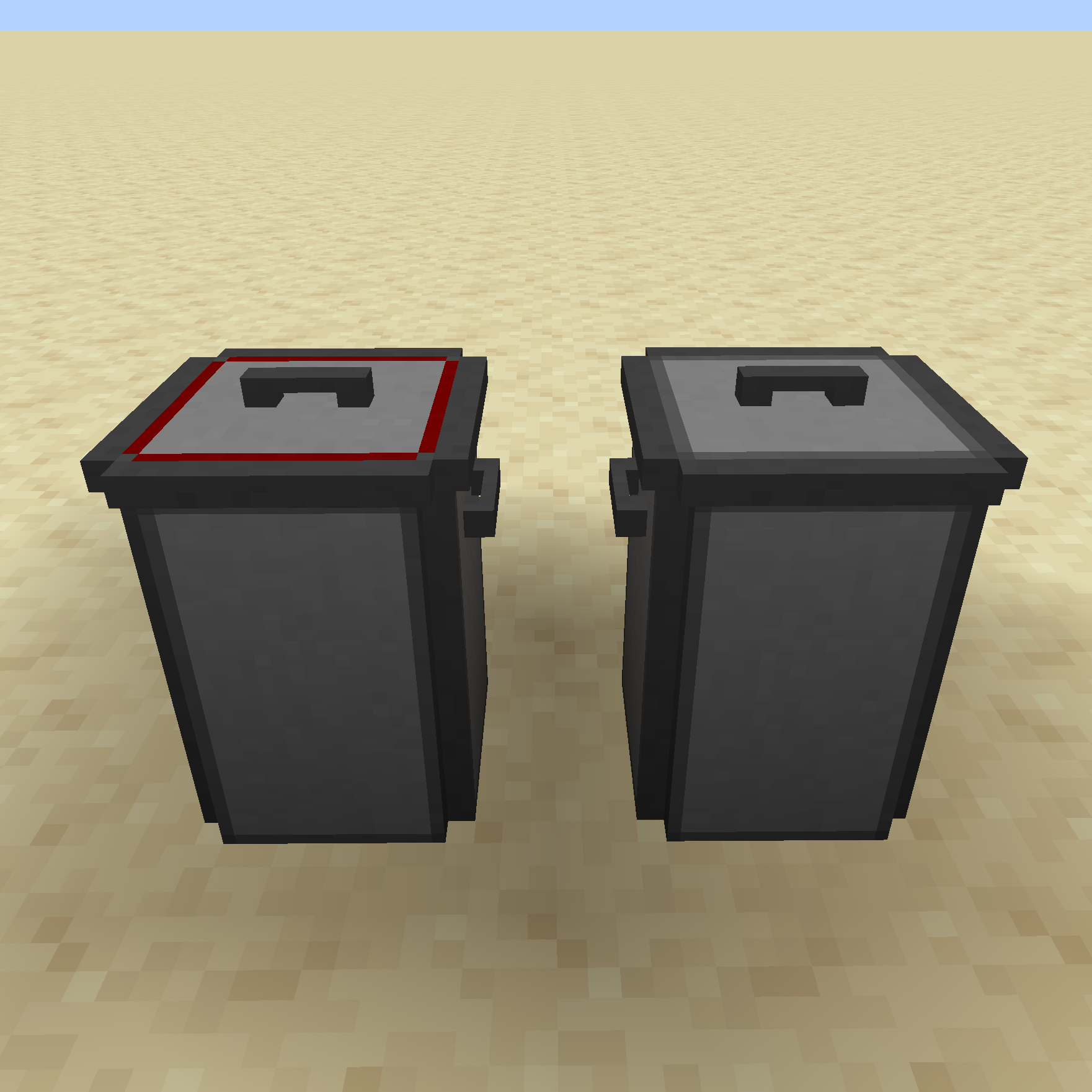
A simple way to take out the trash
Distracting Trims
Armor with a golden trim will distract piglins from attacking you, just like vanilla golden armor.