
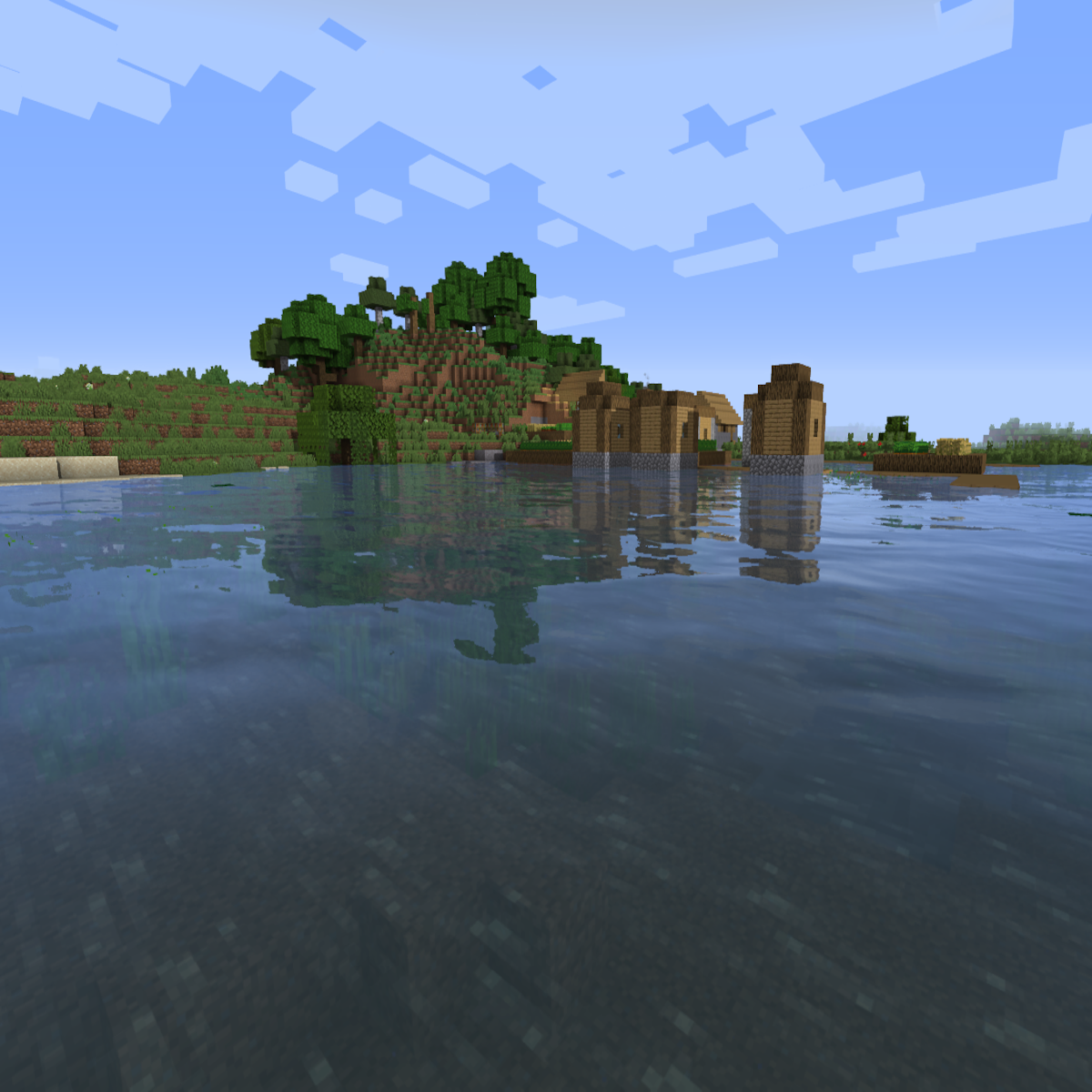
Sildur's Enhanced Default
Shaderby Sildur
Improves the look of vanilla MC with shadows, reflections and more. Runs on any Potato!
Type
Shader
CurseForge Downloads
6,437,356
CurseForge ID
544140
Last Updated
Sep 8, 2026
Description

Sildur's Enhanced Default Shaders
Official Website & Changelogs | Patreon Support
About:
Enhanced Default does what the name indicates. Instead of completely revamping the style of the game, it maintains the vanilla look and adds shadows, reflections, TAA, and even godrays. It's very lightweight and highly customizable, so even the worst potato is able to run it. It has a Fast and Fancy profile setting in the in-game shader options as well as download presets. Fast is quite a lot faster than the Fancy preset, so if you need all the frames, go for Fast instead!
Compatibility:
- Support for Distant Horizons and Voxy
- Minecraft Versions: 1.7.10 up to the latest release
- Supports: Iris and OptiFine
How to Install via Iris:
- Download and run the Iris Installer.
- Select "Iris and Sodium", choose your Minecraft version, and install.
- Open the Minecraft Launcher and select the new Iris profile.
- Launch the game, go to Options -> Video Settings -> Shader Packs.
- Click "Open Shader Pack Folder" and drop the Sildur's Shaders .zip file inside.
- Select the pack from the in-game list.
How to Install via OptiFine:
- Download and run the official OptiFine jar file to create an OptiFine profile.
- Open the Minecraft Launcher and select the new OptiFine profile.
- Launch the game, go to Options -> Video Settings -> Shaders.
- Click "Shaders Folder" at the bottom of the screen.
- Drop the Sildur's Shaders .zip file inside and select it in-game.
Permissions:
You are not allowed to edit, copy code, or redistribute this shaderpack under a different name or claim it as yours.
Modpack Policy:
Permission is not required for modpacks hosted on CurseForge or Modrinth. You may freely add this shaderpack as long as you use the platform's built-in dependency system to link back to this page. Do not bundle or re-host the raw .zip file inside your project download.
Socials & Support:
Recommended Gear
AffiliateHardware and extras that pair well with this shader.

As an Amazon Associate I earn from qualifying purchases.
Screenshots
Similar Shaders

MakeUp - Ultra Fast | Shaders
High performance shaders. Gameplay oriented. Lightweight.
Solas Shader
A good performing fantasy stylized shaderpack with colored lighting and fancy visuals
Bliss Shaders
A well performing fantasy styled shaderpack with emphasis on scene variation and customization.
🎃 Insanity Shader
A highly customizable horror styled Minecraft shaderpack based on BSL.
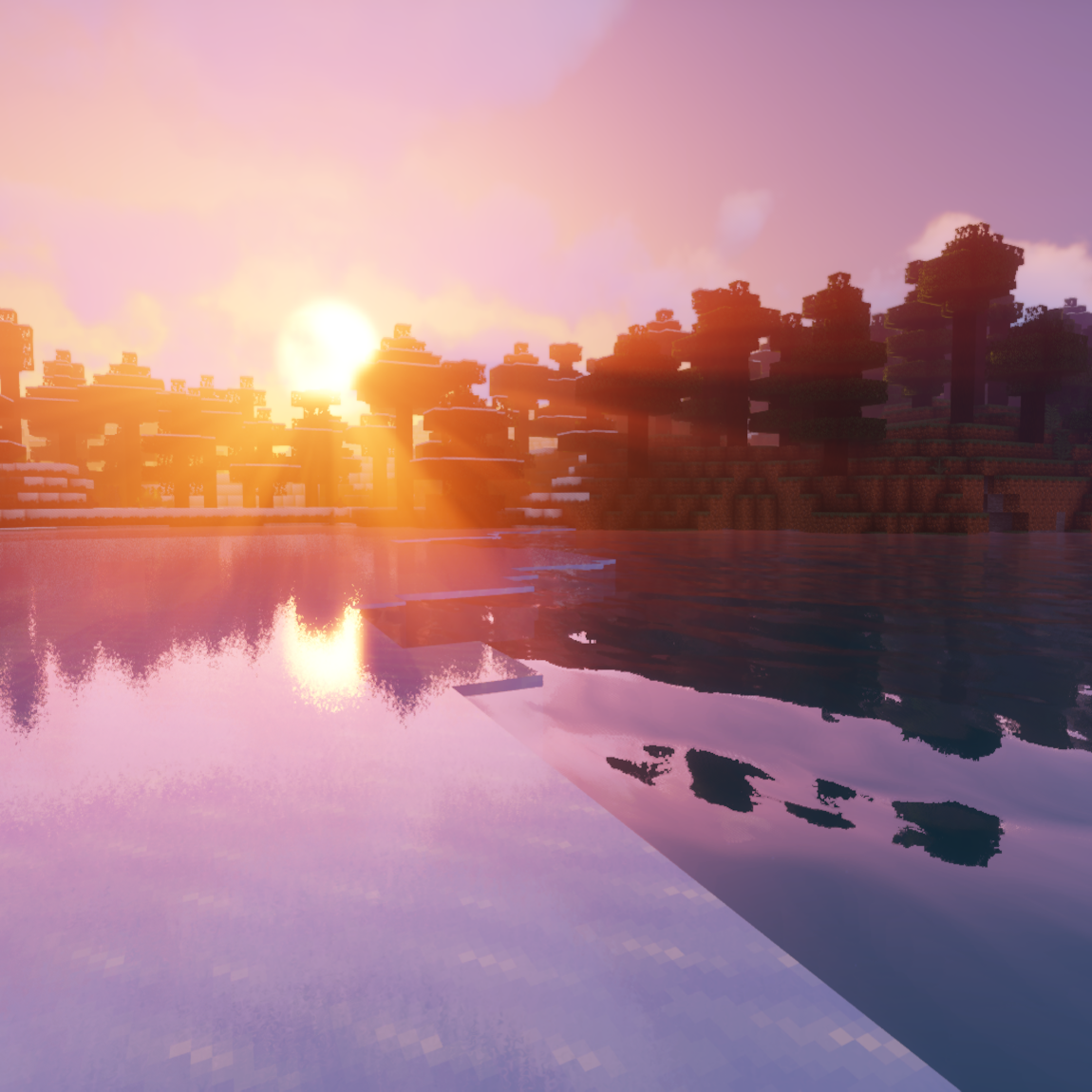
Sildur's Vibrant shaders
Very optimized shaderpack for MC: Java edition, around since 2012! Runs on any hardware and supports every MC version si...
Photon Shader
A gameplay-focused shader pack with a semi-realistic style
Included in Modpacks (117)
Most downloaded Roguelike Adventures and Dungeons 2
 DarkRPG - RPG with Magic, Origins, Quests, Adventure
 Industrial Village
 Epic Shaders - All The Shaders
 Create Chronicles: Bosses and Beyond
 Life in the village 4
 Restless Horizons
 Sky Greg
 Roguelike Adventures and Dungeons 3
 Skypixel (for Hypixel Skyblock)
 AHZNB Naruto XP Buff Custom Adventure
 OpalFab (OptiFine alternatives on Fabric)
 Dinosaur Horror Project
 Shaders Shaders Shaders!
 Immersive Shaders
 Haven: Veni de Nova
 Solo Leveling Reawakening Server
 All You Need - Mods/Textures/Shaders
 Beyond Crazycraft
 everything is random