

Sandboxes
ModMake a creative copy of your world from the pause menu, try anything in it, then go back to survival exactly where you left off.
Description
Sandboxes
Sandboxes makes it safe to try things in your own world. Testing a risky build in your real world means hoping it works, and building it in a scratch world means losing the surroundings it was for. Sandboxes gives you a creative copy of your world to test in, then lets you walk back into survival exactly where you left it.
Features
- Open the pause menu and click Sandboxes, directly above Save and Quit to Title, to see every sandbox you have made of this world.
- Click Create New Sandbox to copy your world into a new sandbox, named with today's date and time.
- Click Join to enter a sandbox in creative mode with commands on. Red text at the top of the screen names the world it came from, so you always know which one you are in.
- Build, break, or blow up whatever you want. Nothing you do in a sandbox reaches your real world, and neither does the inventory you end up with there.
- Click Return to your world's name in the pause menu to go back. You land in survival, with your own inventory, exactly where you left off.
- Rename a sandbox to keep track of what it is for. A name you have set stays through a sync.
- Click Sync to replace a sandbox with a fresh copy of your world, for when the real thing has moved on.
- Click Delete, with a confirmation first, to remove a sandbox you are done with.
- Once you have a sandbox, a small button appears in the top-right corner of the pause menu. Click it to jump into the sandbox you used last, and click it again from inside to come back.
- If you used the earlier version of Sandboxes, your sandboxes move into the new layout automatically, with their names intact, the first time you load Minecraft.
The quick button has its own switch, reachable from Mod Menu or from the Settings button on the Sandboxes screen.
Install
MenuKit 7.0.0 or newer, below 8.0.0, and Fabric API.
Compatibility
Minecraft 26.3, Fabric, client only. Sandboxes copies your world on disk, so it only works with local singleplayer saves.
License
MIT.
Compatibility
Mod Loaders
Game Versions
Recommended Gear
AffiliateHardware and extras that pair well with this mod.

As an Amazon Associate I earn from qualifying purchases.
Similar Mods
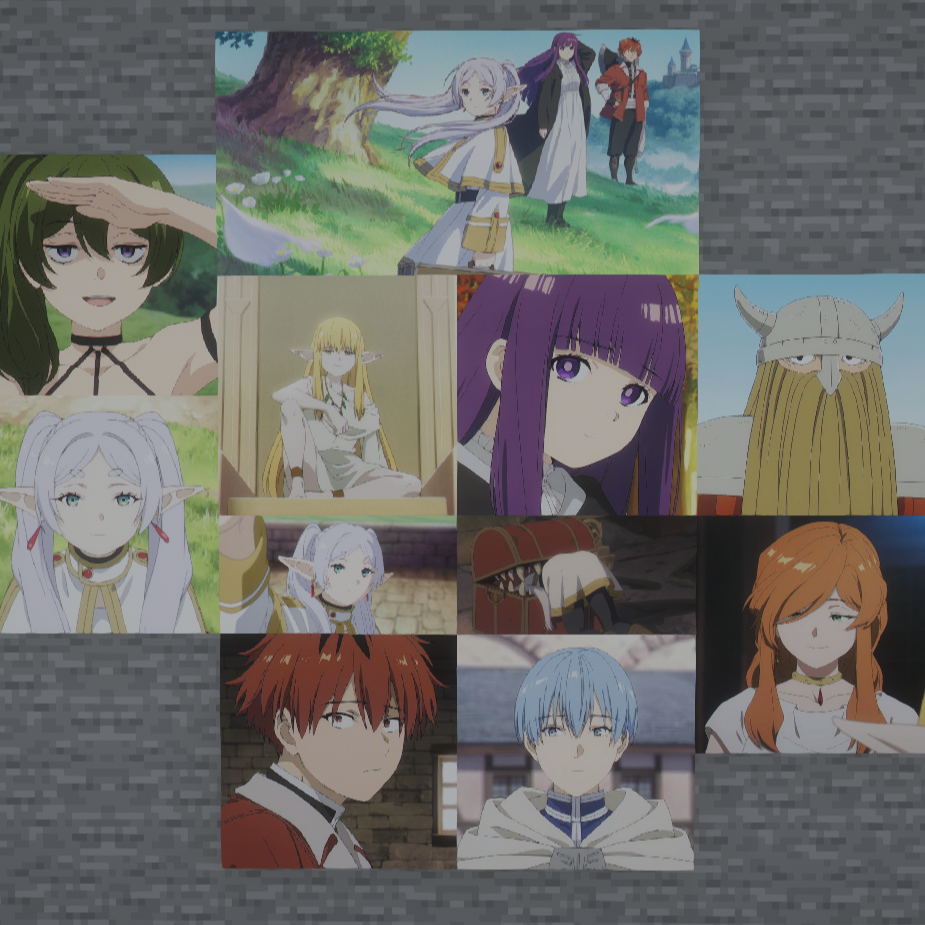
Sousou no Frieren Paintings
Adds new Minecraft paintings featuring characters and scenes from Sousou no Frieren.

project-1545614
Adds various weapons, armors, and bosses.

Worldstages Compat
Worldstages addon for Gamestages. Syncs selected stages between these mods.

NeoPeripherals (CC: Tweaked addon)
This mod adds a peripheral for the ComputerCraft(CC: Tweaked) mod.

Server Heater
Prevents pesky server freezes upon shutdown

Dual Daggers
Adds dual daggers as a new weapon