

Pastelcraft
Resource PackA colorful Pastel Texture pack for Minecraft
Type
Resource Pack
Modrinth Downloads
6,124
Modrinth ID
NmJMsiNC
Last Updated
Sep 5, 2026
Description

A Colorful Pastel Texture pack for Minecraft!
The main inspiration being the lack of full pastel packs for minecraft. This one also gives new designs and tries to keep it as simple as possible, no complicated textures but not single color blocks either.
The focus is keeping it as colorful as possible without affecting the general visual design of the world. This is for easy identification of the world without double thinking the blocks functionality.Made using Aseprite and Blockbench everything done by hand with a tablet.

- Download the version you wish to use
- Follow either of the next steps
JAVA
As always, drop the main ZIP (Pastelcraft [Version Number].zip / Pastelcraft 1.12.2.zip) into your Resourcepacks folder, should be like this:
C:\Users[NAME]\AppData\Roaming.minecraft\resourcepacks
*Now you can just drop the ZIP of your version's preference into the RESOURCEPACKS folder
BEDROCK:
Find all Bedrock Releases Here
Being an .MCPACK just double click it and it should install it automatically
If you are playing on Pocket edition, try looking at this guide: https://mcpedl.com/how-to-install-minecraft-pe-texture-packs-for-android/?cookie_check=1* Alternatively, search up online. I used both this method and simply "opening it" on mobile and it worked.

The road map is all done! Pastelcraft is available in the 3 mayor releases of minecraft and the Bedrock store too!
RECOMENDED SHADERS:
Arcane Shaders by Triliton https://johanfossum.wixsite.com/arcane-shaders
Nostalgia Shaders by RRe36 https://www.curseforge.com/minecraft/customization/nostalgia-shader
BSL Shaders https://www.curseforge.com/minecraft/customization/bsl-shaders
*Anything that can make the colors look a bit "muted" and clear shadows look nice, but anything is at your own choice

Q: Why the menus on Bedrock are different from Java?
A: Bedrock handles menus a lot different than Java. Whereas Java has each menu as an unique image, Bedrock uses a general base menu texture for all their menus. (Explained further on this Tweet)
Q: Why I can still see the default UI on some places?
A: You may need to restart Minecraft in order for the UI to load fully. Make sure The pastel pack is on top of the default Minecraft assets before you restart your game.
Q: Will Bedrock ever have the same menus as Java?
A: I do think it's possible, however this requires a lot more research on my end. But the new UI looks nice on its own!
Q: Bedrock is missing X thing.
A: I may or may not be aware of it. Some things only require simple workarounds, others not. Will update in due fashion, but please consider commenting on what's missing!
Q: What's the difference between the free release and the Minecraft Store release?
A: Virtually nothing! You can keep enjoying Pastelcraft for free! The only differences are:
- You can play on your consoles (Playstation, Xbox and Nintendo) and mobiles devices with ease.
- You support me and my partners at Square Dreams to keep working on this pack!
- The MC Store requires verification per update, so newer versions should be available here first.
Q: What is the Bedrock page?
Compatibility
Mod Loaders
Game Versions
Recommended Gear
AffiliateHardware and extras that pair well with this resource pack.

As an Amazon Associate I earn from qualifying purchases.
Screenshots
Similar Resource Packs
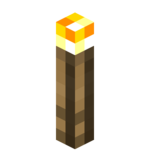
YFs - 3D Hand Torch and Lanterns
My texture pack adds freshness to the game because there are so few 3D things in Minecraft.
Wynnic Fables & Legends -2-
Overhauls the appearance of higher-end weapons in Wynncraft, with an emphasis on lore-accuracy.

OLD MINECRAFT
ORIGINALS MINECRAFT TEXTURES, MINERALS , NETHER AND MORE
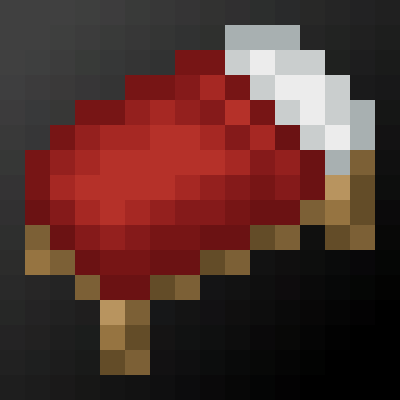
Bedwars Essentials
A 1.8.9 Texturepack That Contains Everything Needed to Play Bedwars
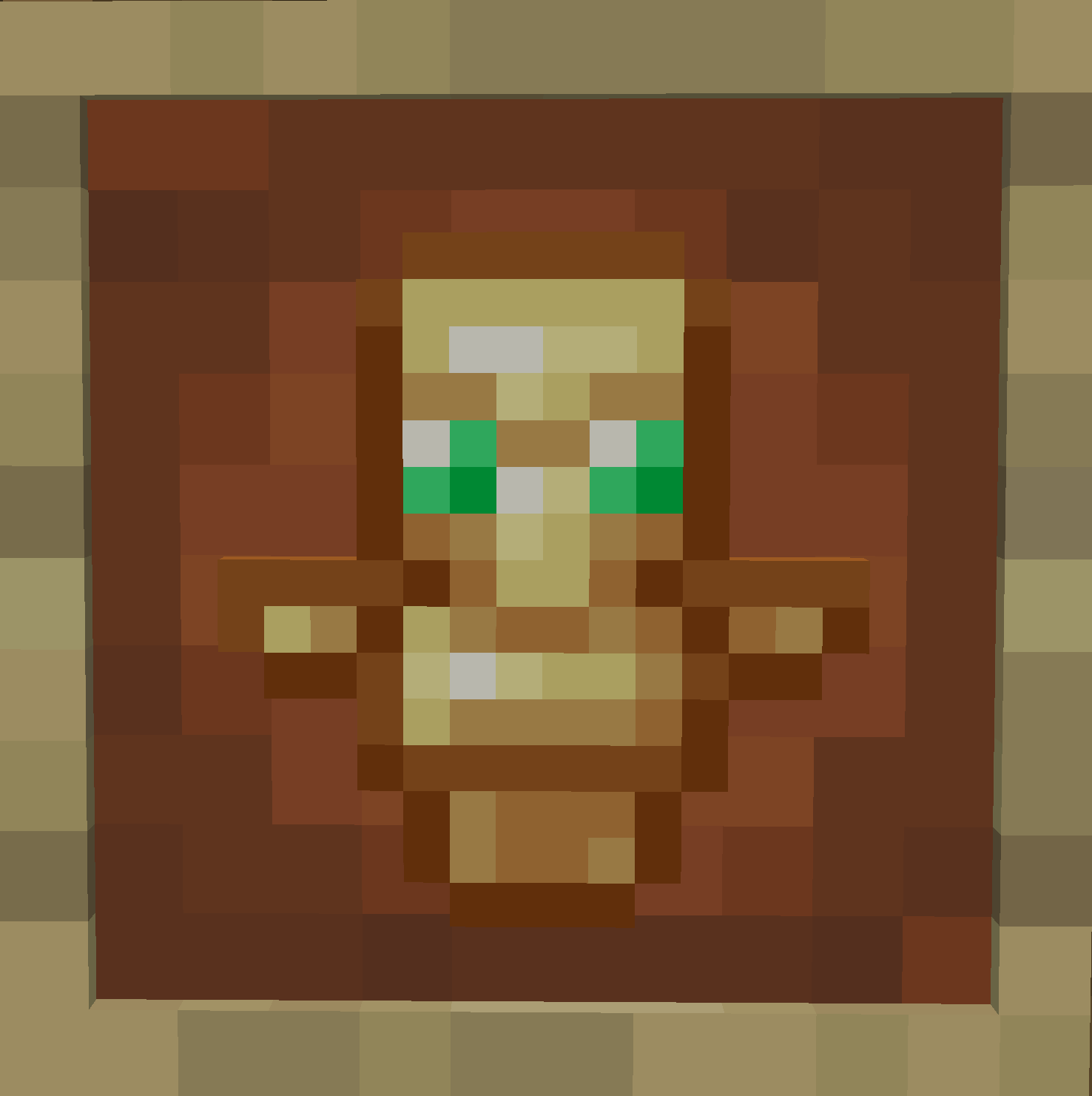
Smaller Totem Pop
This texture pack makes your totem pop smaller.

Better Click Sounds
Changes the click sound in menus and UIs to the sound of the copper bulb toggling.
