

Noteable
ModAdds (sticky) notes to the game!
Description
Noteable
Write notes in Minecraft and pin them to your HUD.




But... why?
It's cool, and it's really handy for keeping track of big projects in your survival worlds, or on servers with friends.
How do I use it?
Noteable needs OneConfig. Open the OneConfig menu and pick Notes in the sidebar, or run /noteable (or /notes). From there you can write, edit, pin, copy and delete notes.
The editor's toolbar can drop your coordinates, dimension, biome, facing, world or server, player name or the date in at the cursor. It can also add checklist items, bullets and dividers.
Pin a note and it gets its own HUD. Move, resize and style it in the OneConfig HUD editor like any other HUD. Checklists show up as real checkboxes, and you can tick them right on the HUD while chat is open.
Do my noteses save?
Yep. Each note is its own file in config/Noteable, and everything is still there when you restart your game.
What versions does it support?
Minecraft 1.21.1 to 26.3 on Fabric, and 1.8.9 on Ornithe.

This project is licensed under AGPL-3.0-or-later
© 2022 Deftu
Compatibility
Mod Loaders
Game Versions
Recommended Gear
AffiliateHardware and extras that pair well with this mod.

As an Amazon Associate I earn from qualifying purchases.
Similar Mods
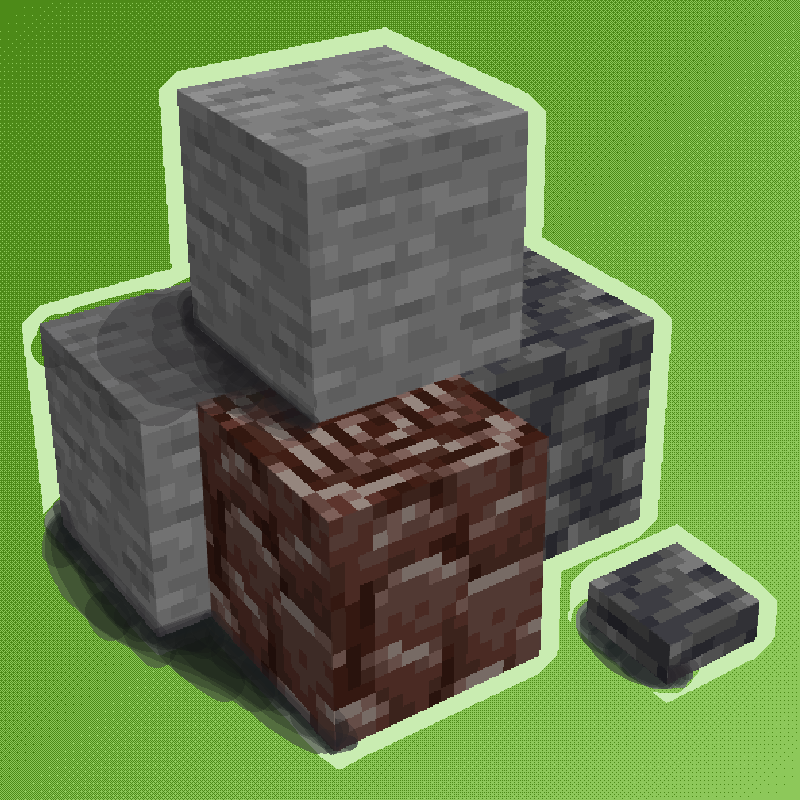
Ancient debris in the Overworld
Ancient debris can now spawn in the overworld too!

No Command Confirm
A light client side mod to allow greater control over the behavior of the "Confirm Command Execution" dialog window. For...

More Relics
This is a Relics (RPG-Series) Add-On, adding relics for the More RPG Classes and powerful relics!
NoTextureRotations
Prevent Block Texture Rotations
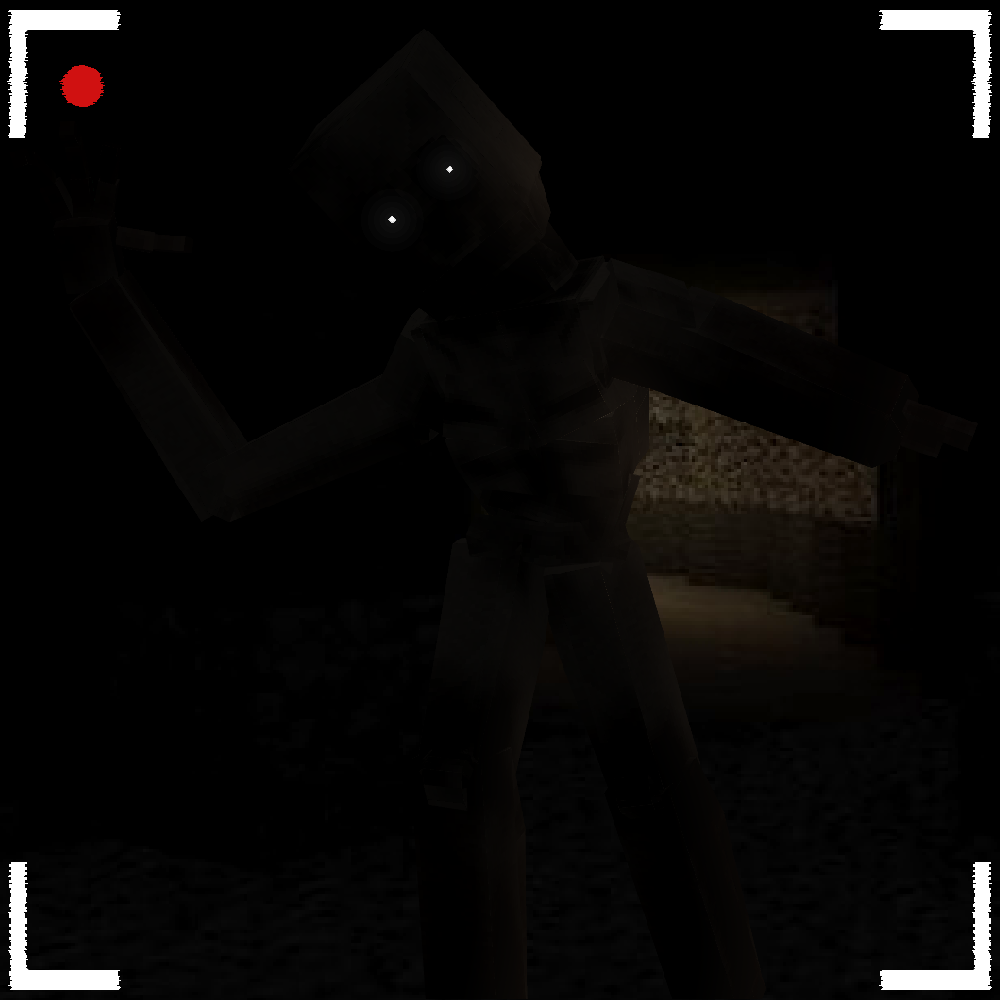
Ancient Sins
Adds Judas from the game Ancient Sins by LemonMaster33
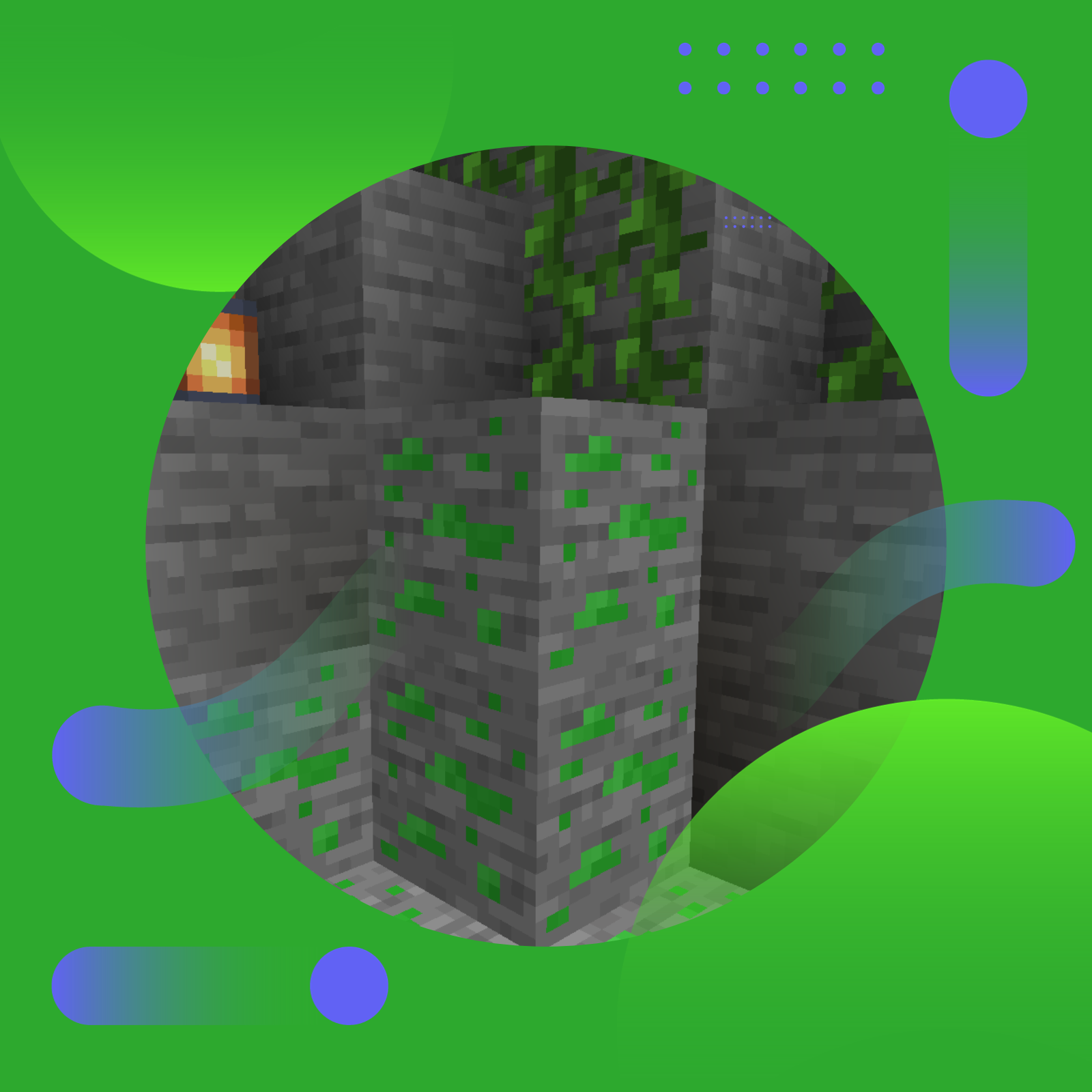
New Xp Ore
Adds an ore dropping Xp to every dimension!