
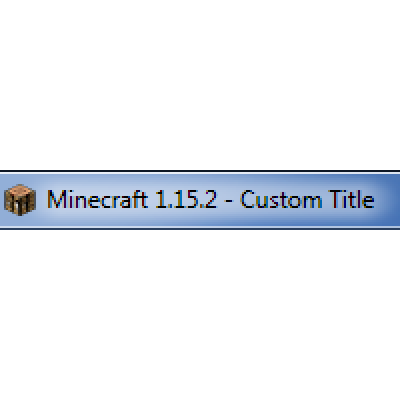
Custom Window Title
Modby chylex
Client-side mod to change window title (including special tokens) and window icon. Supports Forge & Fabric.
Type
Mod
CurseForge Downloads
4,591,713
CurseForge ID
360673
Modrinth Downloads
747,664
Modrinth ID
RGH5gtzF
Last Updated
Sep 5, 2026
Description
Compatibility
Mod Loaders
Game Versions
Recommended Gear
AffiliateHardware and extras that pair well with this mod.

As an Amazon Associate I earn from qualifying purchases.
Screenshots
Similar Mods

Open Loader
An open source resource and data loader for Minecraft.

Psi
Psi is a mod about spell programming, inspired by Mahouka
Botany Trees
Allows you to grow trees in small pots.

The Undergarden
Deep underground, a forgotten land awaits.

Balm (Fabric Edition)
Abstraction Layer for Multiplatform Mods
OpenComputers
Modular, persistent, programmable computers and robots.
Included in Modpacks (74)
Most downloaded Breakneck: Optimized | FPS Boost, Shaders & QoL
 Better OneBlock
 One Lucky Block - Skyblock / OneBlock with Dimensions
 Mystical Block
 Sky Bees
 Zombies, Cars and Tech !
 Valhelsia 1
 MYTHCRAFT 5
 Ben 10 Survival
 Infinity Evolved: Reloaded
 Just Not Enough Mods 2 (JNEM2)
 FPSBOOST
 Enigmatica 10 - E10
 SkyT
SkyT
 Black Clover Resolution
 Farming Crossing 3
 Stone Technology Ultimate
 Hunting Monsters The Witcher Modpack
 Enigmatic Skies
 RougeCraft - Dungeons, Quests And Combat