
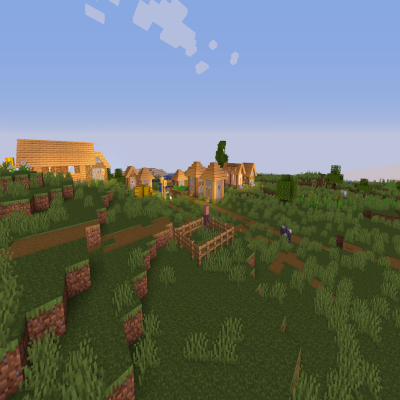
Sildur's Basic Shaders
Shaderby Sildur
Return of an old time favorite! Lightweight and Fast! Reworked and ported from enhanced default.
Type
Shader
CurseForge Downloads
2,879,136
CurseForge ID
654153
Modrinth Downloads
69,107
Modrinth ID
N1BIOvQX
Last Updated
Sep 5, 2026
Description
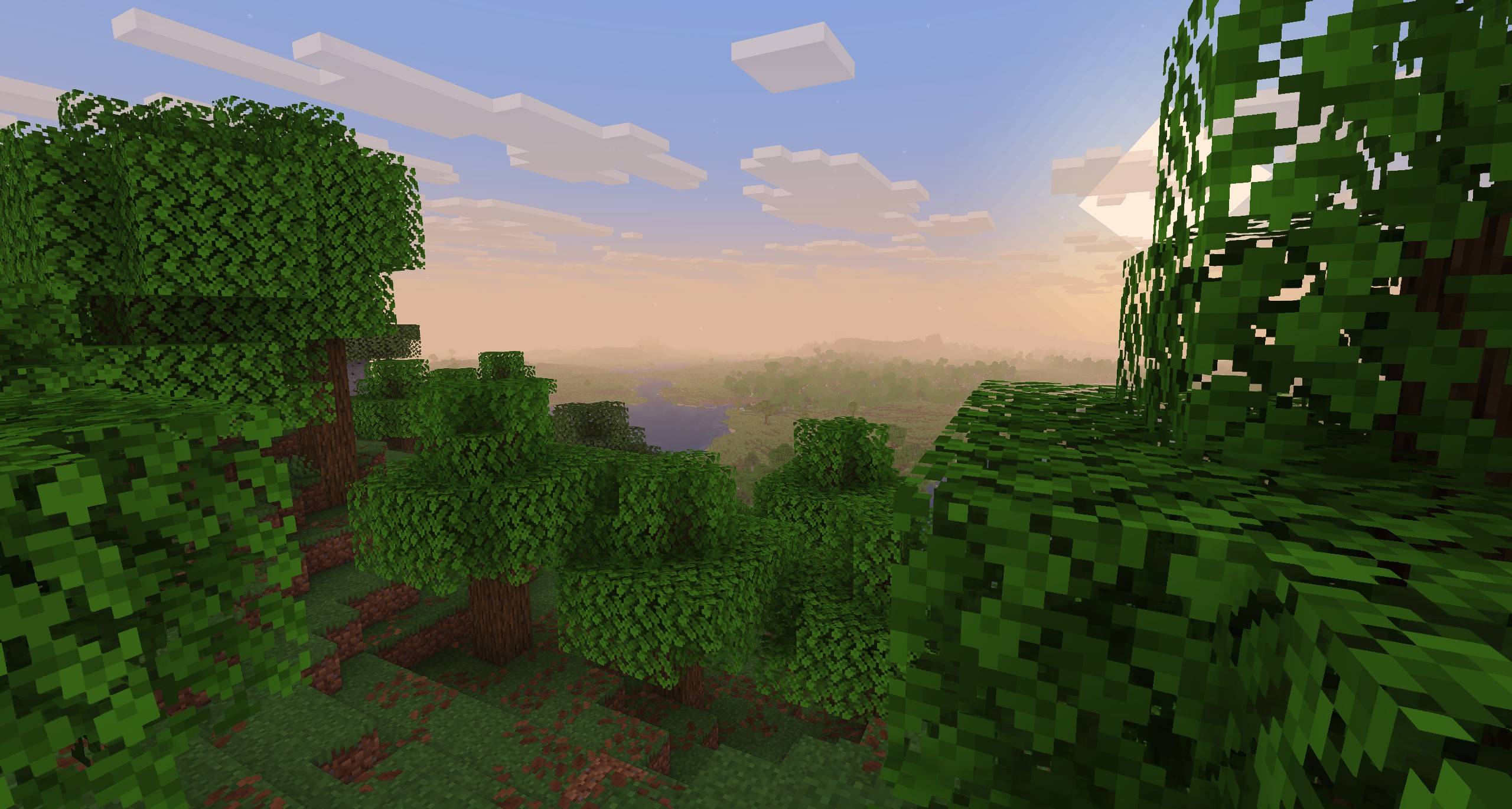
Sildur's Basic Shaders
Official Website & Changelogs | Patreon Support
About:
Return of the basic shaders! First started in like 2013. It is a very lightweight and fast shaderpack, featuring lots of customization. It supports the following options: TAA (antialiasing), Sharpening (used with TAA), SSAO (ambient occlusion), Celshading, Colorboost, Crossprocess (color filter), Custom emissive lightmaps, Custom sun/moon angle, Tonemapping, Depth of Field, Motionblur, Bump and Parallax mapping and everything wavy. There are also 5 presets available in the ingame options: Very Fast, Fast, Fast+MB, Fast+DoF and Fancy.
Compatibility:
- Support for Distant Horizons and Voxy
- Minecraft Versions: 1.7.10 up to the latest release
- Supports: Iris and OptiFine
How to Install via Iris:
- Download and run the Iris Installer.
- Select "Iris and Sodium", choose your Minecraft version, and install.
- Open the Minecraft Launcher and select the new Iris profile.
- Launch the game, go to Options -> Video Settings -> Shader Packs.
- Click "Open Shader Pack Folder" and drop the Sildur's Shaders .zip file inside.
- Select the pack from the in-game list.
How to Install via OptiFine:
- Download and run the official OptiFine jar file to create an OptiFine profile.
- Open the Minecraft Launcher and select the new OptiFine profile.
- Launch the game, go to Options -> Video Settings -> Shaders.
- Click "Shaders Folder" at the bottom of the screen.
- Drop the Sildur's Shaders .zip file inside and select it in-game.
Permissions:
You are not allowed to edit, copy code, or redistribute this shaderpack under a different name or claim it as yours.
Modpack Policy:
Permission is not required for modpacks hosted on CurseForge or Modrinth. You may freely add this shaderpack as long as you use the platform's built-in dependency system to link back to this page. Do not bundle or re-host the raw .zip file inside your project download.
Socials & Support:
Recommended Gear
AffiliateHardware and extras that pair well with this shader.

As an Amazon Associate I earn from qualifying purchases.
Screenshots
Similar Shaders

Pastel Shaders
An aesthetic, performant pastel-colored shaderpack with multiple color preset based on BSL.
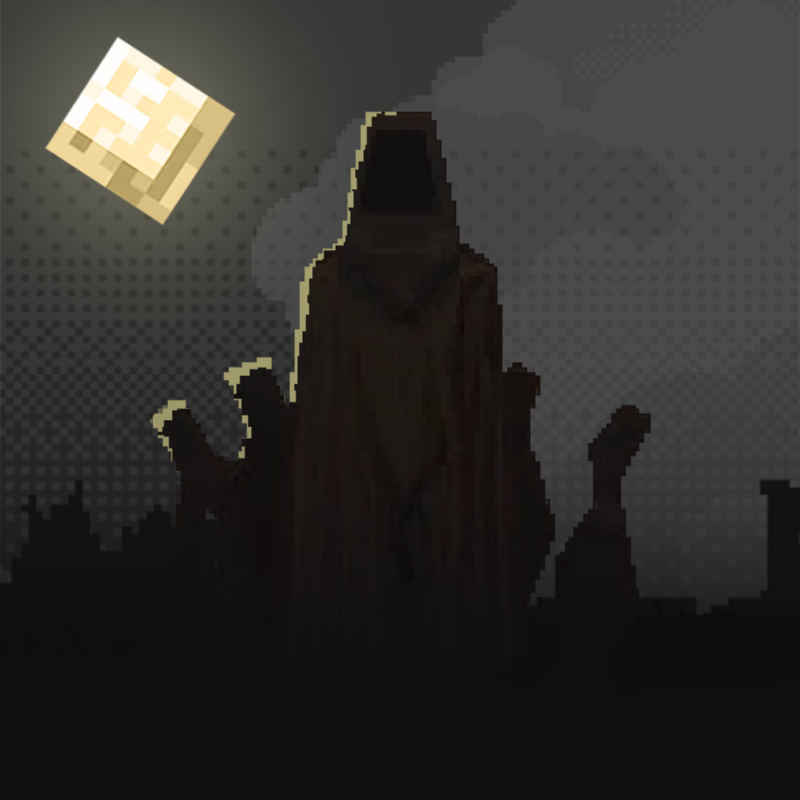
👻 Hysteria Shaders
Atmospheric, highly customizable eerie shaderpack, successor of Insanity Shader.
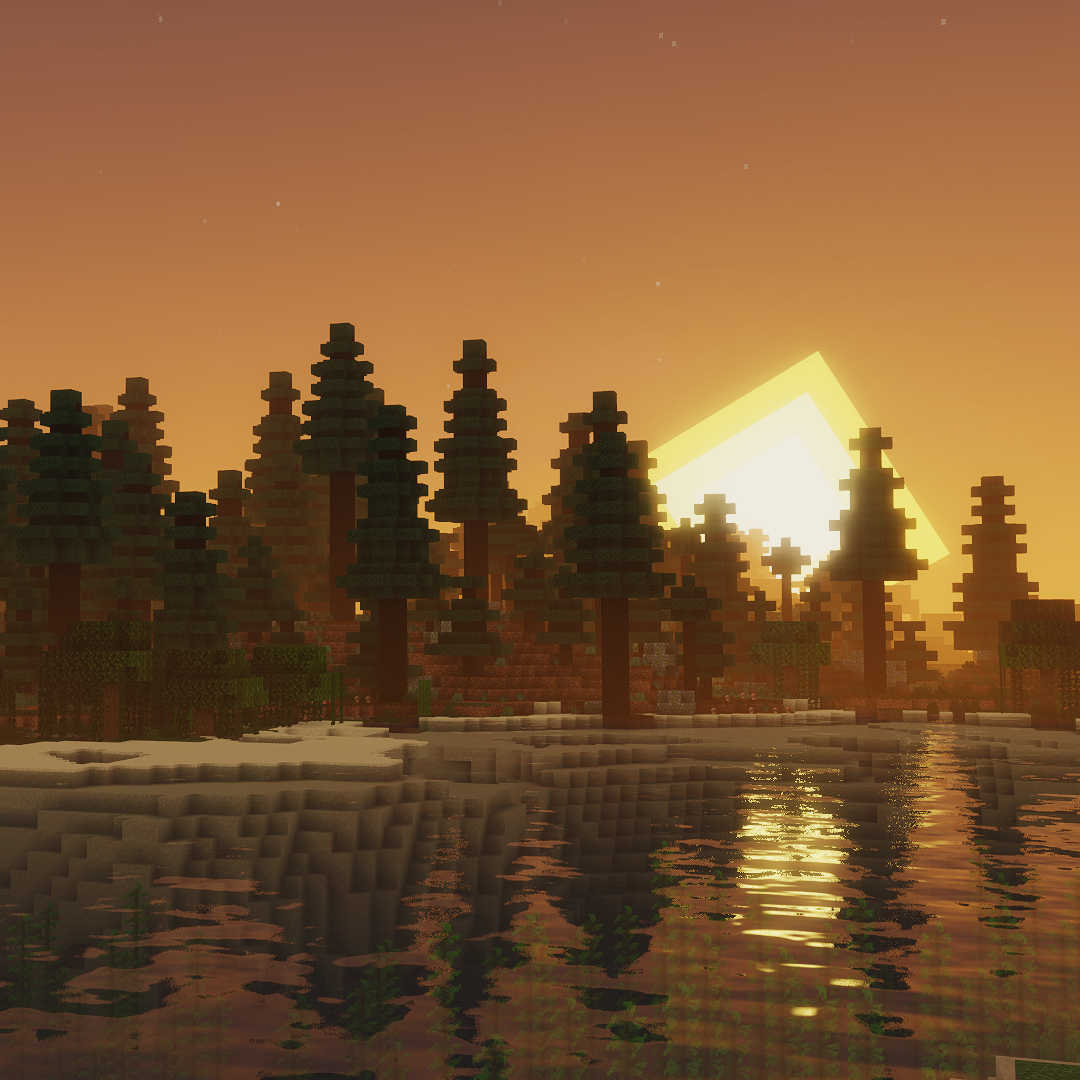
Mellow
Shaderpack with a painterly aesthetic made for people who want to actually play the game. It's easy on your eyes and on...
Super Duper Vanilla Shaders
A shader pack created to convey the style of the cancelled Super Duper Graphics Pack and other popular Minecraft titles.
Spooklementary
A Spooky, very moody and atmospheric Complementary Shaders Edit

Rethinking Voxels
[WIP] A gameplay shaderpack based on complementary reimagined that has coloured block light with sharp shadows
Included in Modpacks (71)
Most downloaded DarkRPG - RPG with Magic, Origins, Quests, Adventure
 Epic Shaders - All The Shaders
 Restless Horizons
 OpalFab (OptiFine alternatives on Fabric)
 Voxyris
 Worldly Galaxies 4 | Multiplayer Questing Modpack (1200+ QUESTS)
 Shaders Shaders Shaders!
 Jujutsu Craft Adventure
 Jurassic Park - Forge Labs
 Parasites - Forge Labs
 Link Presents: Project Draconic Avaritia E
 Mine Piece World
 Immersive Shaders
 All You Need - Mods/Textures/Shaders
 Red Craft Redemption
 Beyond Crazycraft
 everything is random
 Deserted Island - Forge Labs
 Dinocrocs' Dinosaurs (YT Series)
 Chainsaw Man - 100 Days (DAMIAN-XCIX)