Lit it Up
Modby Eruannie_9
Furnaces won't light up unless the player interacts with them.
Downloads
499,627
Type
Mod
CurseForge ID
916334
Last Updated
Apr 9, 2026
Description




Realistic Furnace Ignition
Want a little more realism in your survival? With this mod, you have to light your furnaces yourself. No more magic flames, your furnace needs a tiny bit of attention.
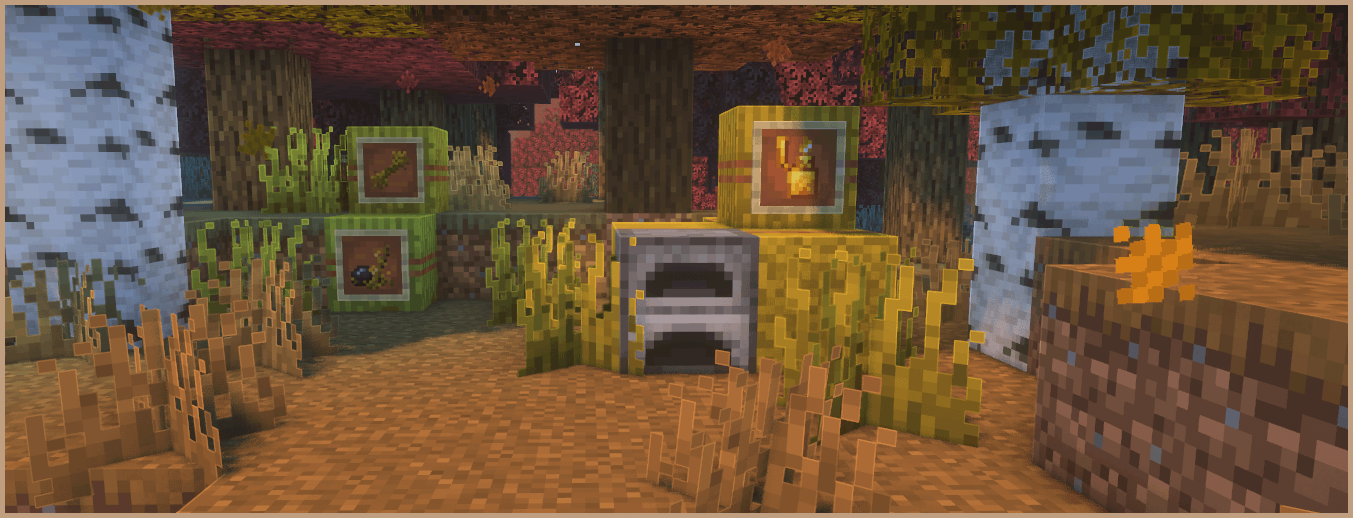

Manual furnace lighting with flexible ignition options. Works with vanilla and many modded blocks, supports custom ignition items, reacts to the environment (fire, rain), and adds a simple early game progression using natural finds.
Getting Started
Find Switchgrass. It looks like normal grass, but with a warmer yellow green tint. Its color shifts with the biome and it grows over time from Stage 1 to Stage 3.
Harvesting
- Stage 1: leave it alone (no fiber yet)
- Stage 2: drops 1 Switchgrass Fiber
- Stage 3: drops 1 Switchgrass Fiber with a 40% chance for +1 extra
Ignition
- Sparkling Flint: crafted with Switchgrass Fiber and consumes fiber when used
- Flint and Steel: works without fiber
- Configured items (optional): add more ignition items via the mod's configuration
Put the right ingredients and fuel inside the furnace, then ignite it to start cooking. It runs until the flame goes out. If you are low on fiber, try to keep the flame going so you have to relight less often. Your furnace is basically a tiny campfire with responsibilities in case you need it.
For modpack creators, use the Bookling Gear configuration menu to tweak Sparkling Flint requirements, manage the ignition item list, toggle Switchgrass world generation, and adjust many other options to fit your pack.
Special types of ignition
The mod also adds three special ignition methods.
- Double Flint Ignition. Hold flint in both hands and make sure the fuel slot contains Switchgrass Fiber or Baled Switchgrass. Then right click to strike and ignite. (Disabled by default in config)
- Golden Lighter. With the Curios mod installed, you can equip and use the special interaction of the Golden Lighter item. It lights the furnace no matter what you are holding. Just make sure the furnace has the right ingredients and fuel.
- Fire Aspect. Any item with the Fire Aspect enchantment can ignite the furnace. It costs 1 durability, or 1 item if it is stackable.
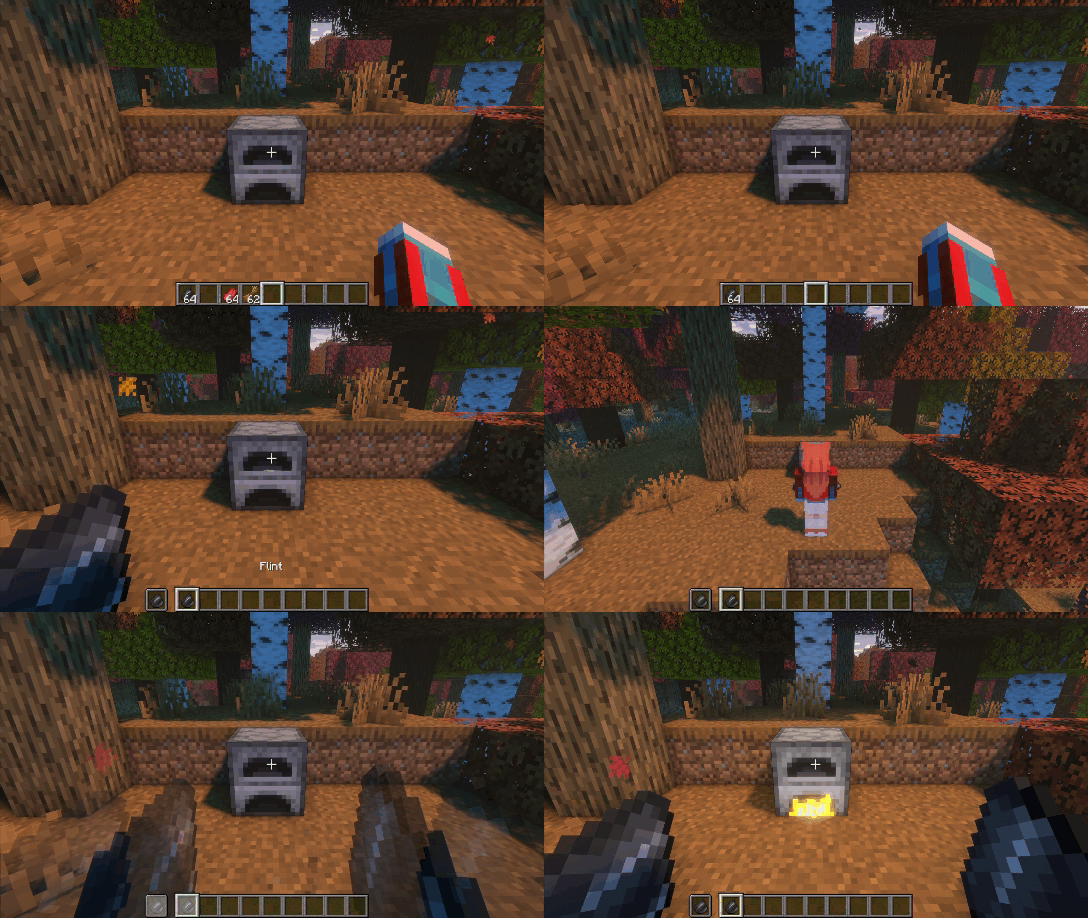
Environmental Ignitions
Furnaces can also ignite from the environment, depending on where you place them.
Place a furnace over lava, fire, any other configured hot block, or a block in its lit state. It will ignite automatically like vanilla, and no ignition item is needed.
If the furnace is exposed to rain during rain or thunder, this method is disabled and you must light it manually.
Guide Book
If you get lost, open the Guide Book on the right side of the compatible furnace GUIs.
It shows quick tips for the current block, including how to ignite and a few extra notes.
If you do not see the "LIT" banner, that furnace may not be supported or compatibility is disabled.
Advancements
Want a more natural progression? Check the advancements. They guide you through the mod step by step and help you learn by playing, not by guessing.
Extra
Campfires and selected compatible modded blocks are placed in their unlit form.
Light them after placing using your ignition items. You can disable this in the Bookling Gear settings.
Available Mod Compatibilities
- Furnace Mk2 (1.19.2)
- Brick Furnace (1.19.2 - 1.20.1)
- Iron Furnaces (1.19.2 - 1.20.1)
- Better Furnaces Reforged (1.19.2 - 1.20.4)
- Immersive Engineering (1.19.2 - 1.19.4)
- The Aether (1.19.2 - 1.20.1)
- Farmer's Delight (1.19.2 - 1.20.1 except 1.19.4)
- Overgeared (1.20.1)
- Tough As Nails (1.19.2 - 1.20.4)
- Candlelight (1.19.2 - 1.20.1 except 1.19.4)
- Crock Pot (1.20.1)
More compatibilities coming soon!
Hi there! Enjoyed this mod? Here are a few more you might like. 😊

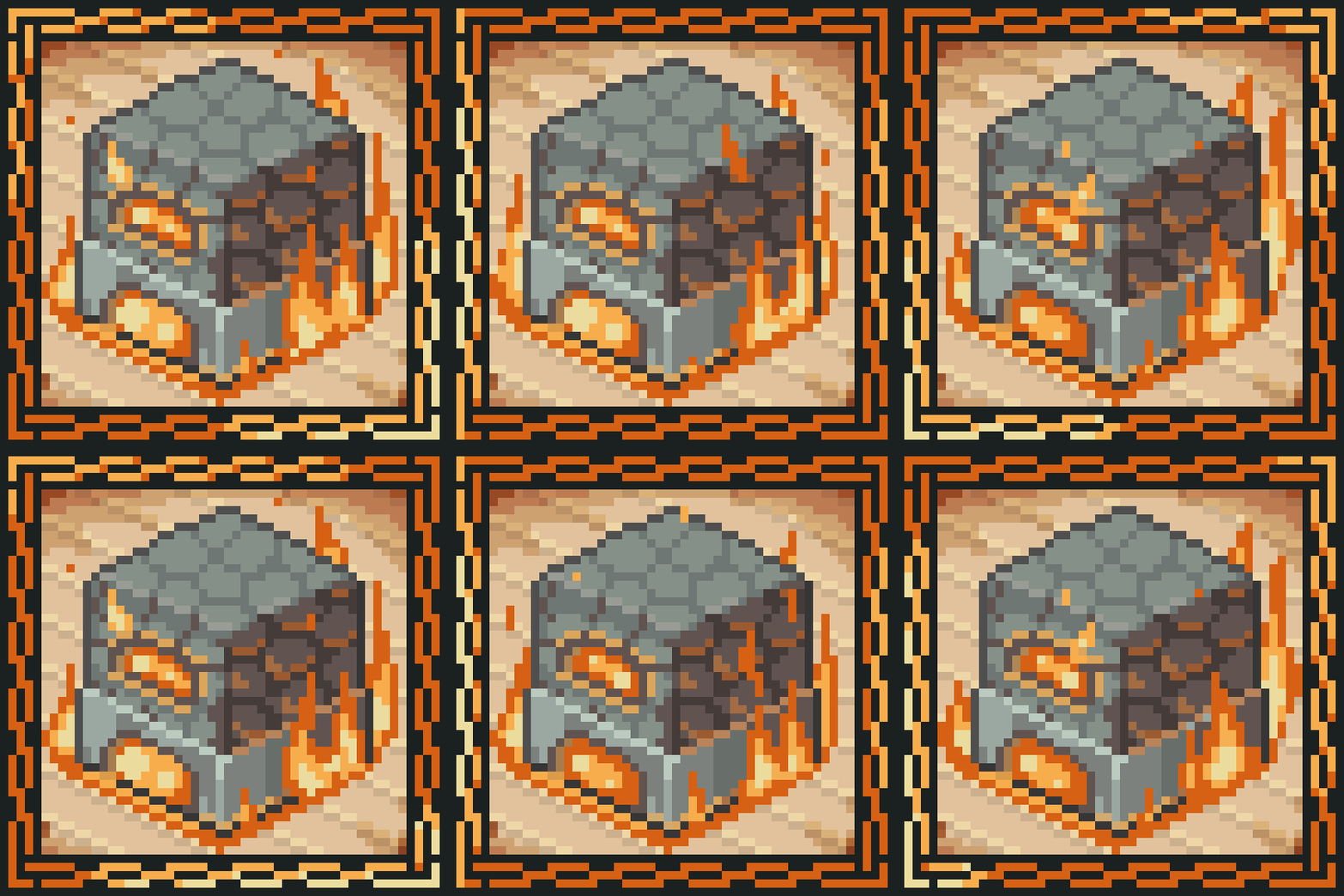


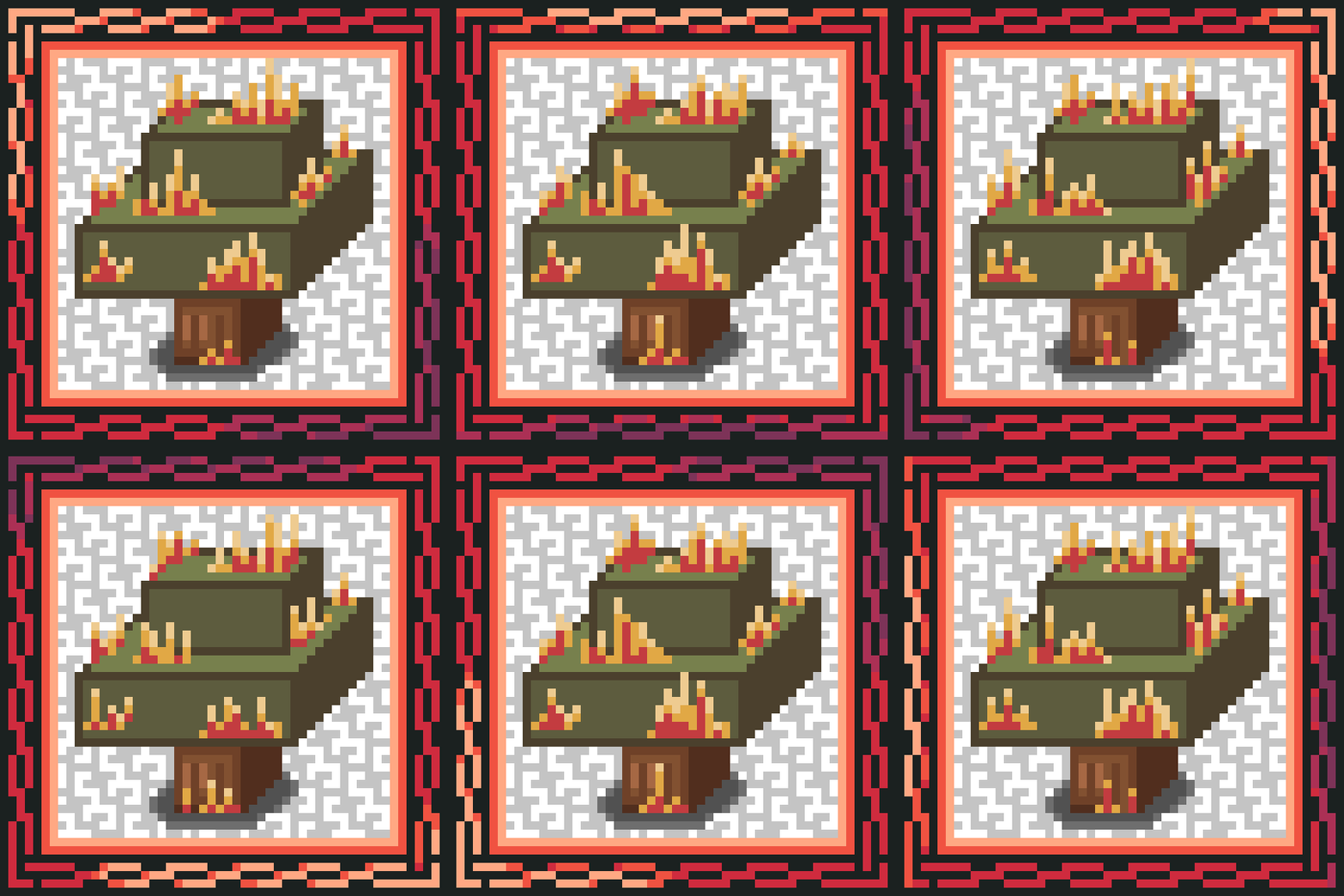



Screenshots
Similar Mods
AdventureZ
adds a new endboss and other creatures

Industrialization Overdrive
Adds new machines to Modern Industrialization

Mob Lassos
Gotta catch 'em all!
Additional Additions | NeoForge
A mod that expands on parts of Minecraft that feel incomplete, with additions that feel like they should already be part...

Radical Cobblemon Trainers API
Trainer management and battle API for Cobblemon.

Besmirchment 2
Besmirchment port to newer versions