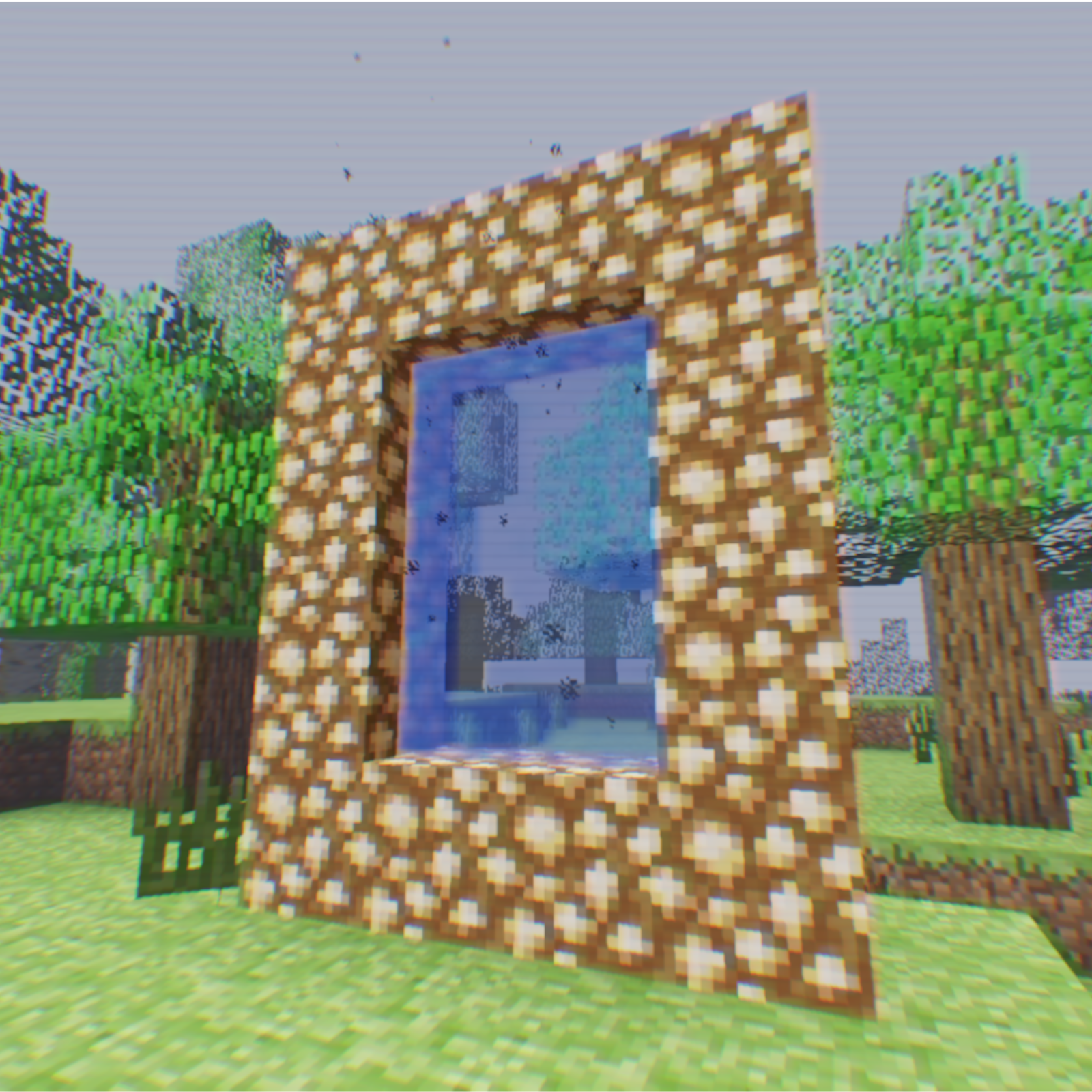
Minecraft VHS
Modpackby nateoii64
Minecraft VHS is a Minecraft Version based on the liminal and grittiness of old MC
Downloads
116,074
Type
Modpack
CurseForge ID
1021429
Last Updated
Apr 9, 2026
Description
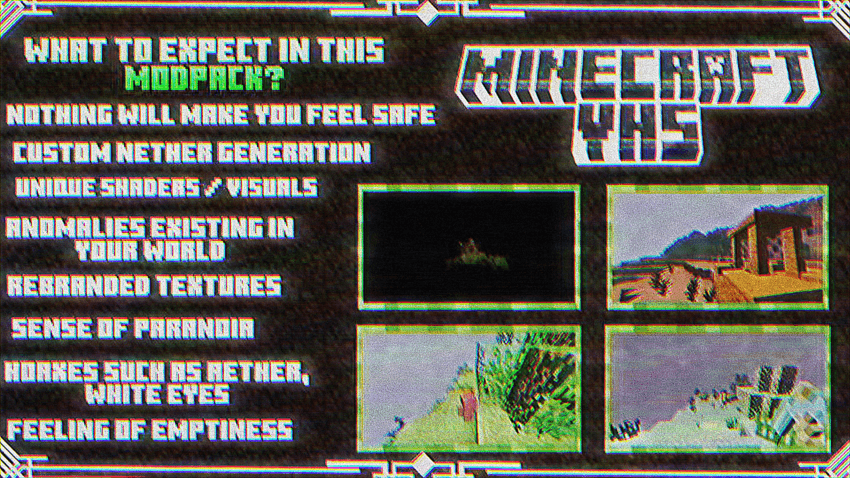
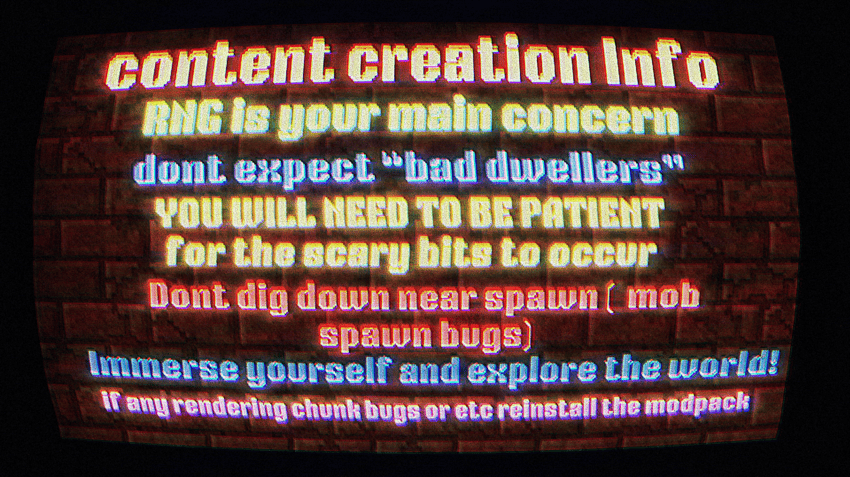

HELP
Made by Stodiee
To those who installed this pack and are slightly dissatisfied with the visual settings at night time as well as the lack of render distance and customization, here might be some recommendations.
to allow customization of the modpack, go into the mods profile settings and tick "allow content management for this profile".
MENU:
Turn off FANCYMENU mod to access the full menu, render distancces, and everything (default distance is 5 chunks, but i liked 8 or 12)
DO NOT CHANGE ALOT OF SETTINGS, AS THEY MAY BREAK THE MODPACK
(I only changed the render distance from 5 to 8, and the framerate limit)
Would be nice if we had video settings of the original menu, instead of a bunch of stuff being deleted.
SHADER:
disable mirrored flickering stars at bottom of screen
EPOCH SHADER > DEBUG > FLARES_ENABLED > turn off
too grainy at night time
EPOCH SHADER > CAMERA > GRAIN SETTINGS > GRAIN RESOLUTION > increase it
things getting brighter and darker (only if you don't like brightness changing when looking at different areas)
EPOCH SHADER > CAMERA > ISO > change this setting from AUTO to around 50~200 ,wouldnt recommend unless you have DYNAMIC LIGHTS mod to have a light source to carry around. ISO Values over 200~400 may make daytime too bright.
Would be nice if these were enabled by default, including the dynamic lights mod or else you wouldnt be able to see anything without torches in low ISO, and the very high ISO would make daytime too bright and white.
MULTIPLAYER: (only follow if you plan to play multiplayer)
LAN: (playing with people on the same wifi, usually with siblings or friends in your house)
MENU > OPEN TO LAN > START LAN WORLD
ONLINE: (to play online with friends, albeit could be laggy depending on network, computer specs, how many people join, etc.
download " ESSENTIAL MOD "
TO USE: Load a world > MENU > INVITE FRIEND(top right envelope icon) > invite friends that you add through essential
ADDING FRIENDS:
MENU > SOCIAL (underneath envelope icon) > ADD FRIEND(blue button) > type friend's minecraft username
BOTH PLAYERS MUST HAVE ESSENTIAL MOD INSTALLED, WITH THE SAME MODS TOO!!
(i havent tried it with this modpack yet, but 99% of the time it works with modded content)
i hoped this helped, even a little bit
shaders by WoMspace
released during may 19 2024 ( developed april )
inspired from VHScraft by andredesus
Screenshots
Similar Modpacks
FTB Sky Odyssey
A casual Sky Block adventure pack.
NightfallCraft - The Casket of Reveries
Souls-like RPG modpack w/ Unique Story Line and Quest!

Pokemon Elysium
Modpack originally made for the Pokemon Elysium server, a Cobblemon-focused pack with hints of low-tech steampunk.

All the Mods 6 - To the Sky - ATM6sky - Skyblock
1.16.5 ATM6 Skyblock

Legendary Edition
A Minecraft journey for hardcore adventurers.
FTB Continuum
FTB Continuum is an expert style modpack packed with some of the latest tech mods by Feed the Beast!...