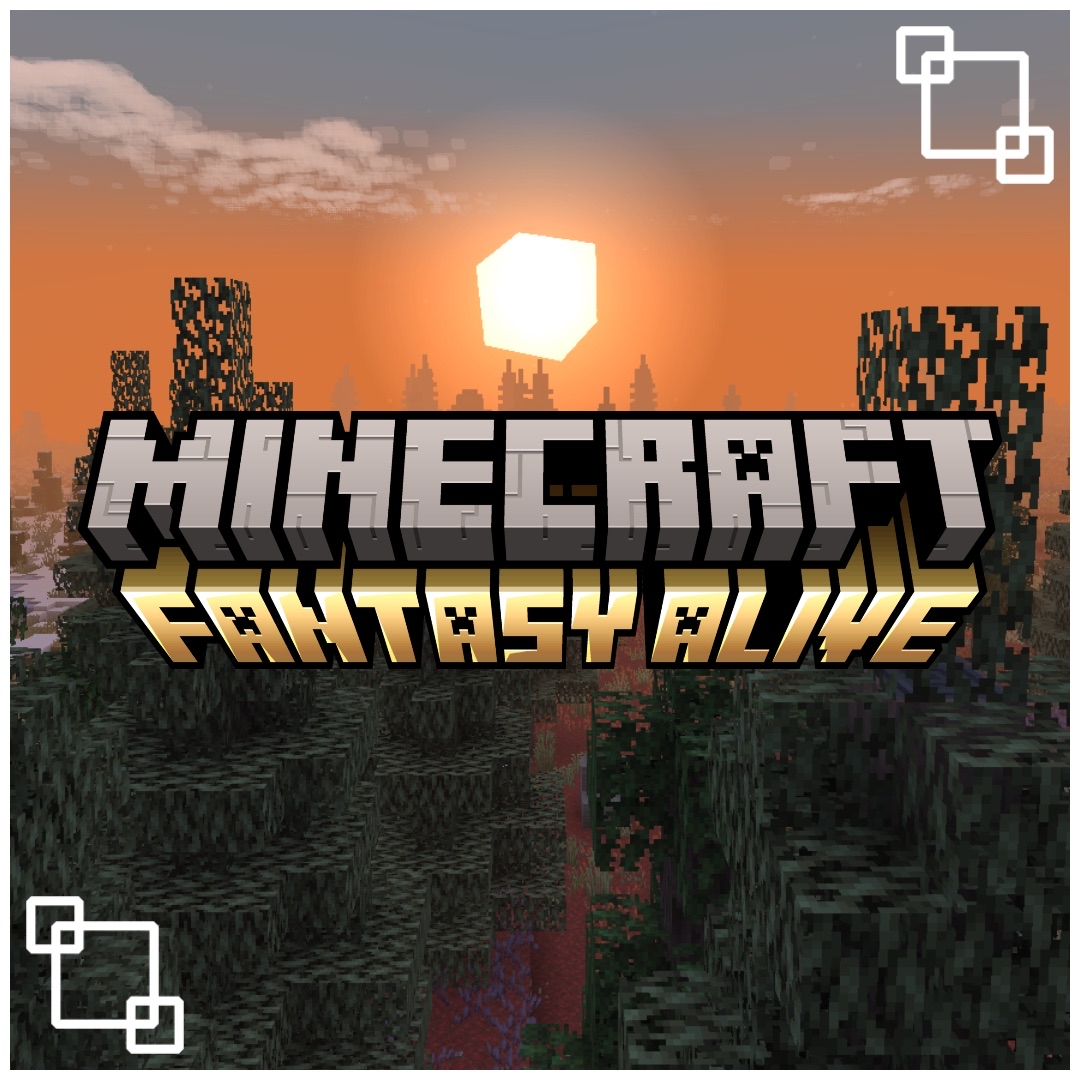
Minecraft - Fantasy Alive
Modpackby thefabstercraft
Changing the way you know Minecraft in a fantastical way
Downloads
13,972
Type
Modpack
CurseForge ID
1025068
Last Updated
Apr 10, 2026
Description




ABOUT

Everybody is fimaliar with vanilla Minecraft, and even though it is great, replaying it feels understandably boring at times, so I constructed this modpack. This modpack introduces a lot of new content and focuses on 5 main aspects: immersion, looting, fantasy, combat and adventuring. The main goal is to immerse the player with new structures, sound system, combat, weapons, armor, mobs, bosses and more! You can power your way through the new world by defeating dragons, perhaps trading with villagers in their newly formed villages, you can even complete simple quests, the modpack is heavily configured to be beginner friendly, so it doesn't matter who you are, everyone can enjoy this modpack. Please remember there is no right or wrong way to play this modpack, create a world, build a base and venture off to discover lots of new content. I also made sure to add a lot of performance mods to ensure this modpack could run on a variety of different system types. Find a full list of features and a simple guide below!
FEATURES
✓ New quests that you can earn rewards from 📜
✓ Dynamic difficulty for mobs ☠️
✓ New magic and spellbook system 🪄
✓ New and refreshed combat system 🗡️
✓ New classes 🎲
✓ New entertaining boss fights 🔥
✓ New tameable creatures and pets 🐾
✓ New NPCs you can interact with 🗣️
✓ Complete shader support powered by Oculus ☀️
✓ Simple multiplayer support powered by Essential 🎮
✓ Texture overhaul for beautiful visuals 🎨
✓ UI/HUD overhaul to fit an RPG style ✨
✓ World generation overhaul for outstanding views 🌳
✓ 100+ New weapons to arm yourself with ⚔️
✓ 50+ New armor sets to protect yourself 🛡️
✓ 100+ New structures to explore and loot 💎
✓ 50+ New dungeons to conquer 🏰
✓ 300+ Mods in total ❗
GUIDE
Below is a simple overview of the modpack along with some general tips.
❗IF YOU ARE EXPERIENCING SUDDEN AND FREQUENT CRASHES, PLEASE REMOVE THE ESSENTIAL MOD❗
General tips 📝
- Check through the shader and resource packs and disable anything your system cannot run or anything you don't like.
- Scroll below and review the key-binds section before changing any of the key-binds.
- Change configuration of mods at your own risk, making significant changes can either crash, fail or even corrupt the modpack.
- RAM and performance settings (please do not allocate more than 50% of your RAM to Minecraft):
- Low-end system w/ 4-6GB of RAM allocated: 8 chunk render distance, do not use shaders.
- Mid-tier system w/ 6-8GB of RAM allocated: 10 chunk render distance, feel free to use Complementary & Solas shaders on low-medium.
- High-end system w/ 8-10GB+ of RAM allocated: 12 chunk render distance, feel free to use Photon, Bliss or Kappa shaders on med-high settings.
- For hosting servers, 8-10GB of RAM should be perfect and 30GB of disk space should be fine as well, please use the server pack for version 4.0.0+, anything earlier is outdated and could cause issues.
Classes 🎲
The first thing you will notice when you load up a world is that there will be a menu asking you to pick a class. Carefully read through the classes, once done make sure to select the class you want!
Gear & Looting 🛡️
After you choose your class you will most likely begin to craft tools and gear to progress, note that every piece of gear you aquire you will gain a random modifier on it. If you don't like that modifier you can simply hold that piece of gear in your main hand and right click on a grindstone to re-roll! Please do not right click on a grindstone with any gear you don't want to reroll, always use an empty hand when you want to open the ui of the grindstone. Additionally, look around for cows as their leather will prove helpful in crafting a backpack, which you will need for extra storage while you explore! Make sure to explore around a bit, you'll start to notice an abundance of structures with a lot of loot to enjoy! Venture into large or small dungeons for loot and defeat mobs for XP, if a dungeon is too challenging for your current state, you can always leave a waypoint on your map and come back later! (Use the key "O" to open the waypoint menu, from here you can add or remove any waypoints! Press the TAB key to open the world map to view your waypoints on the map as well as their coordinates.) While you are looting you need to make sure to look for any 12 of the 16 special eyes added by End Remastered, as you're gonna need them to activate the end portal and explore The End dimension later in the journey. Don't forget to look for scrolls and ink as well in order to use magic and forge awesome spells!
Trading & Questing 📜
This modpack has quite a lot of NPC's to interact with. To begin with, while you're exploring you will most likely run into a lot of structures with some having certain NPC's such as The Angler, The Cook and The Monster Hunter [Realm RPG: Quests & Rewards] Right clicking any of these NPC's will lead to them giving you a quest/task in exchange for miscellaneous rewards. There is also an abundance of random traders around the world who all have one objective, help your journey by giving you valuable trades!
Skill Tree 🌳
By clicking "K" on the keyboard, or the gold button above your off-hand slot in your inventory, you'll open a skill tree where you may unlock different skills and receive points throughout your journey.
Key-binds ⌨️
- Use the "W", "A", "S" and "D" keys to move forward, left, back and right.
- Click the "Left Mouse Button" to attack and to use dragon strike when riding a tamed dragon.
- Click the "Right Mouse Button" to place blocks, use/interact items & blocks, use weapon abilities, hold the "Right Mouse Button" to revive fallen players and to use dragons breath when riding a tamed dragon.
- Click the "Middle Mouse Button" to pick block and sort inventories.
- Hold "Shift" to sprint and to flare your wings (w/ elyta equipped) , click "Left CTRL" to crouch, click "N" to toggle a crawl mode and click "Space" to jump and to flap your wings when wearing an elytra like item as well.
- Click "C" to perform a combat roll, lower tamed dragon when riding.
- Use numbers 1-9 to cycle through the coordinating hotbar slots.
- Use "ALT+1-4" to use Catalcysm's armor abilities.
- Use "ALT+R" to use your Origins primary ability.
- Use "ALT+F" to use your Origins secondary ability.
- Click "Q" to drop items.
- Click "E" to open your inventory.
- Click "F6" to toggle different first-person modes.
- Click "F" to toggle the third person view.
- Click "G" while in third person to toggle aiming/combat mode.
- Use the
 arrow key to switch between shoulder views in third person.
 - Click "U" to open the third person config menu.
- Click "I" to open weapon display config menu.
- Click "Enter" to open the chat box.
- Click "T" to track your quests.
- Hold "X" to open up the spell wheel.
- Hold "V" to cast the selected spell.
- Click "B" to open up the backpack inventory.
- Click "TAB" to open the world map.
- Click "O" to open the waypoint menu to add/edit/remove waypoints.
- Hold "R" to zoom, click " R" to toggle the JEI overlay.
- Hold "ALT+C" to use your spyglass when in a curious slot.
- Click "K" to open your skill tree.
MILESTONES
Thank you to everyone who has downloaded my modpack!
✅ 100 Downloads
✅ 500 Downloads
✅ 1,000 Downloads
✅ 2,000 Downloads
✅ 5,000 Downloads
✅ 10,000 Downloads
❌ 25,000 Downloads
❌ 50,000 Downloads
❌ 100,000 Downloads
DISCLAIMER
1) This modpack does not have a wiki, any information you may want for any of the content inside this modpack should be reffered to by that mods respective wiki, source page or author, or join my discord and ask me! 2) Please remember to backup your saves/servers before updating modpack versions or mods.
CREDITS
- AL's Boss Rush by ALthegatorMC
- Aquaculture FishedUP by by omaypaty
- Better Mob Models by joosh_7889
- Cubic Sun & Moon by JoeFly
- Cyber's 3D Amethyst by cybercanyon303
- Embellished Stone by Grend_G
- Enhanced Frogs by 8shadowscrow8
- Fading Enchantment Glint by StormDragn77
- Fancy Crops by bebebea_loste
- Fresh Friends by CoolRanchChris
- Fresh Animations by FreshLX
- Fresh Waystones Texture & Fresh Particles by zozozrob_zadrot
- Frostbite & Brimstone by Ron0
- Iron's 3D Spell Book by lil_pr1nc3
- Joall's Font Edit by JoalBlue130
- Just Normal Foxes by SR400X
- Mandalas GUI - Dark Mode by cesar_zorak
- Mobs Refreshed + Fresh Animations, Boss Refreshed + Fresh Animations by lukidon
- Reimagined, Enchanting Reimagined & Reimagined | Fresh Animations Patch by Reijvi
- Rogue's Better Squids by bruhitsrogue
- Serious Reanimated by Big_Guy2
- Simple Grass Flowers by JamieProbably
- Simply Swords Whimscape add-on by xkadejx
- Soft Weather by vectorwing
- Sound Pack by BDcraft
- Spring Flowers by TinyDaggsy
- xali's Enchanted Books by xalixilax
- xali's Enchanted Books - Addon by DedMaxim99
SOCIALS






Similar Modpacks
Farming Crossing 5: Made to Order!
Farming, cooking, fishing collectathon, with creative building prompts inspired by Animal Crossing!

Opolis Inc
A modpack about buying and selling items

Fisk's Super Hero Mod And Alot More
A modpack based on the Fisk's superhero mod
Solo Leveling - Shadows
⬆️Strange gates have appeared in the world of Minecraft, bringing with them unspeakable power and danger. Begin your jou...

QSMP Experience (UNOFFICIAL)
The Unofficial QSMP Experience!

Enigmatica 10 - E10
Play with new mods and old favorites in Enigmatica 10 for Minecraft 1.21.1!