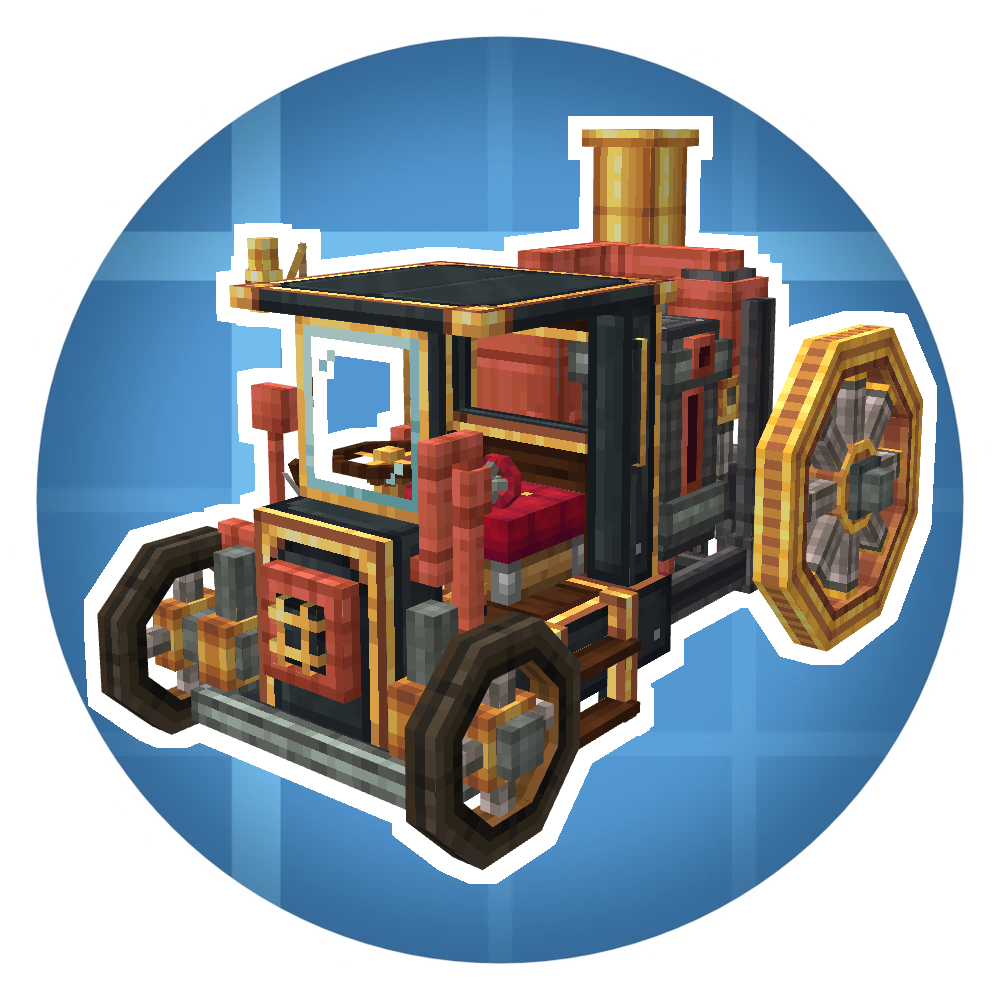
Create: Automotives
Modby Mr_Mulle
Travel the airways and roads with steam powered vehicles!
Downloads
23,226
Type
Mod
CurseForge ID
1439308
Last Updated
Apr 11, 2026
Description



(so far)


Reader Section:
Create: Automotives
Create: Automotives adds fictional, steam-powered vehicles designed to fit the Create mod’s style and progression.
Features:
- Drivable vehicle
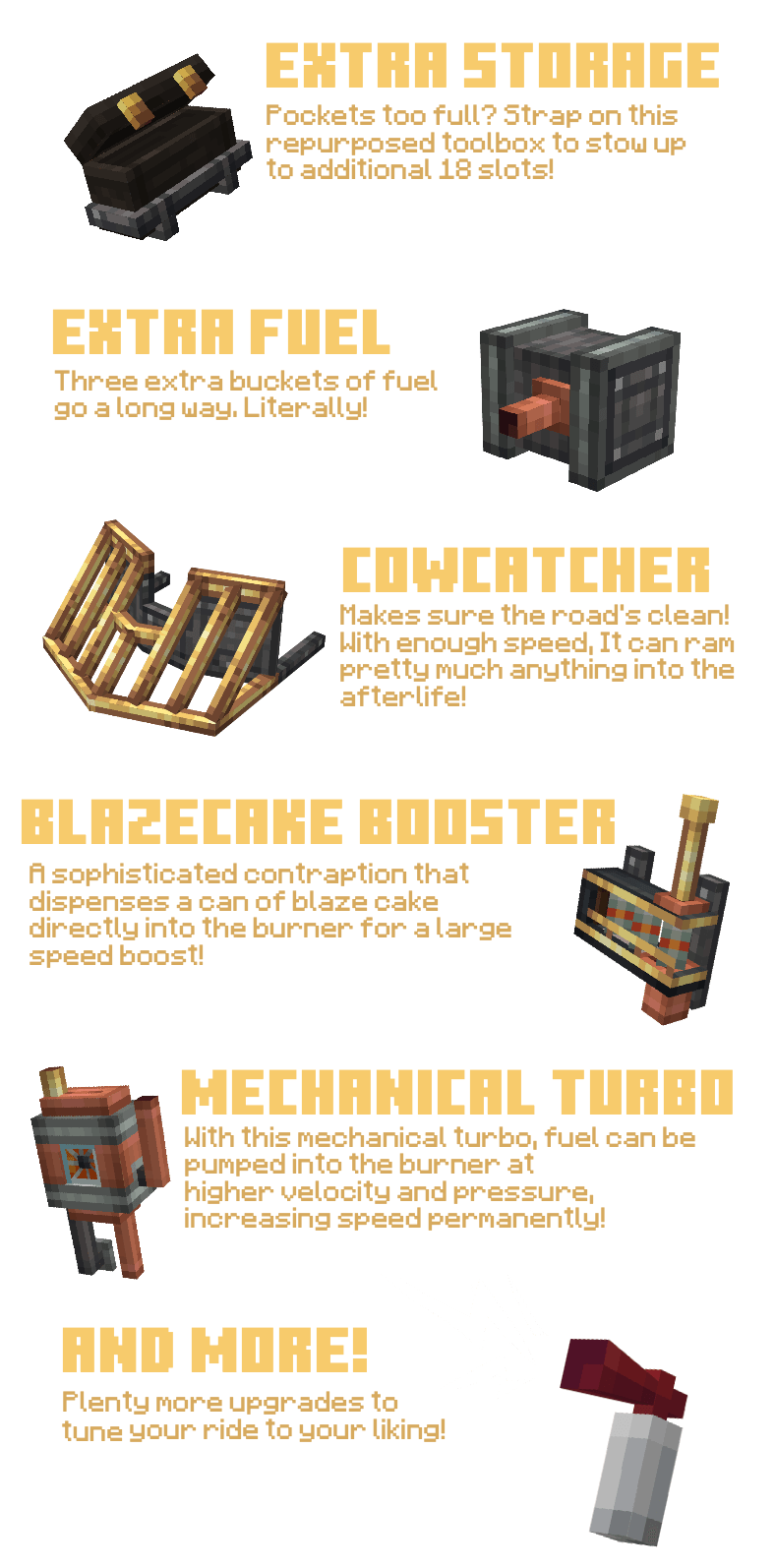
- Upgrade system (choose purpose-focused modules)
- Create-style integration (recipes + progression)
- Extensive sounds/particles and interactable elements
Getting Started:
1. Get a mechanical crafter up to craft the Boilerbox
2. If needed, craft upgrades with the mechanical crafter
3. Place the Boilerbox, fuel its left hand side main tank with lava buckets
4. Place Upgrades with RMB on the green boxes
5. RMB the seat, then either RMB the left-hand fuel valve once, than hold it until the burner runs
6. Alternatively, you can pull up the panel with U and hold the valve.
7. Driving happens with WASD. Use Space to actuvate boosters. C to honk the steam whistle. N for handbrake. R/F to shift up and down if you have automatic shifting disabled in config.
How to remove upgrades?
- Use the Immersive Vehicles wrench item and LMB on the upgrade!
Screenshots
Similar Mods

Lightweight Inventory Sorting
Lightweight client-side inventory sorting with no extra fluff
Naming Unconvention
Random world names, customizable with resource packs!

Combat+ Core
The core library and compatibility layer for the Combat+ series.

Extra Sounds Legacy
Improve your clicks, scrolls and more with Extra Sounds Legacy
![Immersive Vehicles - Official Content Pack [OCP] - Planes & Cars](https://cdn.modrinth.com/data/C7TiPPJz/f988e76b9d31daae0b2b3a8fcafd37cb220f4bb3_96.webp)
Immersive Vehicles - Official Content Pack [OCP] - Planes & Cars
Official Content Pack with planes, cars, tanks, helicopters and trucks for the Immersive Vehicles mod!
JAOPCACustom
Just A Ore Processing Compatibility Attempt: Customized