
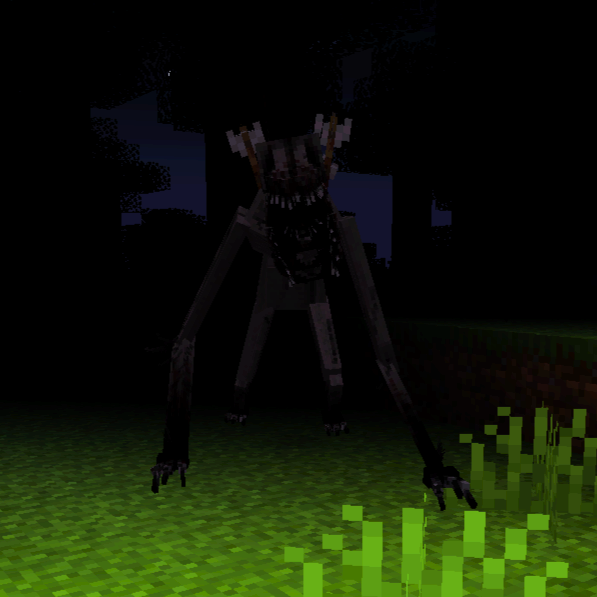
Flawless Horror: Nostalgic Dread (Proximity Chat)
Modpackby Stuff1
Minecraft just like the old days, except this time you're not alone.
Type
Modpack
CurseForge Downloads
0
CurseForge ID
1067902
Last Updated
Apr 12, 2026
Description

You can now easily play multiplayer with your friends because of BisectHosting.
They have managed to give you a rare opportunity to buy good quality servers that are cheaper than a coffee or snack.
Speaking from personal experience, I advise you take advantage of this rather than wasting time, effort, or money on other server platforms.
Use the promo code stuffone to get 25% off your first server for an entire month, which makes them so much cheaper than they already are.
Click this link to buy a server at BisectHosting: https://bisecthosting.com/stuffone
[Check out Flawless Horror, Winter Survival, a terrifying modpack set in a snowy wasteland!]
FLAWLESS HORROR: Nostalgic Dread
Note: Play with your friends (it's really easy through essential) and don't spoil yourself by checking the mod list :)
Also feel free to use in your yt/tiktok videos, just include the name in the vid/description
When you first launch the game, you are pleasantly surprised. It's just like playing minecraft on the Xbox one all those years ago, but that version has been discontinued.
Something's off.
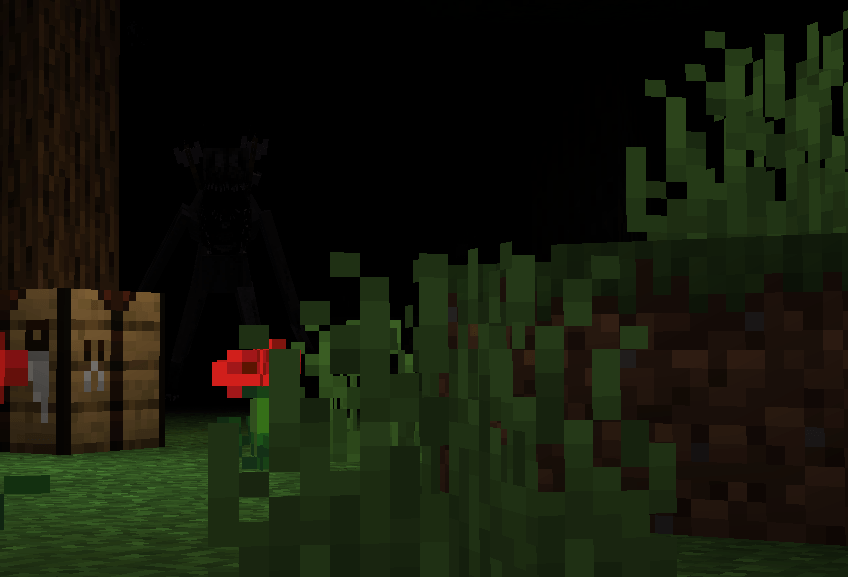
As you play the game, you notice more and more weird things. The music is tuned differently, as if it wants you to think you are alone. You can't find any hostile mobs, but instead of feeling relieved, you get even more suspicious. The world is filled with mostly forests, which makes you feel that something is stalking you behind every tree and bush.
HOW TO USE PROXIMITY CHAT
The Essential mod allows players to use proximity chat in multiplayer worlds.
First, add your friends who downloaded the modpack. Do so by clicking 'social' in the far right.
Right above the 'social' button, click the button marked by a globe to host a world. You can invite your friends or they can join by themselves. Once they do so, you will be able to hear them in game if they have a mic and you are close to them.
Troubleshooting:
To fix issues, go into the voice chat settings ('v' on keyboard --> 'settings'), and make sure the microphone and speaker are correct by clicking 'select microphone' and 'select speaker'. If you don't know which microphone/speaker to select, go on other platforms such as discord or zoom to find which ones you normally use. There are many more troubleshooting methods on youtube/the internet.
Similar Modpacks
Fuller's PokePack: cobblemon / pokemon modpack
Cobblemon Pokemon Mod ft. Optimized Performance, Vanilla+, & Resource/Data Pack Collection!
![[PK] Zombie Apocalipse](https://media.forgecdn.net/avatars/379/405/637559867562649117.png)
[PK] Zombie Apocalipse
Hardcore Techno-Zombie Apocalypse

World Terra
Not for the weak. | Survival Adventure | Quests | 50+ INSANE Bosses
Vanilla Sky: Everything from Nothing
An expert-level nearly-vanilla SkyBlock Challenge

Coiso Craft
A modpack full of quests for a long term playthrought.

Little Bit Large
Quests, Endgame, Overhauled worldgen. Make this your new go to Kitchen sink pack!