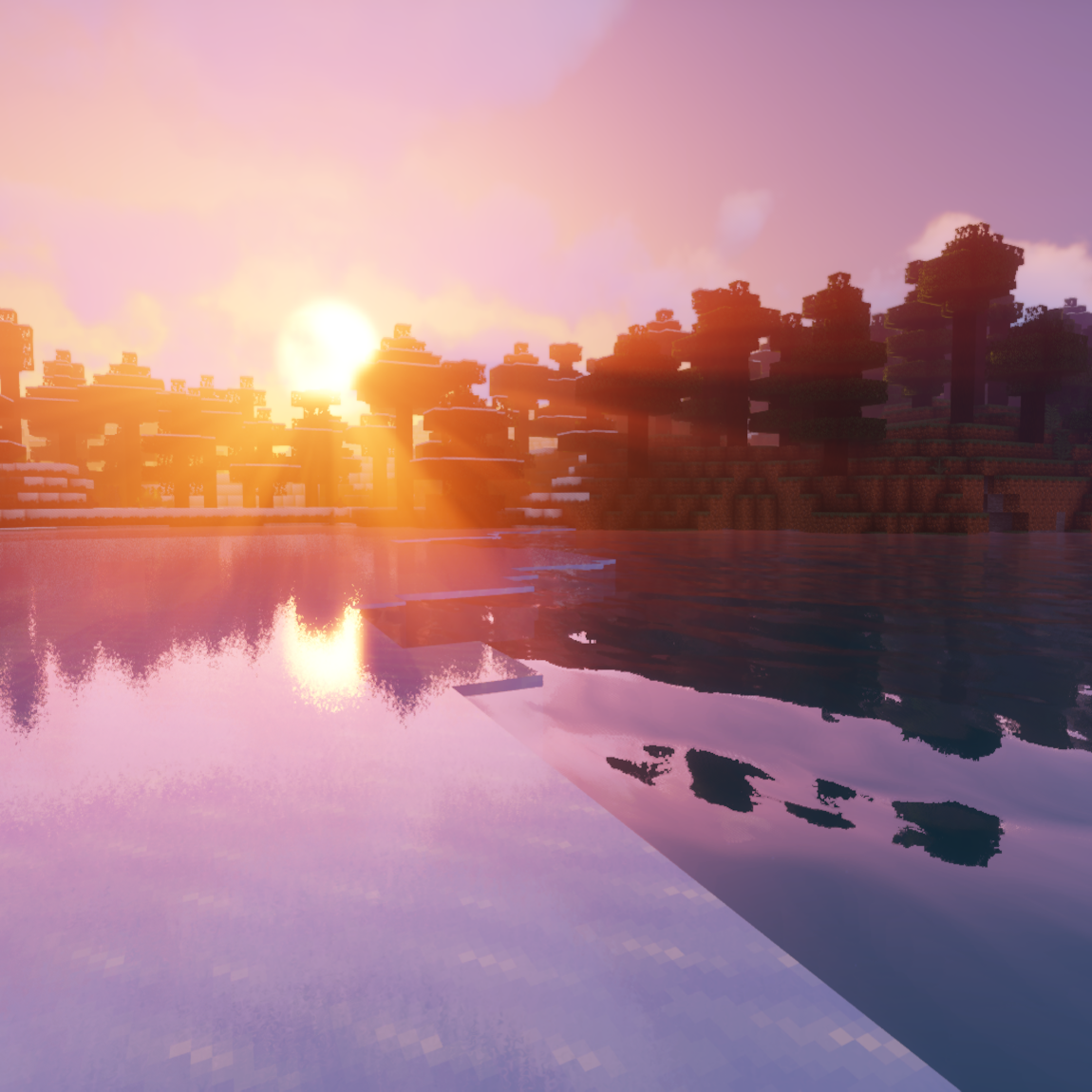
Sildur's Vibrant shaders
Shaderby Sildur
Very optimized shaderpack for MC: Java edition, around since 2012
Downloads
32,657,511
Type
Shader
CurseForge ID
544096
Last Updated
Apr 9, 2026
Description

Official website with more downloads and changelogs: https://sildurs-shaders.github.io/
Patreon if you want to support me and like what I do: https://www.patreon.com/Sildur
Supported minecraft versions are: 1.7.10 - 26.1. (note: iris currently has a performance bug in 26.1)
Supported mods are: Distant Horizons and Voxy.
About:
Vibrant shaders completly revamps the lighting system of minecraft and adds advanced effects like volumetric lighting, bloom, ambient occlusion and reflections. While still maintaining high performance and compatibility with many systems, like mac and intel gpus. It comes in different presets, medium or high should work fine on a gtx 960.
Permissions:
You are not allowed to edit, copy code or share my shaderpack under a different name or claim it as yours.
Install using Iris:
1. Download and install Minecraft, setup your game profile of the version you want to run.
2. Download and run the Iris jar file with Java.
3. In the installer, select "Iris and Sodium" pick your minecraft version and uncheck "install as fabric mod" then hit install.
4. Run the minecraft launcher and select the newly created profile. (Create a new profile if it didn't create one)
5. Start the game.
6. Go to options -> video setings -> "Shader Packs" and press on the "Open Shader Pack folder" button.
7. Download my shaderpacks and place them in the newly opened window.
8. Select my shaderpack from the list ingame and enjoy your new visuals!
Note: Iris can also be installed as a fabric mod.
Install using Optifine:
1. Download and install Minecraft, setup your game profile of the version you want to run.
2. Download and run the optifine jar file with Java. It will install a new optifine profile.
3. Run the minecraft launcher and select the newly created optifine profile.
4. Start the game.
5. Go to options -> video setings -> shaders and press on the "Shaders folders" button at the bottom of the screen.
6. Download my shaderpacks and place them in the newly opened window.
7. Select my shaderpack from the list ingame and enjoy your new visuals!
Screenshots
Similar Shaders
Complementary Shaders - Reimagined
Preserving the elements of Minecraft with exceptional quality, detail, and performance.
Complementary Shaders - Unbound
Transforming the visuals of Minecraft with exceptional quality, detail, and performance.

BSL Shaders
Shaderpack for Minecraft: Java Edition. It's bright, colorful, and distinct.

Complementary Shaders - Reimagined
Preserving the elements of Minecraft with exceptional quality, detail, and performance.

MakeUp - Ultra Fast | Shaders
High performance shaders. Gameplay oriented. Lightweight.
🎃 Insanity Shader
A highly customizable horror styled Minecraft shaderpack based on BSL.