Warp Portals ─ Portal teleportation
Modby gabriel_pinheiro
Create Warp Portals between your favorite locations
Downloads
465,760
Type
Mod
CurseForge ID
987222
Last Updated
Apr 9, 2026
Description
Warp Portals
Also available as a Datapack here
Create Warp Portals between your favorite locations. This datapack is made to be balanced, simple to use and lightweight. Warp Portals supports Multiplayer and uses the best practices for datapacks to insure compatibility with other datapacks. This datapack doesn't use chunk loading, unlike most teleportation datapacks, which makes it lightweight no matter how many portals you have.
Usage
Forging the Portal Wand
To create a Warp Portal, you need to forge a Portal Wand. To do so, you need to drop an Ender Pearl in a Crying Obsidian block. They will turn into a portal and and the Crying Obsidian will be the destination of the portal created by the wand.

Creating the Portal
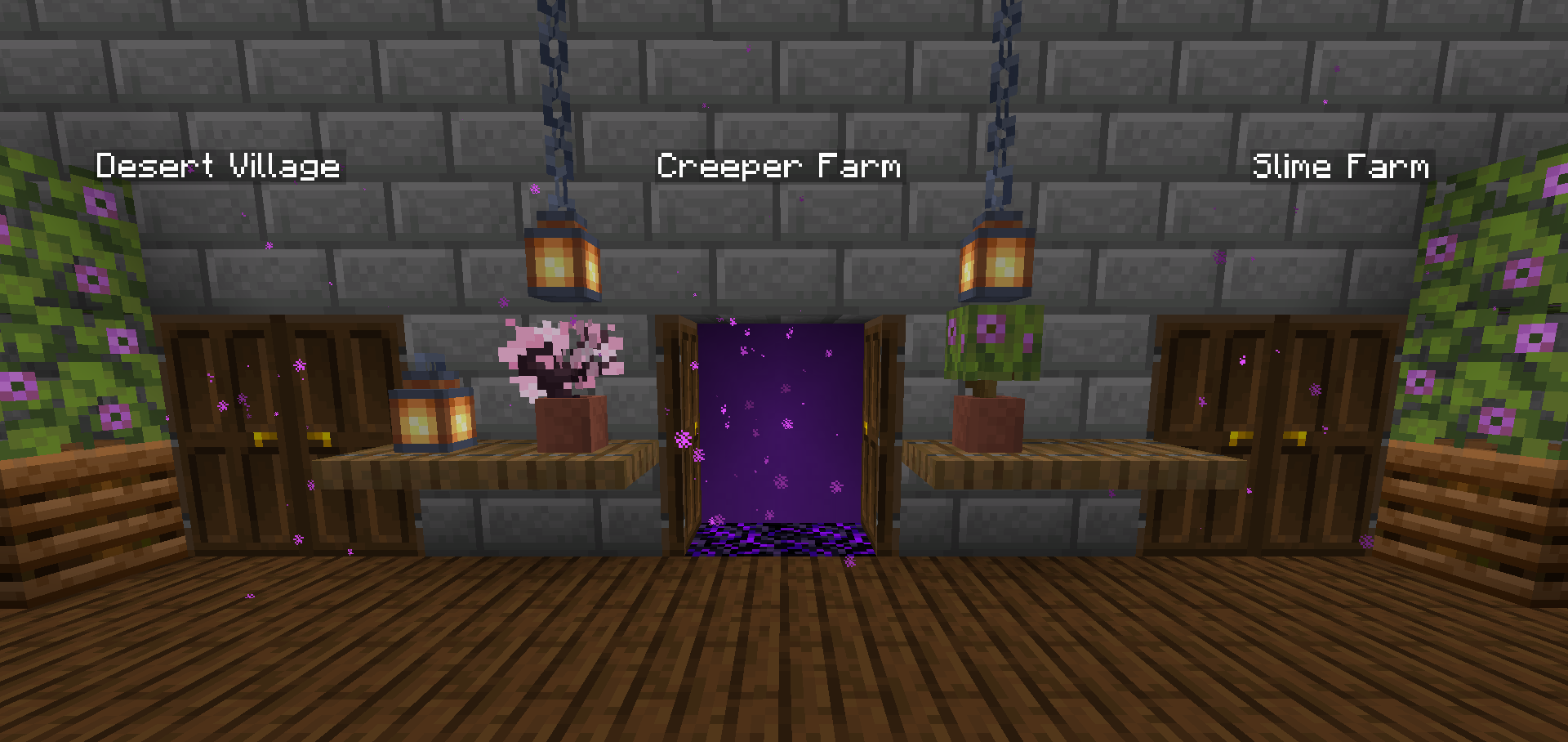
To create a portal, you need to right-click above a Crying Obsidian block with the Portal Wand. The portal will be created and stepping into it will teleport you to the place where that Wand was forged. You can add more Crying Obsidian or Obsidian blocks around the portal to make it bigger, they will also teleport you when you step on them, you can use any shape, pads, rectangles, etc.

Destroying the Portal
To destroy the portal, simply break the Crying Obsidian block in the entrance (where you see the particles) and the portal will be destroyed. The Ender Pearl used to create the wand will drop above.
Installation
After downloading the Warp Portals vX.Y.Z.zip file (vX.Y.Z is the version number), you can install it by one of the following methods:
- New SinglePlayer World: When creating a new world, in the More tab, click on Data Packs, and drop the Warp Portals vX.Y.Z.zip file. The datapack will appear in the Available list, click in the arrow to add it to the Selected list and click Done.
- Existing SinglePlayer World: Click Edit in the world selection screen, click Open World Folder, go to the datapacks folder and drop the Warp Portals vX.Y.Z.zip file.
- Multiplayer Server: Drop the Warp Portals vX.Y.Z.zip file in the datapacks folder inside the world folder.
Uninstalling
To uninstall Warp Portals, execute the command /function warp_portals:uninstall in the world where you installed the datapack, then remove the Warp Portals vX.Y.Z.zip file from the datapacks folder.
Note that Minecraft doesn't provide the necessary tools to actually remove the entirety of a datapack. This function will break (and drop the Ender Pearls) of all portals in currently loaded chunks.
Similar Mods

Immersive UI
Enhance your gameplay experience with animated UI components

Simple Hats
Simple Hats is an expandable cosmetic hat mod that allows users to define their own hats with options such as variants,...

Create Slice & Dice
Making automation for Farmers Delight more sensible

Spell Engine
🪄 Data driven magic library

Serene Seasons
Seasons with changing colors, shifting temperatures, and more!
Create Utilities (Fabric/Forge)
A Create Addon that primarily adds ender-like blocks. Experience the power of the void motor, void chest, and void tank...