Sildur's Basic Shaders
Shaderby Sildur
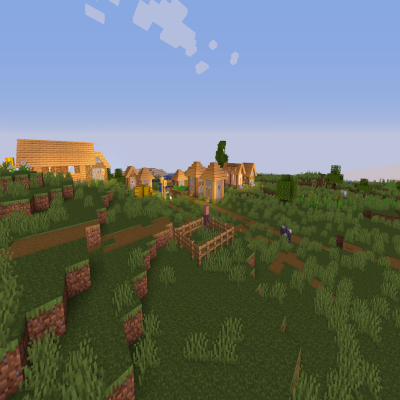
Return of an old time favorite! Lightweight and Fast! Reworked and ported from enhanced default.
Downloads
2,420,570
Type
Shader
CurseForge ID
654153
Last Updated
Apr 9, 2026
Description

Official website with more downloads and changelogs: https://sildurs-shaders.github.io/
Patreon if you want to support me and like what I do: https://www.patreon.com/Sildur
Supported minecraft versions are: 1.7.10 - 26.1. (note: iris currently has a performance bug in 26.1)
Supported mods are: Distant Horizons and Voxy.
About:
Return of the basic shaders! First started in like 2013. It is a very lightweight and fast shaderpack, featuring lots of customization.
It supports the following options: TAA (antialiasing), Sharpening (used with TAA), SSAO (ambient occlusion), Celshading, Colorboost, Crossprocess (color filter), Custom emissive lightmaps, Custom sun/moon angle, Tonemapping, Depth of Field, Motionblur, Bump and Parallax mapping and everything wavy. There are also 5 presets available in the ingame options: Very Fast, Fast, Fast+MB, Fast+DoF and Fancy.
Permissions:
You are not allowed to edit, copy code or share my shaderpack under a different name or claim it as yours.
Install using Iris:
1. Download and install Minecraft, setup your game profile of the version you want to run.
2. Download and run the Iris jar file with Java.
3. In the installer, select "Iris and Sodium" pick your minecraft version and uncheck "install as fabric mod" then hit install.
4. Run the minecraft launcher and select the newly created profile. (Create a new profile if it didn't create one)
5. Start the game.
6. Go to options -> video settings -> "Shader Packs" and press on the "Open Shader Pack folder" button.
7. Download my shaderpacks and place them in the newly opened window.
8. Select my shaderpack from the list ingame and enjoy your new visuals!
Note: Iris+Sodium can also be installed as a fabric mod.
Install using Optifine:
1. Download and install Minecraft, setup your game profile of the version you want to run.
2. Download and run the optifine jar file with Java. It will install a new optifine profile.
3. Run the minecraft launcher and select the newly created optifine profile.
4. Start the game.
5. Go to options -> video settings -> shaders and press on the "Shaders folders" button at the bottom of the screen.
6. Download my shaderpacks and place them in the newly opened window.
7. Select my shaderpack from the list ingame and enjoy your new visuals!
Screenshots
Similar Shaders
Solas Shader
A good performing fantasy stylized shaderpack with colored lighting and fancy visuals

BSL Shaders
Shaderpack for Minecraft: Java Edition. It's bright, colorful, and distinct.

Pastel Shaders
An aesthetic, performant pastel-colored shaderpack with multiple color preset based on BSL.
Bliss Shaders
A well performing fantasy styled shaderpack with emphasis on scene variation and customization.

Photon Shaders
A gameplay-focused shader pack with a semi-realistic style
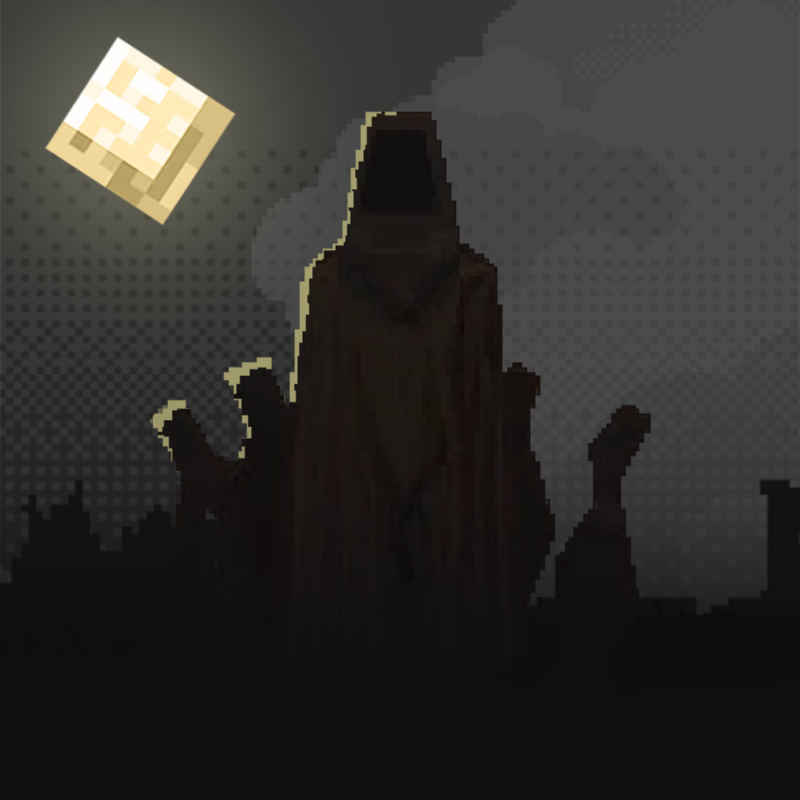
👻 Hysteria Shaders
Atmospheric, highly customizable eerie shaderpack, successor of Insanity Shader.