
Slot Cycler
Modby Fuzs
Nine hotbar slots aren't enough for you? Now you can cycle your whole inventory!
Downloads
816,458
Type
Mod
CurseForge ID
682569
Last Updated
Apr 9, 2026
Description









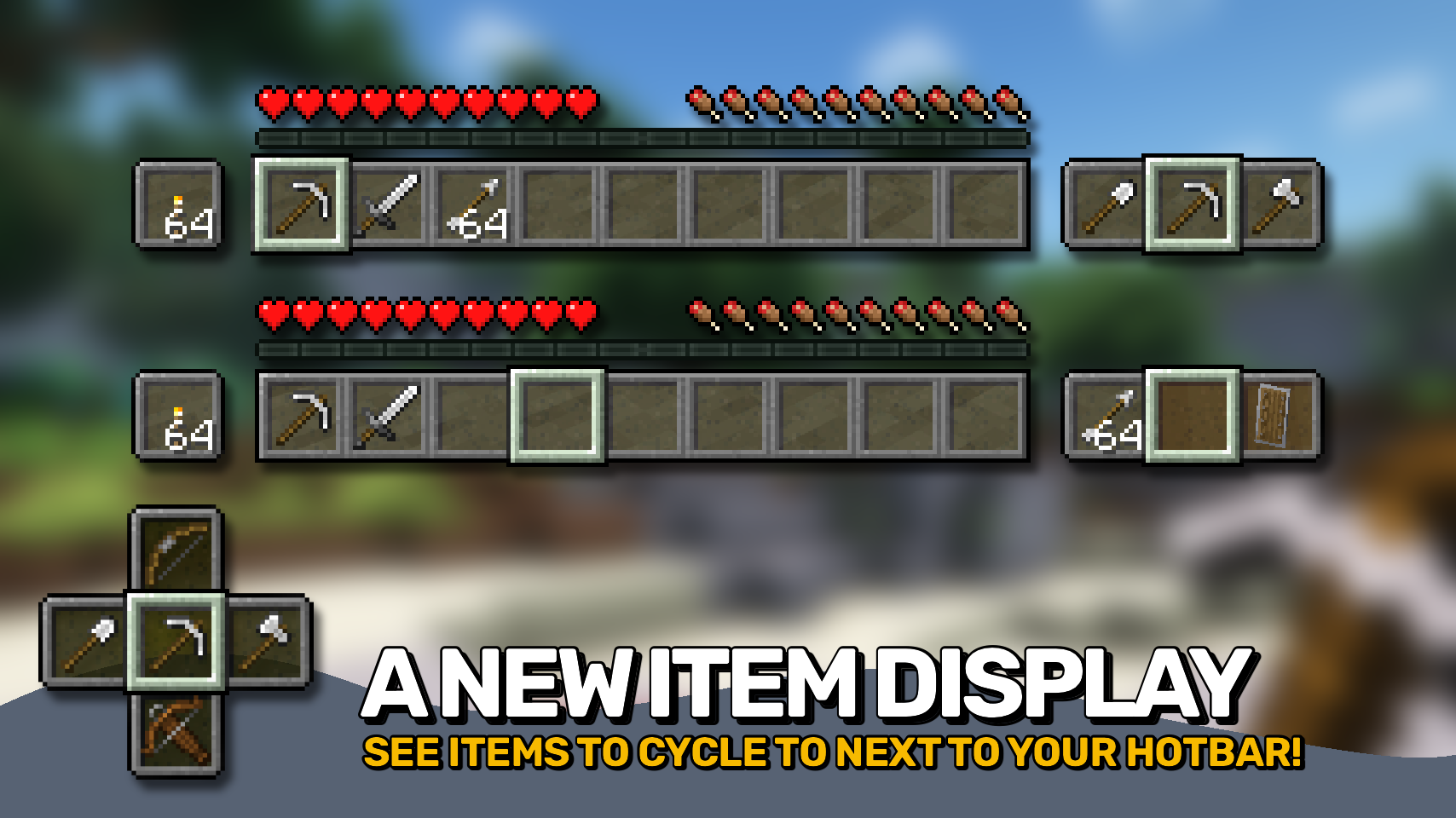
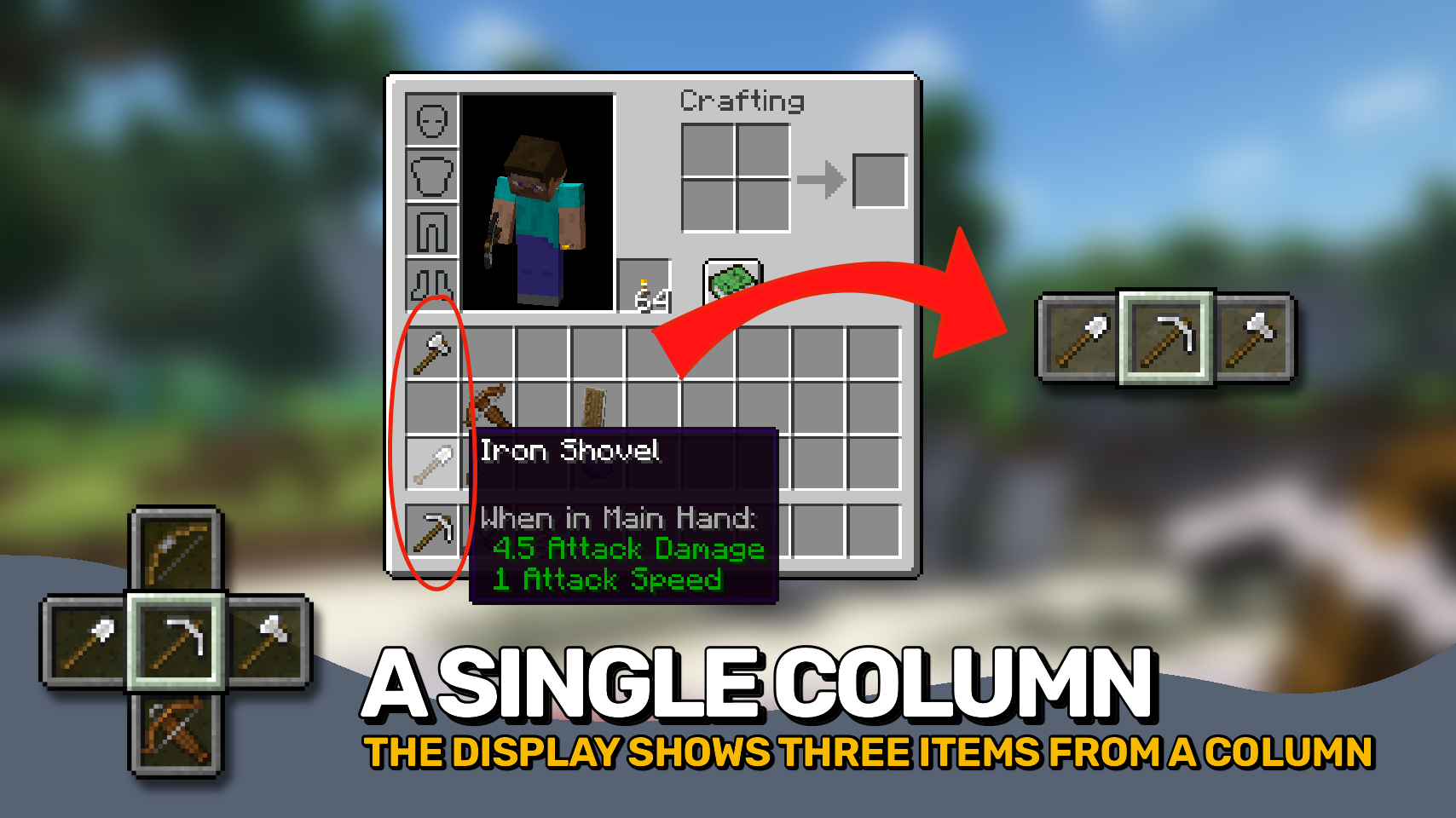
Slot Cycler is great when nine hotbar slots just aren't enough for you: Now you can quickly swap a hotbar slot with the items in the same inventory column. Very useful for swapping out tools or different weapons on the fly! To see what item will come up next just look to the right of your hotbar, where a new display is added.
You can either use two keys (G and H by default) to cycle forward or backward, use the mouse wheel while holding the Alt key (configurable), or press the hotbar key of the currently selected slot again (1 to 9 in vanilla).


⏩ INSTALLATION REQUIRED ON CLIENT
⏩ REQUIRES PUZZLES LIB TO BE INSTALLED (FABRIC & NEOFORGE)
⏩ REQUIRES FABRIC API TO BE INSTALLED (FABRIC)
⏩ REQUIRES FORGE CONFIG API PORT TO BE INSTALLED (FABRIC)

If available for a mod, configuration is possible directly from in-game using the mod menu (requires Mod Menu by Prospector to be installed on Fabric). Please note that on older Minecraft versions installing Forge Config Screens is also a requirement.
For manual configuration using an external text editor all files are found at .minecraft/config, named as MOD_ID-client.toml, MOD_ID-common.toml, or MOD_ID-server.toml, depending on the type of config. Not all types might exist for a mod, if any at all.

🌟 Thanks to Areuthreateningme and their Inventory Hotswap mod, which thaught me how to swap inventory items fully client-side.











Screenshots
Similar Mods

Rainbows!
Adding rainbows to the world of Minecraft!

Zenith Attributes
Adds various useful attributes and changes to how they are shown

Theurgy KubeJS
Theurgy KubeJS provides KubeJS integrations for Theurgy.
Thaumic Augmentation
Augmenting Thaumcraft 6 with a variety of fresh and familiar content
Flower Patch
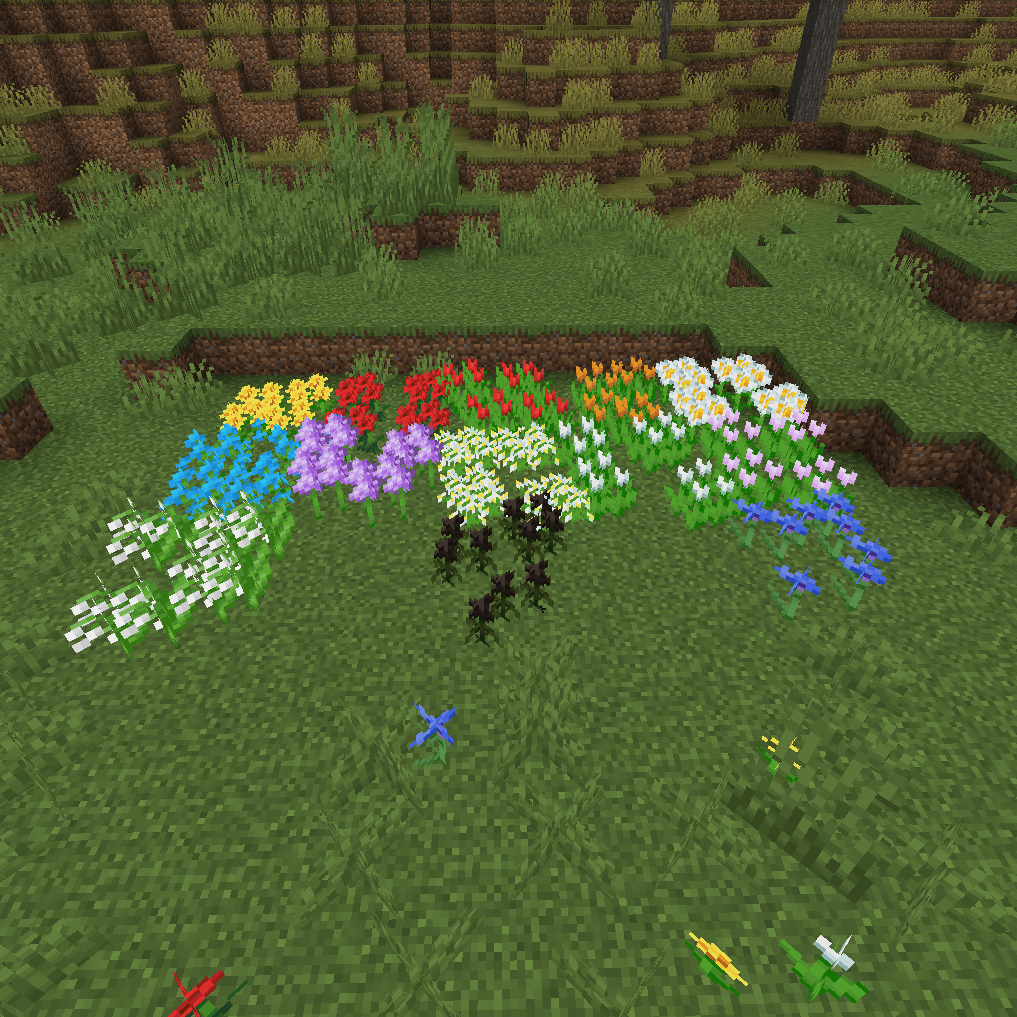
Allows you to bunch together flowers into a single blockspace similar to pickles
Create Chunkloading
Adds a chunkloader block that works with Create