

Shadow Drop
Modby Terrunic
Adds drop shadows to items in GUIs.
Type
Mod
CurseForge Downloads
233,829
CurseForge ID
Modrinth Downloads
58,147
Modrinth ID
Last Updated
Nov 6, 2026
Description
A subtle client-side mod that adds drop shadows beneath items in GUIs, adding depth to the hotbar, inventory screens, advancements, etc. By default, shadows are translucent, offset by one pixel down/right, and cropped to fit within item slots.
⚠ As shadows effectively double the number of items rendered in GUIs, expect a performance tradeoff, especially when many items are visible at once.
Shadows can be configured via the generated shadowdrop-client.toml file.
Note: for cropping shadows, item slots are detected using the color of the pixel to the bottom right of each item. Adjust
slotBrColorsfor compatibility with resource packs or modded GUIs where this pixel is not #FFFFFF.
⚠ Mods that may need configuration for proper compatibility:
- EMI: disable
use-batched-renderer - ImmediatelyFast: disable
hud_batching - Accelerated Rendering: disable
gui_acceleration
Compatibility
Mod Loaders
Game Versions
Recommended Gear
AffiliateHardware and extras that pair well with this mod.

Minecraft Enderman Character Plush
Enderman plush toys, and a reliable gift for a younger player.
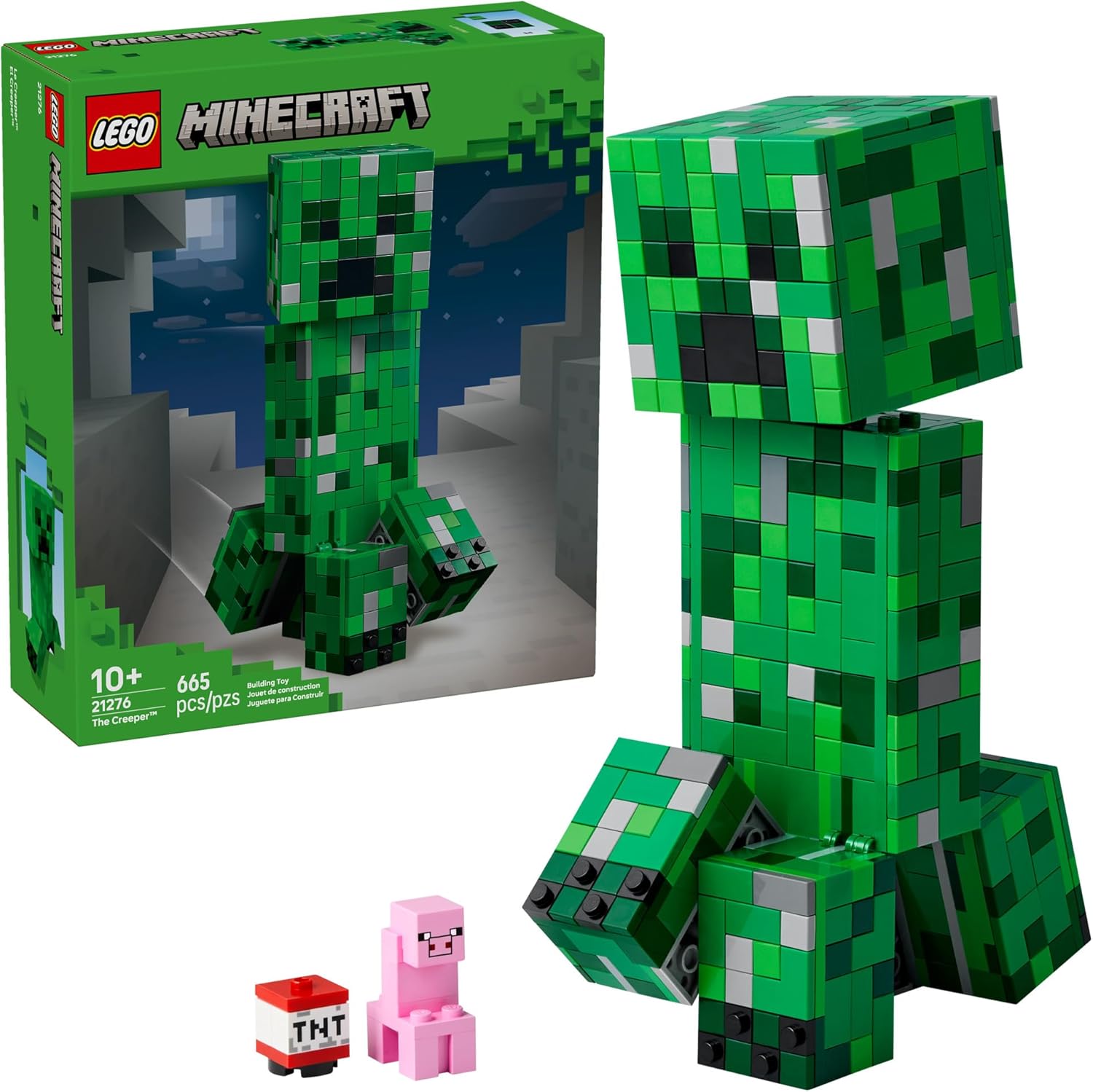
LEGO Minecraft Set
Official sets that translate the building side of the game off-screen.
As an Amazon Associate I earn from qualifying purchases.
Screenshots
Similar Mods

NiftyBlocks
NiftyBlocks is a creative and survival-friendly mod that adds in various materials, lawn flamingos, decorations, over 27...
Loading Protection
Protect players from unfair spawn/join damage while the world (or server) finishes loading.
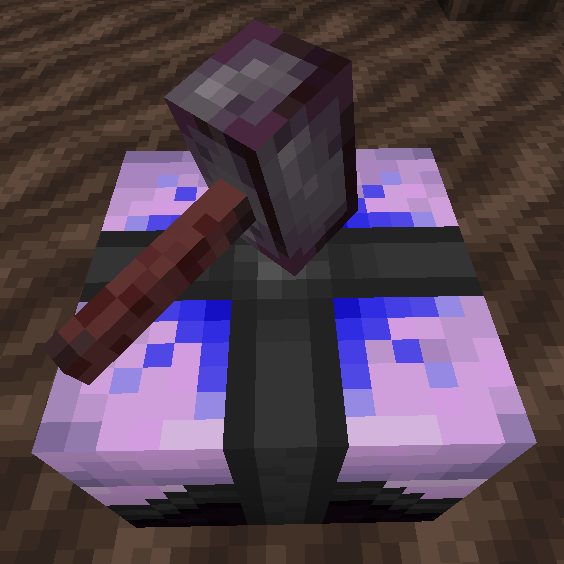
Esoteric Reforging
This mod adds a table that allows reforging by higher rarity than ancient.
PizzaCraft
Pizza in Minecraft!
Bank Storage
A portable storage device that can store up to 1,000,000,000 items per slot.
Lost Worlds LC
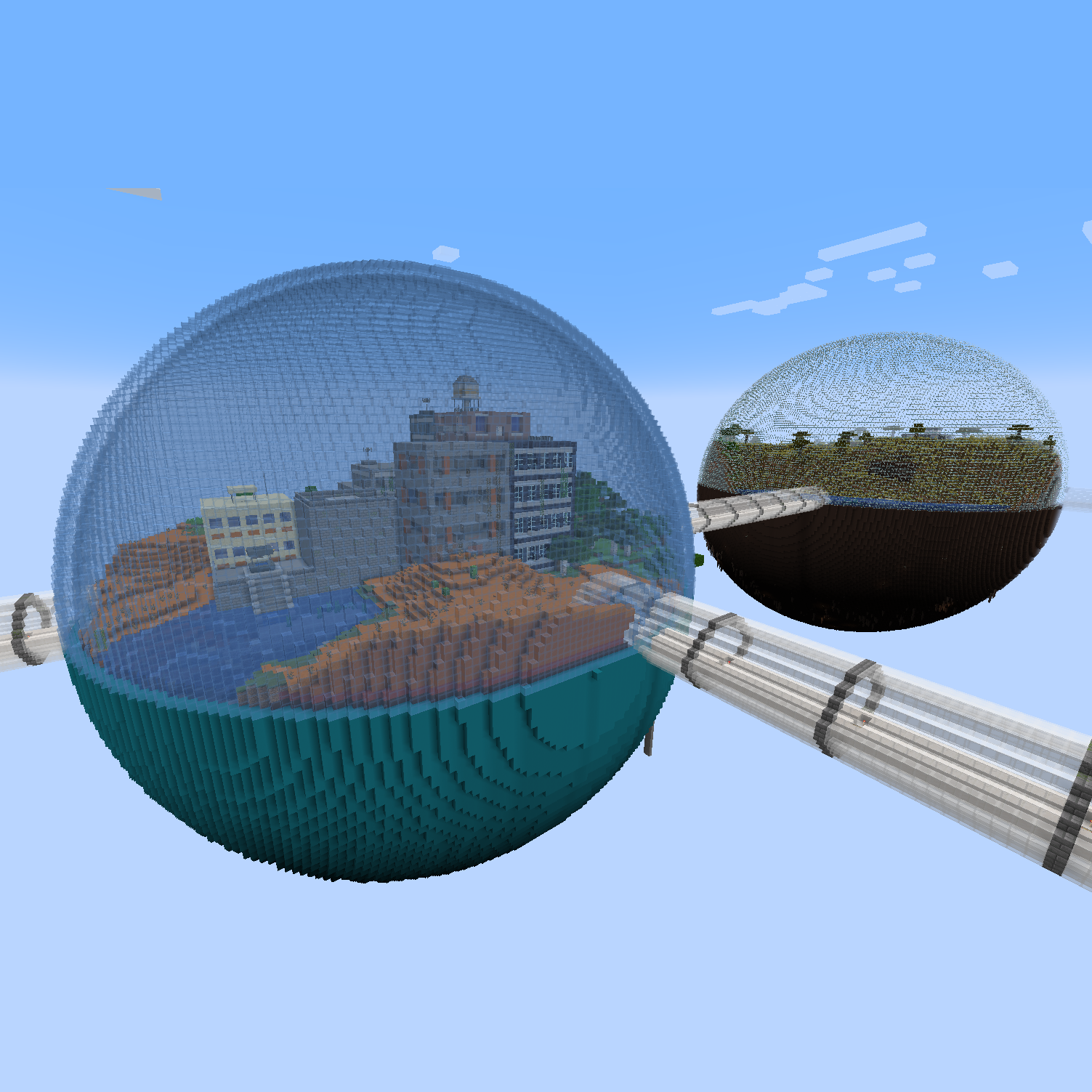
Lost Worlds companion mod for Lost Cities
Included in Modpacks (28)
Show fewer waccyy's Fantasia
 Better Cobblemon (Pokemon)
 Sensible MC
 Fabri's Frontiers
 Terramity Awakened
 Better Vanilla Combat
 HLStuff - Adventure & Exploration
 Kingdom Cordis - RP
 Ascension QoL
 PepeBright
 Few Years Later…
 RPG-LITE
 Terraria not MC
 RISAKU project
 PARANOID - Beyond Sanity
 Maor The King Of The Light
 PebbleTown
 Vanilla Bloom
 Cradle of the Hosts
 Cursed Life
 Rocks & Monsters
 Unreal Vanilla
 Airborne
 Mine & blade
 Cherry Sorbet
 Fyxe's Classic+
 lilacs
 Vanilla Vistas