

Tomb Many Graves 2
Modby M4thG33k
A grave mod for the adventurer on the go!
Description
The following information is for minecraft version 1.12.2! The 1.13.2 version of the mod is pretty similar but does not have all the same mod compatibility (because those mods haven't been updated!)
Warning: Version 1.12-4.2.0 is not 100% compatible with previous versions of the mod in terms of "other mod interaction". Always back up your game before updating!
This is a re-write of Tomb Many Graves for Minecraft 1.11.2 (by the same author, but maintained by tiffit). The mod desperately needed to be re-written in order to allow better compatibility between mods and configs to be added more easily. This version of the mod is not compatible with pre-1.11.2 versions.
Features:
- Items return to the exact same slot they were in when you died!

- Graves adapt to their surroundings!

- Grief-resistant! Only the person who died is able to retrieve their items (unless they grant access through the built-in friend system). Blocks are also virtually indestructible and can be locked so that you can't accidentally retrieve items before you're ready!
- A list of items that were on your person upon death!

Build-In Plugins:
Compatibility
Game Versions
Recommended Gear
AffiliateHardware and extras that pair well with this mod.

Minecraft Enderman Character Plush
Enderman plush toys, and a reliable gift for a younger player.

LEGO Minecraft Set
Official sets that translate the building side of the game off-screen.
As an Amazon Associate I earn from qualifying purchases.
Similar Mods

Chat Heads
See who are you chatting with!

Torchmaster
Adds a special torch which prevents mob spawning in a configurable radius

YUNG's Better Mineshafts (Forge/NeoForge)
A long-awaited and much-needed abandoned mineshaft overhaul!
Aquaculture 2
Spices up fishing with a number of new biome specific fish, recipes, and more!
Connectivity
Fix Login timeouts, Packet sizes errors, Payloads errors, ghostblocks and more.
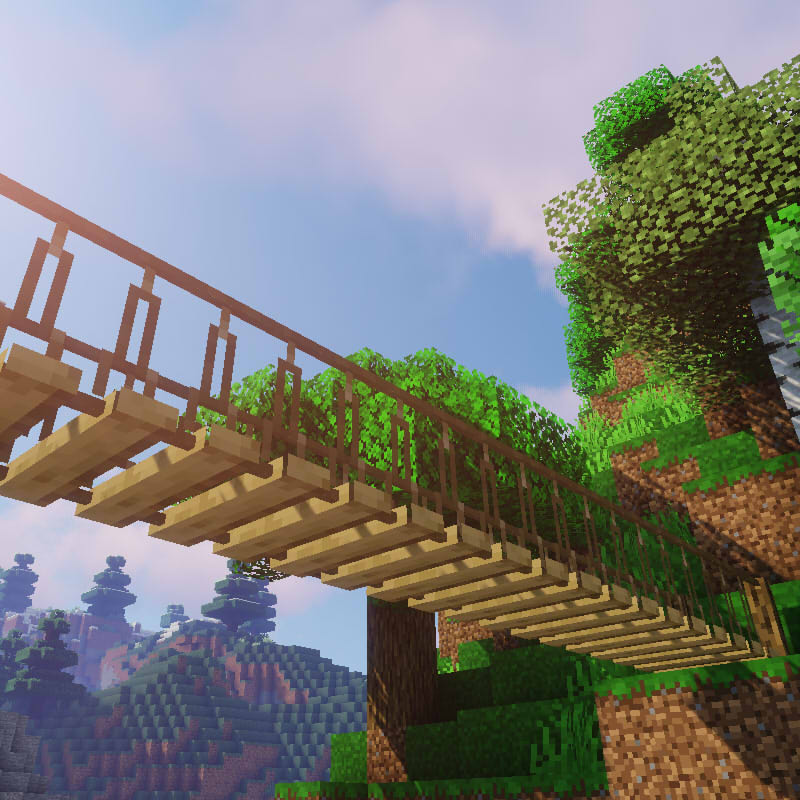
Macaw's Bridges
A simple mod that adds a lot of bridges!
Included in Modpacks (72)
Show fewer All the Mods 3 - ATM3
 Hexxit Updated
 Enigmatica 2: Expert - E2E
 Life in the village
 FTB Sky Odyssey
 Enigmatica 2 - E2
 Divine Journey 2
 Nomifactory CEu
 FTB Academy
 Engineer's Life
 FoolCraft 3
 All the Mods 3: Lite - ATM3L
 Omnifactory
 FTB Interactions
 Enigmatica 2: Expert Skyblock - E2ES
 Enigmatica 2: Expert - Extended
 AMP - Sky of Diamonds!
 All the Mods 2 - ATM2
 Nomifactory
 Enigmatica 2: Light - E2L
 Craft Of The Titans II: The GOG Remix
 Exoria
 Enigmatica 2 Expert Unofficial - E2Eu
 GregTech Community Pack
 Minecraft Trillionaire
 HarvestBlock
 The Trial of God
 Underdog
 Celestial Journey
 Invasion & Guns 1.12.2 Modpack
 Guns, Nukes, and Suffering (GNS) (Discontinued)
 Re-Evolving Technology
 Technological Journey
 [GTCEu] GregTech Expert 2
 FictionCraft: Atomic Space
 Vorps Reborn
 Tech And Tornadoes
 Skyblock Billionaire
 Lukes Paradise Parasites Exodus
 Tekkit - Reborn
 security unleash
 Game of Ansgards , an Ice and Fire world.
 Simply Skyblock
 Resonant Rise 5
 Technocratica
 Calculator Skies
 Enigmatica 2 Expert Unofficial Skybound - E2EuS
 Fantazy Tech
 MasterTech: Hollow Beginning
 The Immersive Revolution
 Nuclear Tech Reborn
 REVRB: Ruthless Enemies, Violent Redemption and Bosses
 Animalia - Zoo and City
 Bits and Bobs Expert Skyblock
 Parasitus
 Dumb and Sexy - Reloaded
 Mods, ores, and magic
 superheroes tech
 Omnifactory Self-Torture Edition
 HTTYDCraft
 Jurassicraft: The Lost World
 Mod Mee's Mee Mods
 The Runtie Mo'Creatures Pack
 Hexxit Resurrected
 RLCrafty
 Hexxit: Unlimited
 Gregtech Community Pack (GCP): Nuclearcraft Edition
 Jurassic Zoo Tycoon
 Hexxit: Unlimited - Lite
 HBM Nuclear Warfare Industrialization
 The Last of us-Zombie Survival
 Era of Thaumaturgy