
Stack to Nearby Chests
Modby xiaocihua1337
A client-side ONLY mod, adds the quick stacking and restocking features from Terraria into Minecraft.
Type
Mod
CurseForge Downloads
867,945
CurseForge ID
693995
Modrinth Downloads
1,182,302
Modrinth ID
HtGckJVc
Last Updated
Sep 5, 2026
Description
Compatibility
Mod Loaders
Game Versions
Recommended Gear
AffiliateHardware and extras that pair well with this mod.

As an Amazon Associate I earn from qualifying purchases.
Similar Mods

Dynamic Crosshair
A mod that hides or changes the crosshair dependent on context
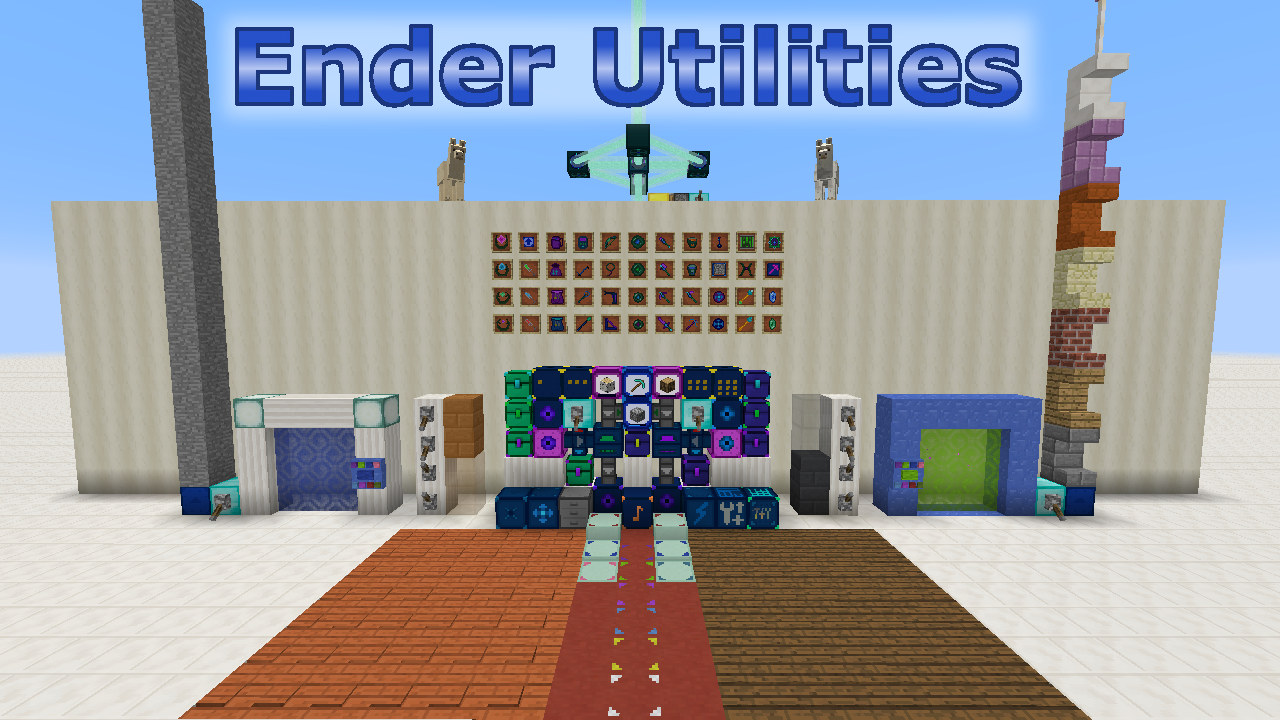
Ender Utilities
Miscellaneous utility items and blocks, many are inventory or storage related.
Jabba
Jabba (Just Another Better Barrel Attempt) is focused on providing an affordable mass storage block.
Zume
An over-engineered Zoom mod by Nolij
Dynamic Surroundings: HUDs
Various HUDs that were originally in Dynamic Surroundings
Fx Control!
Control Player Effects under various conditions
Included in Modpacks (39)
Most downloaded Better Adventures+
 Sensible MC
 Better Adventures+
 MI:Foundation
 Remade And Remastered
 Path of the Ascended
 Cobblemon Explorers!
 Cobblemon & Origins SMP
 Thosh's Client
 Cobblemon Explorers SMP
 Create & Farmer's Delight +
 Client Side + | performance boosts + visual upgrades + quality of life changes
 The Server26 Clientside Bundle
 A Toca da Coruja
 Ultimate Optimization
 Guns, military, and stuff lite
 (Closed) CE Wandering Wilds
 Smoother Adventures+
 ImprovedCraft
 Fantasy Adventures+