

Civilis Technology Compatibility
ModAdds compatibility between Civilis and various tech mods.
Type
Mod
Modrinth Downloads
38,899
Modrinth ID
TZBlTKuM
Last Updated
Aug 15, 2026
Description
Requires Civilis as a dependency.
Addon for Civilis to add compatibility to most tech mods. Most machines and utility blocks that are signs of a player will now create Civilis' civilized areas, preventing mob spawns in a nearby radius without the use of torches.
Small blocks such as pipes or cables are not supported. Mods such as Create, Applied Energistics 2 and other storage mods are already supported by default in Civilis.
Adds support for the following mods:
- Create's Addons
- Create Cobblestone
- Create Connected
- Create Radar
- Create Metallurgy
- Create Enchantment Industries
- Create Additions
- The Factory Must Grow
- Create Railways
- Industrial Foregoing
- Mekanism
- Additional Enchanted Miners (Quarry+)
- RFTools
- Strange Matter
- Thermal Series
- Tinkers' Construct
Other Addons
Civilis Magic adds support for most magic mods.
Civilis Minecolonies adds support for Minecolonies buildings to better protect colonies.
Mod Development
Civilis and Civilis Technology are still in development. More mods will be supported in the future. Contributions are welcome via the mod's GitHub repository.
Civilis Technology is an addon made in collaboration with the original Civilis developer.
Feel free to be used in any modpack.
Compatibility
Mod Loaders
Game Versions
Recommended Gear
AffiliateHardware and extras that pair well with this mod.

As an Amazon Associate I earn from qualifying purchases.
Similar Mods
Utility Worlds
Player-created useful worlds.
Cataclysm Delight
This mod is an addon for L_Ender's Cataclysm and Farmer's Delight

Mob Tag Fixes
Adds modded mobs to the vanilla entity type tags they belong in, so Smite, raids, and Bane of Arthropods work on them.
Stacy's Wolves
Additional Wolves for different climates, mobs and ores!
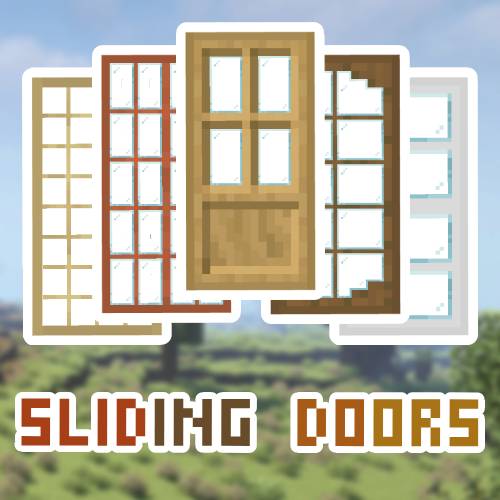
Sliding Doors
Sliding doors to decorate your buildings

No LAN Cheating
Removes the "Allow Cheats" button from the "Open to LAN" menu.
