
Divine Journey
Modpackby AtricosHU
Expert Pack | 800 Quests | 300 Achievements | DivineRPG | 4 Magic Mods | Linear Progression | One Goal: "Make Infinite Infinity Ingots"
Type
Modpack
CurseForge Downloads
398,432
CurseForge ID
270093
Last Updated
Jul 26, 2026
Description
Welcome to Divine Journey!
Divine Journey is a finished project, 1.5.7 will most likely be the last update.
Divine Journey 2 for 1.12.2 has been released! https://www.curseforge.com/minecraft/modpacks/divine-journey-2
A public Discord server for Divine Journey 2 exists, which you can feel free to join: https://discord.gg/rH9pyS7
If you'd like to try Divine Journey in 1.12.2, a port exists named "Celestial Journey" made by Unhook!
This is an Expert pack, meaning recipes are much harder and you have one goal to work towards:
"Make Infinite Infinity Ingots"
...achieved by first making one, then putting it in a Creative Strongbox.
This will require a lot of Automation setup and good game knowledge!
Both the Quest Book and the Achievement Book will help you get there.
THIS MODPACK FEATURES TWO MODES:
- EASY MODE [harder than PO2 Titan mode]
- HARD MODE (DEFAULT) [harder than PO2 Kappa mode]
TO SWITCH BETWEEN THESE MODES, USE:
"/ftb_mode set easy" or "/ftb_mode set hard"
THIS PACK INCLUDES VEINMINING WITH TOOLS
How to setup a Divine Journey Server (at the bottom on the main post):
http://www.minecraftforum.net/forums/mapping-and-modding/minecraft-mods/mod-packs/2785708
Newest Server files (1.5.7):
https://minecraft.curseforge.com/projects/divine-journey/files/2529982
_________________________________________________________________________________________________
Average completion time:
Easy Mode: 300 - 600 ingame hours
Hard Mode: 500 - 1000 ingame hours
_________________________________________________________________________________________________
Travel through all of DivineRPG and 4 other Magic Mods
Linear progression
800 Quests in the Quest Book
300 Achievements in the Achievement Book
...Much like by FTB Infinity Evolved Skyblock and Project Ozone 2
1140 modified recipes
30 craftable Creative Items
_________________________________________________________________________________________________
Original MinecraftForum thread with a lot more information.
This pack includes Fastcraft, by Player, enabled by default. Link: http://forum.industrial-craft.net/index.php?page=Thread&threadID=10820&pageNo=1Fastcraft enhances Minecraft with increased performance. To disable Fastcraft, go to your installation folder/mods/, and remove "fastcraft-###.jar". If you're noticing issues, contact the mod author.
_________________________________________________________________________________________________
Feaured Let's Play by To Asgaard:
Ep 30 Base Tour:
EP 1:
_________________________________________________________________________________________________
Frequently Asked Questions (FAQ):
Q: What version of Minecraft is this pack made for?
A: 1.7.10
Q: What mods are in it?
A: https://www.curseforge.com/minecraft/modpacks/divine-journey/relations/dependencies
Q: How do I make a Divine Journey Server?
A: "How to setup a Divine Journey Server" (at the bottom on the main post):
https://www.minecraftforum.net/forums/mapping-and-modding-java-edition/minecraft-mods/mod-packs/2785708-divine-journey-1-5-7-expert-pack-1140-modified
Q: How much RAM do I need for the client / server?
A: For the client, 4 GB RAM is enough. For the server, depending on the number of players: 4 - 120+ GB RAM (for 2 - 30+ players).
Q: How do I give my client more RAM?
A: Curse Launcher: Bottom left Gear icon (Settings) -> Minecraft -> Java Settings -> Allocated Memory
Technic Launcher: Top right Gear (Options) -> Java Settings -> Memory
Q: How do I give my server more RAM?
A: It's explained at the "How to setup a Divine Journey Server" part (at the bottom on the main post):
http://www.minecraftforum.net/forums/mapping-and-modding/minecraft-mods/mod-packs/2785708
Q: Which version of Java do I have to use?
A: Java 8.
Q: How exactly do Easy and Hard modes differ?
A: Changed recipes are a lot less grindy in Easy Mode. Check the Images tab for examples: https://minecraft.curseforge.com/projects/divine-journey/images
Q: Where is the installation folder / Where do I find my save files?
A: Curse Launcher: C:/Users/*yourname*/Documents/Curse/Minecraft/Instances/Divine Journey
Technic Launcher: C:/Users/*yourname/AppData/Roaming/.technic/modpacks/divinejourney
(To get to the Roaming folder, type %appdata% into Windows Start Menu search.)
Q: Do I need to make a new world when the pack updates?
A: No. (Unless I specifically state that in the Changelogs, but that hasn't happened yet.)
Q: Will you add X mod?
A: No, Divine Journey is a finished project.
Q: Will you change X recipe / X configuration?
A: No, Divine Journey is a finished project.
Q: I want to add X mod. Will I be fine?
A: Most likely yes, since the pack uses the latest version on 1.7.10 Forge. But you won't be able to join any Servers after you've modified your pack.
Q: I want to add OptiFine but my game crashes. What to do?
A: Remove FastCraft first. Those two don't work together.
Q: What unlocks X quest?
A: You can check this by yourself.
1. Go to your installation folder\Divine Journey\config\hqm.
2. Open editmode.cfg and change "B:UseEditor=false" to "B:UseEditor=true".
3. Startup your client, and create a new world.
4. Open the Quest Book and you can see what quest requires what other quest, and which one unlocks what.
(This won't affect Multiplayer, unless you change editmode in your Server's folder.)
Q: I can't complete X quest. Why?
A: There are some known quest bugs: https://minecraft.curseforge.com/projects/divine-journey/issues/6
But none of them are gamebreaking. This also explains why I'm not fixing them.
If you want to forcefully unlock a quest, type "/hqm edit" or "/hqm edit playername" ingame. (This requires Cheats to be toggled on in Singleplayer, or for your to be OPped in Multiplayer.) This gives you an OP edition of the Quest Book, where you can unlock any quest by Shift+Clicking on it.
Q: Why can't I craft an Osmotic Enchanter / Project Red Expansion Auto Crafting Bench?
A: Because it has been disabled. It caused a ticking entity error, which crashes the game after a while it has been loaded. The only way to stop the crashes would be to edit out the block from the world in MCEdit.
Q: DivineRPG adds a way of crafting Bedrock. Has that been disabled?
A: Yes.
Q: I can't build a Blood Magic Ritual, because the Ritual Diviner is gated by other things. What to do?
A: You can build the Ritual by hand, and color the Stones with Elemental Inscription Tools. Once they are bound, they can also be repaired by right clicking with them.
Q: How do I automate the Alchemic Chemistry Set?
A: Use the Ballad of Alchemy Ritual: https://ftbwiki.org/Ballad_of_Alchemy
Q: How do I automate the Binding Ritual?
A: Use Droppers to drop the required item and an Autonomous Activator to click on the central Ritual Stone. Use a Vacuum Chest to collect the output.
Q: How do I automate Botania Runes?
A: Setup farms to automate the ingredients (Netherite and Bloodgem blocks can be duplicated in the Alchemic Chemistry Set). Create a Pattern for all the required items, send them to the Runic Altar and drop them with an Open Crate. Use a Comparator to detect if any items are on the Runic Altar, and delay dropping a piece of Livingrock and use an Autonomous Activator with a Wand of the Forest to create the Rune. Use a Vacuum Chest with a filter to collect it.
Q: How do I automate the Infusion Altar?
A: Use the Gadomancy Infusion Claw to start the crafting, an Infusion Provider to provide all the Aspects, and item conduits with filters to put the correct items on the Pedestals. You can use ProjectRed logic gates to put it all together.
Q: How do I automate the creation of Necromantic Stones?
A: Use a Level Emittor to emit a signal if you have less than X amount of Necromantic Stones in your ME System, and use a Daylight Sensor to only trigger the crafting at night. Use a slow Timer (so your Altar can recharge), and each time it ticks, throw the required items in the circle and activate the Ritual with an Autonomous Activator. Use a Vacuum Chest with a filter to collect the Necromantic Stone.
Q: How do I automate the creation of Critter Snares?
A: Use Block Placers and Autonomous Activators to place the Alder Saplings, the Zombie (from a Soul Vial), and to activate your Mutating Sprig. Collect the Snares with Block Breakers and a Vacuum Chest with a filter. Then send them to a different area where a Block Placer places them down with a delay, and only have a 1 block gap above for a Bat to get released from a Soul Vial by another Autonomous Activator. Break the result with a Block Breaker.
Q: How do I automate Koboldite?
A: Leash the Hobgoblins in a Wooden Cage so they can barely reach one side of it. Place Block Placers on that side that place Stone Blocks. Arm the Hobgoblins with Iron Pickaxes, and later Koboldite Pickaxes, so they can break the Stone but not the Block Placers. Collect the Koboldite Dust using a Vacuum Chest.
Q: How do I automate Death Protection Poppets?
A: You have 2 options: Use Zzacharium related items or the Infusion Altar. If you use Zzacharium, first make an automted Thornvine farm, and an MFR Auto-Brewer. To automate the Witchery ingredients, use multiple Altars, and encaged areas to drop items into Cauldrons with a Dispenser. You can use any Fluid Conduit to supply Water to the Kettle and the Cauldron. If you use the Infusion Altar, you will only need to automate the Witchery part, but crafting will take longer.
Q: How do I automatically respawn and kill the Ender Dragon?
A: Use a Builder to create the Respawn platform, and activate it with an Autonomous Activator. Measure how long it takes for the Dragon to respawn and use a Timer to fire at it with multiple Autonomous Activators full of fully upgraded Draconic Bows. Collect the loot with a Vacuum Chest, and use the MFR Chunk Loader to load the entire area (You don't want half of your contraption - maybe the part that fires the Arrows - to shut off.)
_________________________________________________________________________________________________
Thanks to:
XxShadow, for a lot of recipe ideas and the idea to add Gadomancy
Azrael555666, for making a playtesting server
Xellik, for finding some important bugs
Afridqvist, for finding a lot of quest bugs
Samario, for the Demonic Gem and Lambcrystal icons
Compatibility
Game Versions
Screenshots
Similar Modpacks

DarkRPG - RPG with Magic, Origins, Quests, Adventure
RPG Modpack, 1800+ Quests, Origins, Magic, Bosses, MMO Server, Fabric Edition, Latest RPG Adventure!

Valhelsia 3
A modpack in 1.16.5 with a mixture of technology, magic, exploration, adventure with Vanilla+ aspect...
Project Ozone 3 A New Way Forward
Third Iteration: Remake the world or claim a new land/dimension of your choice. A BQ pack that is all about exploring, p...

All the Mods 3 - ATM3
ATM - All your favorite mods now on 1.12
Beyond Depth
Challenging Exploration Modpack | New dimensions | Tough bosses | Enhanced combat | Endless exploration.

Farming Valley
This modpack is centered around the genre of games that Stardew Valley and Harvest Moon are in.
Contained Mods (98)

JourneyMap
Real-time map used for mapping in-game or your browser as you explore.
Tinkers Construct
Modify all the things, then do it again!

Mouse Tweaks
Enhances inventory management by adding various functions to the mouse buttons.

MmmMmmMmmMmm (Target Dummy)
Target Dummy that show damage dealt and can be equipped with armor. Damage numbers!
Applied Energistics 2
A Mod about Matter, Energy and using them to conquer the world..

The Twilight Forest
A realm basked in mystery and eerie twilight, you will overpower terrifying creatures and secure the adventure of a life...
Fast Leaf Decay
Makes leaves decay faster when a tree is cut down.

Storage Drawers
Interactive compartment storage for your workshops.

McJtyLib
Companion mod for all mods by McJty (RFTools, XNet, Deep Resonance, Not Enough Wands, SignTastic, ...))

CoFH Core
Contains Core Functionality for all Team CoFH mods. Also does some really cool stuff on its own!
Iron Chests
Iron Chest mod

Ender IO
Ender IO

Mantle
Shared code for Forge mods
Thermal Expansion
Expanding Minecraft Thermally! A server-friendly and content-rich blend of magic and technology!

Thermal Foundation
The Foundation of a Thermally Expanding World!

Draconic Evolution
Draconic Evolution is a mod that adds some extremely expensive high tier items to the game.

Brandon's Core
This is the core mod that will be used by most of my mods from now on

Bad Mobs
A mod to blacklist mobs from spawning.
Thermal Dynamics
Thermal gets Dynamic! Adds ducts - transportation for Redstone Flux, Fluids, and Items!
Botania
An innovative natural magic themed tech mod

Resource Loader
A small mod that allows users to add their own resources to minecraft without making a resource pack
![Inventory Tweaks [1.12 only]](https://media.forgecdn.net/avatars/9/423/635428742381702656.png)
Inventory Tweaks [1.12 only]
Tweaks to inventory handling for ease of use, including sorting and automatic replacement of broken tools or exhausted s...

Custom Main Menu
Allows you to modify the main menu using a simple json file

ModTweaker
ModTweaker is an addon for CraftTweaker, a recipe manipulator utility for Minecraft. It allows you to modify the recipes...

Morpheus
Sleep vote system

EnderCore
Library mod for Ender* projects and others

BiblioCraft
Bookcases, armor stands, shelves and so much more!

Chisel
A builder's best friend.

Wawla - What Are We Looking At
Waila/Hwyla addon which adds all the info.

ExtraCells2
AE Addon
Blood Magic
An arcane art for ultimate power

Waila Harvestability
An add-on for Waila that adds information about the harvestability of what you are looking at
Project Red - Core
Core module for the Project Red series
![Hardcore Questing Mode [FORGE/FABRIC]](https://media.forgecdn.net/avatars/6/120/635352021648282257.png)
Hardcore Questing Mode [FORGE/FABRIC]
Hardcore Questing Mode
Project Red - Integration
Integration module for the Project Red series
RFTools
RFTools, blocks and items to help with Redflux (dimension builder, crafter, monitor, scanner, ...)

Iron Backpacks
Portable storage and item manipulation through tiered backpacks and a system of modular upgrades.
Natura
Natura

WanionLib
Shared code library used by all WanionCane mods!

FTB Utilities (Forge)
FTB Utilities is a mod by FTB. It aims to provide several useful utilities within the FTB Platform ranging from friends...

FTB Library (Forge) (Legacy)
FTB Library is a library mod that is used for some of our mods.

OpenModsLib
Common base used by OpenBlocks and OpenPeripheral

Extra Utilities
Just a bunch of useful things
Wireless Crafting Terminal
An addon for Applied Energistics 2 that adds a wireless version of the Crafting Terminal

Thaumcraft
Thaumaturgy is the capability of a magician to work miracles. This is what this mod is all about - drawing magic from ph...

OpenBlocks
Random collection of blocks. Some of which aren't blocks at all.
Thaumic Inventory Scanning (Thaumcraft Addon)
Allows hovering over items in inventories with a Thaumometer on the cursor to scan them.

p455w0rd's Library
Lib Mod to consolidate common functionality used across p455w0rd's Mods

AgriCraft
Agricultural farming extended.

QuantumFlux
Wireless RF and other gadgets to make gameplay fun
Simple Achievements
Customizable "checklist" style achievements

Avaritiaddons
A Mod that tries to expand the meaning of Infinity!

Avaritia
A parody mod to end all mods

Thaumic Energistics
Essentia management in storage, transportation, and application

Project Red - Exploration
Exploration module for the Project Red series

Ender Storage
linked color coded ender chests

Waila
Waila (What Am I Looking At) is a UI improvement mod aimed at providing block information directly ingame.

Thaumic Exploration
Thaumic Exploration is a Thaumcraft 4 addon, with the goal of simply adding more balanced Thaumcraft content of the qual...

Project Red - Illumination
Illumination module for the Project Red series

CodeChickenCore
Base common code for all chickenbones mods.
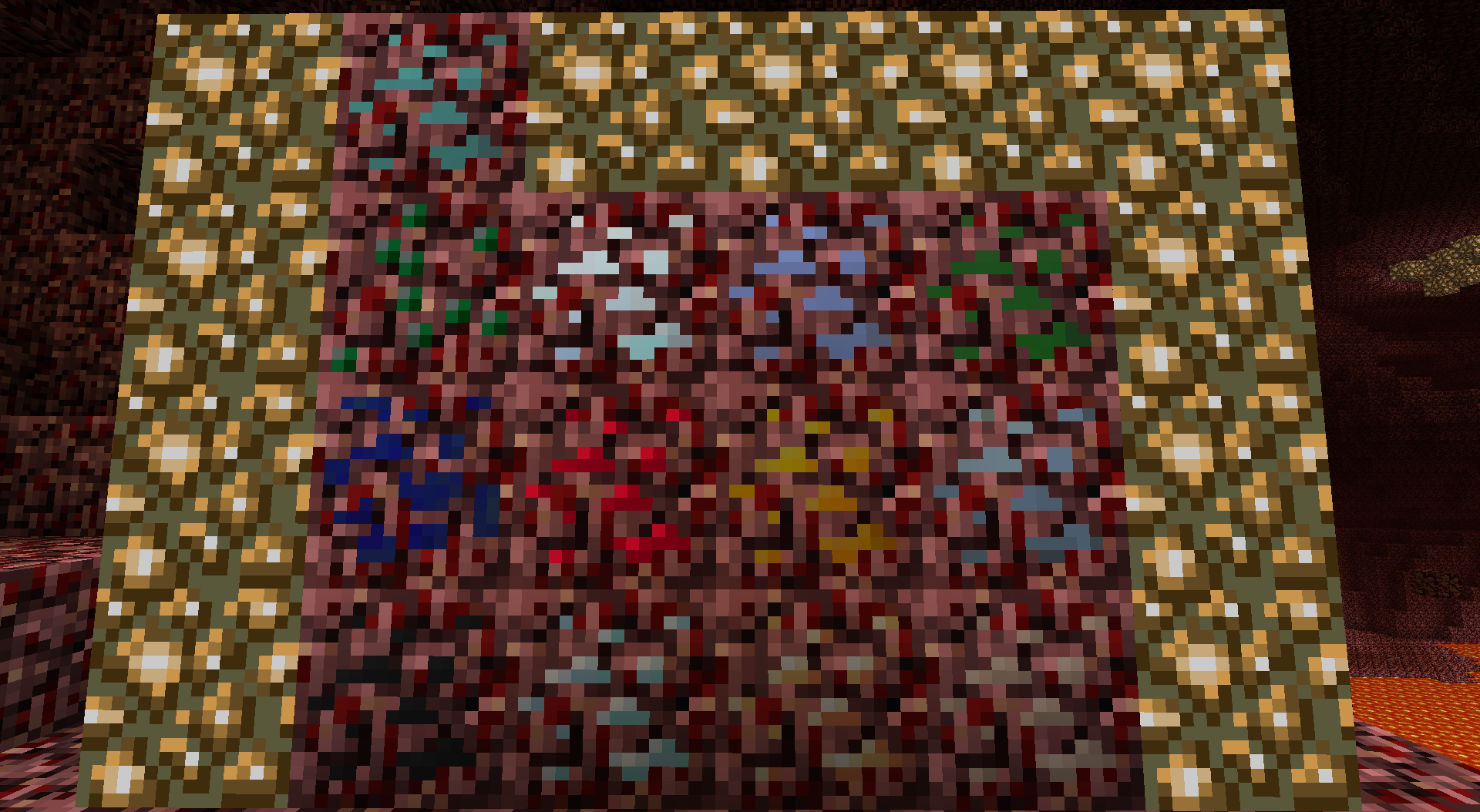
NetherOres
Ores in the Nether! Coal, diamond, gold, iron, lapis, redstone, tin, copper, emerald, silver, lead, uranium.
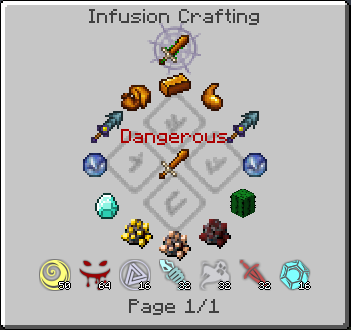
Thaumcraft NEI Plugin
NEI Integration for Thaumcraft 4
Project Red - Expansion
Expansion module for Project Red series
Project Red - Compat
Redstone enthusiasts' one-stop-shop. Compatibility module for Project Red.
Dense Ores
Adds Dense variants of ores (includes support for numerous mods)

NotEnoughItems
Recipe Viewer, Inventory Manager, Item Spawner, Cheats and more

Tinkers' Mechworks
Tinkers' Mechworks is a mod that adds various redstone machines.

BiblioCraft: BiblioWoods Natura Edition
Adds support for Natura woods to BiblioCraft blocks. Requires BiblioCraft to run.

Witchery
Witchcraft and nature magic with a bit of voodoo and necromancy too

Thaumic Tinkerer
Tinkerering with Thaumic Creations!
NEI Addons
Addons for Not Enough Items for various mods

FastCraft
A powerful universal optimization mod without game play changes.
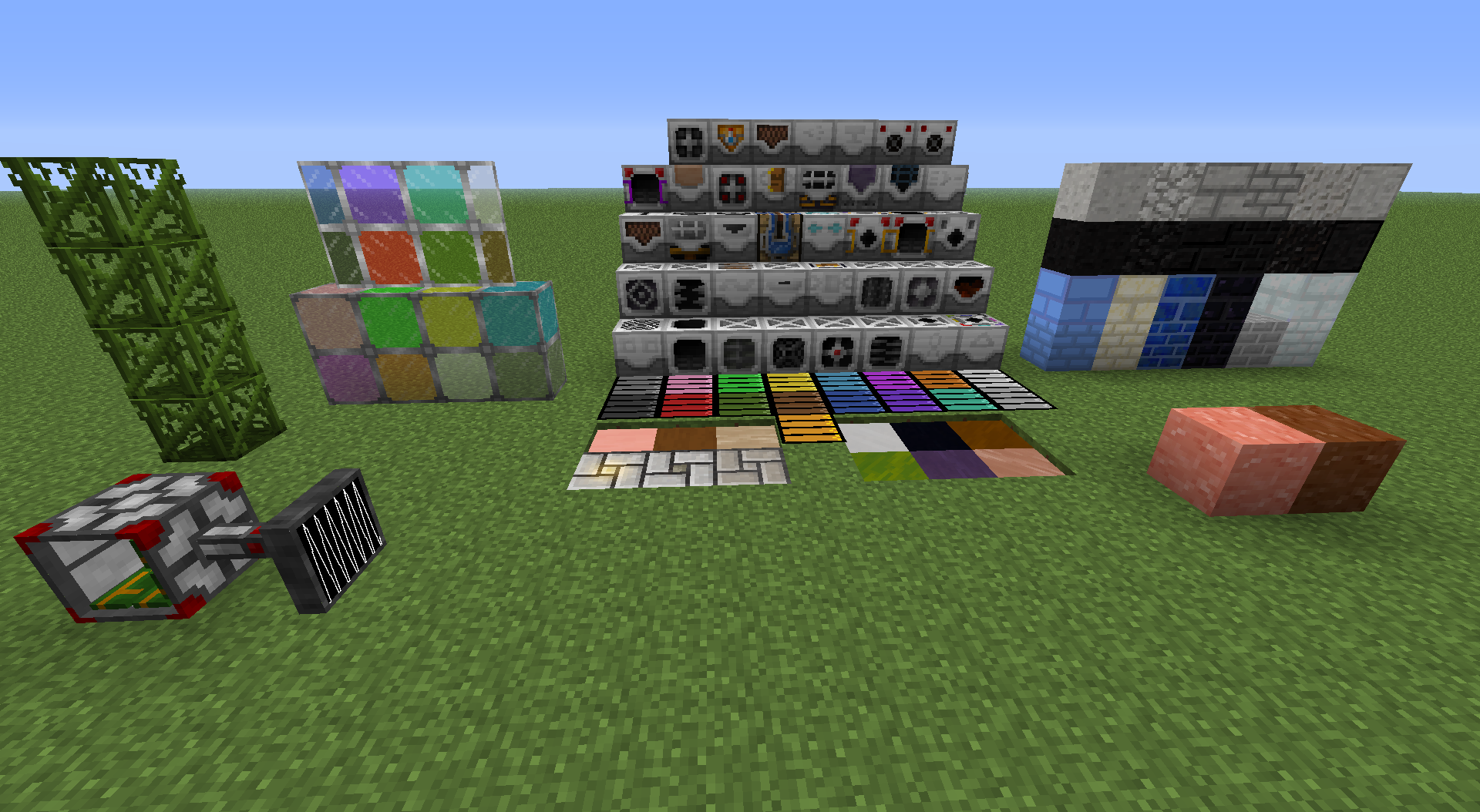
Minefactory Reloaded
MFR aims to automate a number of tasks that previously would be difficult, boring, or work-intensive.

VeinMiner
VeinMiner

Big Reactors
Big Reactors is a mod for Minecraft, built on the Forge modding platform.

TiC Tooltips
Adds stats to the tooltips of Tinkers' Construct tool parts
Carpenter's Blocks
Customize your Minecraft world.

StartingInventory
This mod gives you items and blocks each time you start a new world.

Simply Jetpacks
RF powered jetpacks

NEI Integration
NEI handlers for all of the mods

ExtraTiC
Extra tools & weapons for tinkers' construct

Another One Bites the Dust
Process ALL the ores!

FTB Tweaks
This is a very simple mod that introduces the concept of game modes. For want of a better description this allows you to...

Magical Crops: Core/Regrowth
Grow & Harvest all your resources!

Magical Crops: Armoury
Armour and Weapon addon for Magical Crops 4!
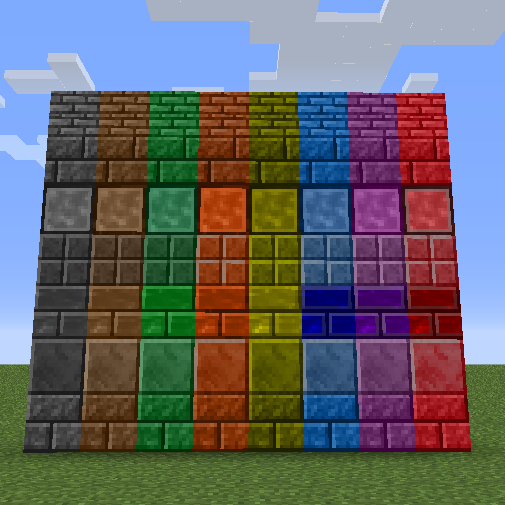
Magical Crops: Decorative
Magical Crop addon, adds many decorative blocks to your world!
CustomThings
Adding custom items, blocks, and more to minecraft via JSON files
Ender IO Addons
Ender IO Addons adds more machines to Ender IO
Runic Dungeons
A Simple Dungeon Dimension.
Storage Drawers: Natura Pack
Wood style addons for Storage Drawers using the Natura mod
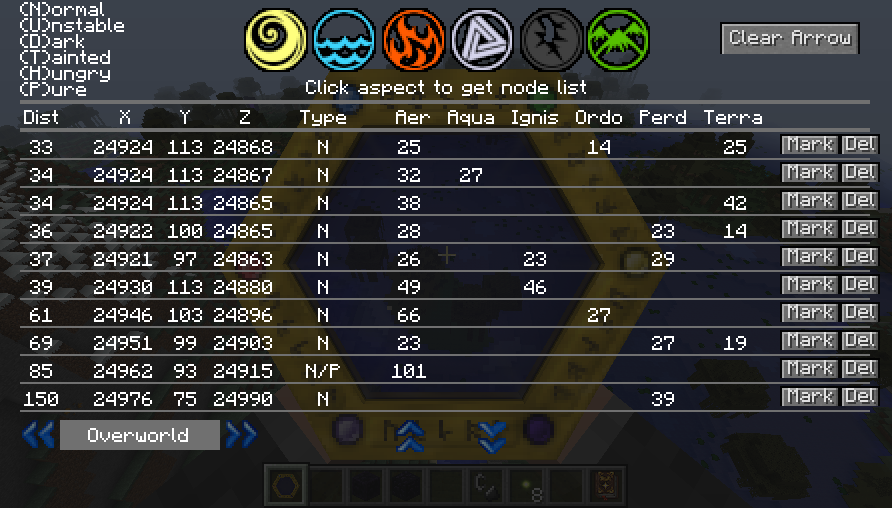
Thaumcraft Node Tracker
Tracks nodes you have scanned in Thaumcraft.

MFR Magical Crops Compatibility
For those times when magical crops don't add their crops to MFR.

Forbidden Magic
A mod to add a little darkness to Thaumcraft

WR-CBE-Universal
The combined WR-CBE mod
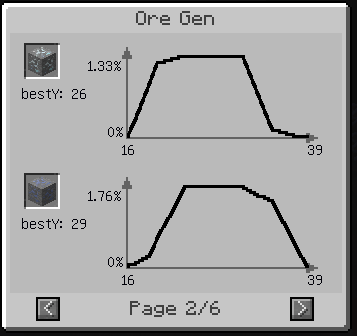
NotEnoughResources
Adds NEI integration for world resources like ores and mob drops

MineTweaker3
Customize your minecraft experience!

Gadomancy
Another addon for Thaumcraft

Autowalk
Adds autowalk button for minecraft. FORGE required. 1.8 1.8.9 1.10