
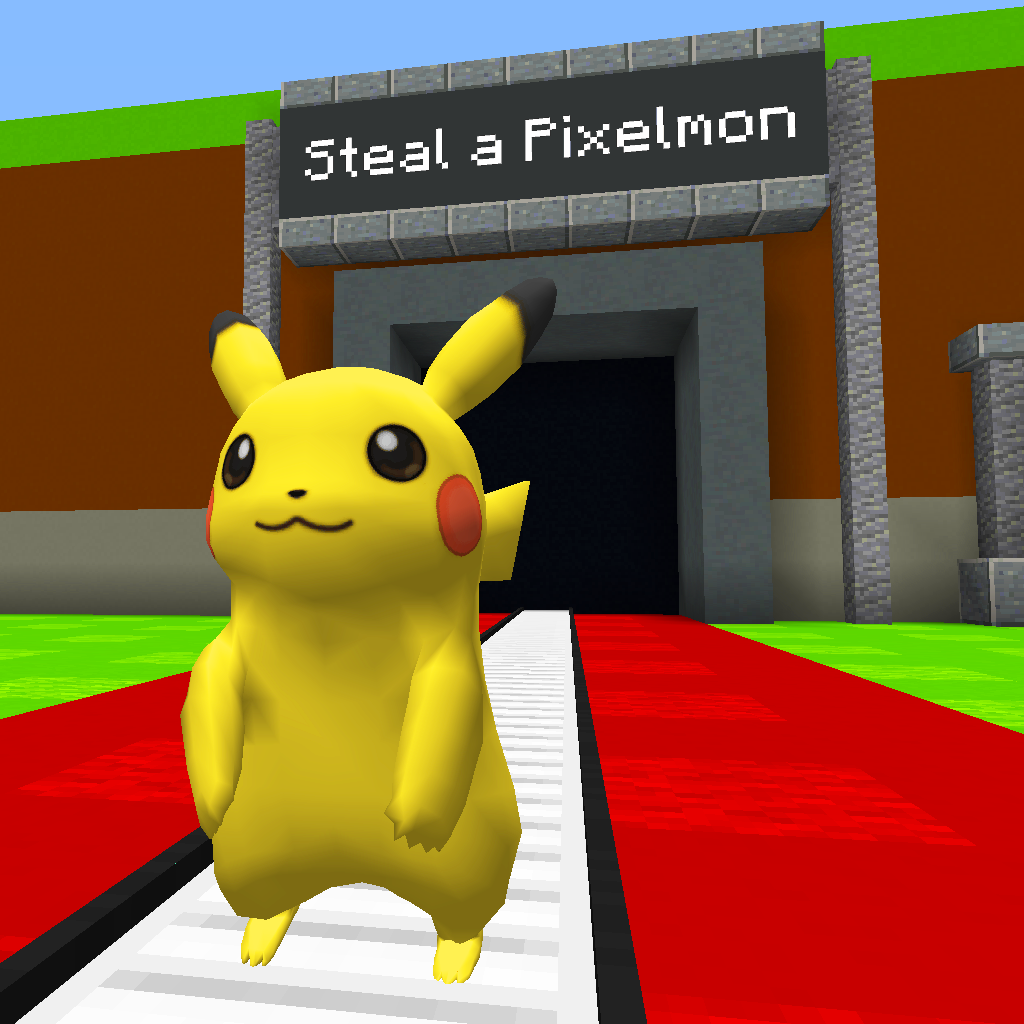
Steal a Pixelmon
Modpackby Segara01
Official modpack for playing the map “Steal a Pixelmon”.
Type
Modpack
CurseForge Downloads
1,335
CurseForge ID
1384381
Last Updated
Jul 27, 2026
Description
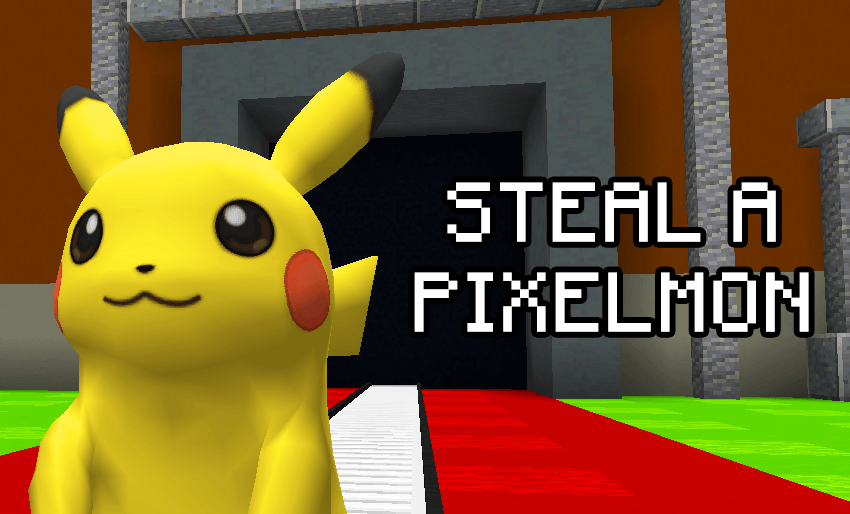
Official modpack for playing the map “Steal a Pixelmon”
If you know the mini-game Steal a Brainrot, this modpack recreates that same experience in Minecraft using Pixelmon.
This pack contains the exact mods and configuration files used by the map author so you get the intended mechanics and balance - ideal for LAN or small server play with friends.
What you get
- Fully prepared mod environment for the map (manifest will download all mods automatically, including Pixelmon).
- All gameplay systems supported: conveyor spawns, stasis mechanics, custom vending, no-drop rules, base protections, timers, spawn logic and more.
- Minimal, clear steps to get started quickly.
Note: This modpack does not include the Steal a Pixelmon map, the Brainrot data pack, or the Brainrot resource pack. These are sold separately (see links below).
How to obtain the map, Data Pack and Resource Pack
- Minigame Map (world save) - $12.99
Buy (USD): Steal a Pixelmon - Minigame Map | BuiltByBit
Buy (Brazil - PIX): Steal a Pixelmon - Minigame Map - Brainrot Data Pack + Resource Pack - $9.99
This bundle includes both the Data Pack (adds the Brainrot mobs) and the Resource Pack (models & textures required to see them).
Buy (USD): Brainrot Pixelmon - Data Pack | BuiltByBit
Buy (Brazil - PIX): Brainrot Pixelmon - Data Pack
Quick install - Client (recommended)
-
Open CurseForge Launcher → Install / Import this modpack profile. The launcher will download all mods automatically.
-
Download the map file from BuiltByBit and extract the world folder Steal_a_Pixelmon/ to:
%appdata%/.minecraft/saves/ -
If you purchased the Data Pack + Resource Pack:
Put Brainrot_Datapack.zip into:
%appdata%/.minecraft/saves/Steal_a_Pixelmon/datapacks/Put Brainrot_Resource_Pack.zip into:
%appdata%/.minecraft/resourcepacks/In Minecraft: Options → Resource Packs → move it to Selected (enable it).
-
Launch Minecraft with the modpack profile and open the world. If the datapack doesn’t appear immediately, run: /reload.
Result: Map systems work as intended. If you installed the Data Pack + Resource Pack, the Brainrot mobs (Tralalero Tralala and Tung Tung Tung Sahur) will spawn and render correctly.
Quick install - Server
-
Install the same modpack on your Forge server (import the manifest / use the same mods + configs).
-
Copy the world to the server world/ folder or upload Steal_a_Pixelmon/ to the server’s saves/ equivalent.
-
Place Brainrot_Datapack.zip into: world/datapacks/ (or saves/Steal_a_Pixelmon/datapacks/ depending on server layout).
-
Resource Pack delivery (recommended):
Host Brainrot_Resource_Pack.zip on a public HTTPS URL (GitHub Releases, S3, etc.).
Add these lines to your server.properties:
resource-pack=https://yourhost.com/Brainrot_Resource_Pack.zip
resource-pack-sha1=<SHA1_HEX_OF_FILE>
To generate the SHA1:
Windows (PowerShell/CMD): CertUtil -hashfile "Brainrot_Resource_Pack.zip" SHA1
Linux/macOS: sha1sum Brainrot_Resource_Pack.zip or shasum -a 1 Brainrot_Resource_Pack.zip
Restart server. Players connecting will be prompted to accept the pack and, if they accept, the textures load automatically.
If you can’t host an HTTPS link, instruct players to download and install Brainrot_Resource_Pack.zip into their %appdata%/.minecraft/resourcepacks/ and enable it manually. -
Set enable-command-block=true in server.properties. Recommended view-distance: 6–8. Server RAM: 8 GB+ for stable multiplayer.
Important notes & troubleshooting
- Pixelmon is included via the modpack manifest - you do not need to install Pixelmon separately if you import this profile.
- Do not mix mod versions - use the modpack profile to avoid crashes.
- If the map crashes at launch, check mods_list.txt, clear config/ (backup first) and restart. Provide crash logs when requesting help.
- If Brainrot mobs are invisible or pink, the Resource Pack is not enabled for that player. Every player must enable it.
- Datapack must be placed in the correct datapacks/ folder for the world (singleplayer or server).
Links & support
- Buy map (USD): Steal a Pixelmon - Minigame Map | BuiltByBit - $12.99
- Buy map (PIX/BRL): Steal a Pixelmon - Minigame Map - R$12.99
- Buy Data Pack + Resource Pack (USD): Brainrot Pixelmon - Data Pack | BuiltByBit - $9.99
- Buy Data Pack + Resource Pack (PIX/BRL): Brainrot Pixelmon - Data Pack - R$9.99
- Official Modpack (CurseForge): this project page / profile
- Support / Contact: Discord
- Creator: Segara - YouTube
License & server rules
- Personal use only. Redistribution or resale of files without permission is prohibited.
- Public/monetized servers must purchase a separate server license - contact the author via Discord for terms.
Compatibility
Mod Loaders
Game Versions
Recommended Gear
AffiliateHardware and extras that pair well with this modpack.

As an Amazon Associate I earn from qualifying purchases.
Screenshots
Similar Modpacks
Create - Forge Frontier
Create - Forge Frontier is a Create-focused modpack with automation, exploration, custom progression, unique planets, an...

MagiCraft4 - The Curse of Ignis
Magic/esploration modpack

QSMP 2024 FANMADE
A QSMP 2024 Fanmade modpack
Project Minecolonies United
Create prospering colony and conquer the world.
Progressionistic
A kitchen-sink modpack where mods intersect to progress eachother

Vampires and Werewolves
Modpack for the Vampires and Werewolves server
Contained Mods (16)
Entity Culling Fabric/Forge
Using async path-tracing to hide BlockEntities/Entities that are not visible
Konkrete
Just another boring library mod.

Patchouli
Accessible, Data-Driven, Dependency-Free Documentation for Minecraft Modders and Pack Makers
SuperMartijn642's Core Lib
SuperMartijn642's Core Lib adds lots of basic implementations that allow for similar code between different Minecraft ve...

Create
Aesthetic Technology that empowers the Player
Just Zoom
Zoom by pressing a hotkey and adjust the zoom factor with your mouse wheel!
Mekanism
High-tech machinery, powerful energy generation, fancy gadgets and more. Now on Curse!

Titanium
Library for Horizon Studio

Industrial Foregoing
A collection of machines to make your minecraft builds easier to automate

Pixelmon
Explore, the world of Minecraft in a whole new way. Capture, train and battle your team and become the very best Pokemon...

Flywheel (Legacy)
An accessory rendering engine for block entities and entities.
Bigger Stacks
Increases stack limit. Fat stacks.

Immunity Enchantments
Adds a Bunch of Immunity Enchantments Making the Wearer Immune to those effects
Portable Mobs
Allows the player to capture mobs and move them around.

Lightman's Currency
A simple currency/economy mod that allows you to safely trade in a multiplayer environment.

Out Of Sight
Can drastically improve frame rates by limiting how far away tile entities and entities can render, with configurable ra...