

Auto Potion
ModThis mod is created by @TheEpitex youtube channel. Uses potion automatically when needed.
Type
Mod
Modrinth Downloads
719
Modrinth ID
xaQSiSXt
Last Updated
Jul 25, 2026
Description
Epitex — Smart Auto-Potions
Never manually drink a potion again.
Auto Potion is a lightweight client-side and server-side auto-potion mod that instantly uses the right potion exactly when you need it.
This mod works in both singleplayer and client-side environments, so you can safely use it on online servers.
✨ Features
• Fire Resistance — instantly when you’re in lava or on fire
• Slow Falling — when a fall would be lethal (smart health + fall distance calculation)
• Instant Health — when you drop below 3 hearts
• Regeneration — when you’re at or below 5 hearts
• Resistance — at critical health (2 hearts or less)
• Night Vision — in dark areas (light level ≤ 7)
• Water Breathing — when you’re running out of air underwater
• Ominous Bottle — automatically uses any Ominous Bottle when Bad Omen expires (full 100-minute duration, correct amplifier)
⚠️ Important Note Slow Falling works best in singleplayer (or with a server-side version of the mod). In Client Only Mode (multiplayer without server mod), Slow Falling may sometimes activate too late or not at all due to client-side limitations and latency. You can disable it individually in the menu if needed.
🎮 Controls
P — Quick global ON/OFF toggle (with chat confirmation)
M — Opens the clean in-game config menu
• Toggle the entire mod
• Enable/disable every feature individually
• Toggle Client Only Mode (for multiplayer servers)
📋 How It Works
• Scans your hotbar + offhand (in Client Only Mode) or full inventory (singleplayer)
• Uses the exact duration and amplifier from the potion
• Automatically returns a glass bottle (or shatters Ominous Bottles like vanilla)
• Fully respects all your toggles
• Works perfectly in singleplayer
• Works on any multiplayer server with Client Only Mode enabled
🛠 Compatibility
• Minecraft 1.21.10, 26.1.2
• Fabric
• No extra dependencies
• client-side for multiplayer servers
• server-side for singleplayer
Installation
-
Download the latest .jar
-
Drop it into your mods folder
-
Launch the game and press M to customize settings
Perfect for:
• Speedrunners
• PvP players
• Survival explorers
• Anyone who hates pausing mid-fight to drink potions
Compatibility
Mod Loaders
Game Versions
Similar Mods
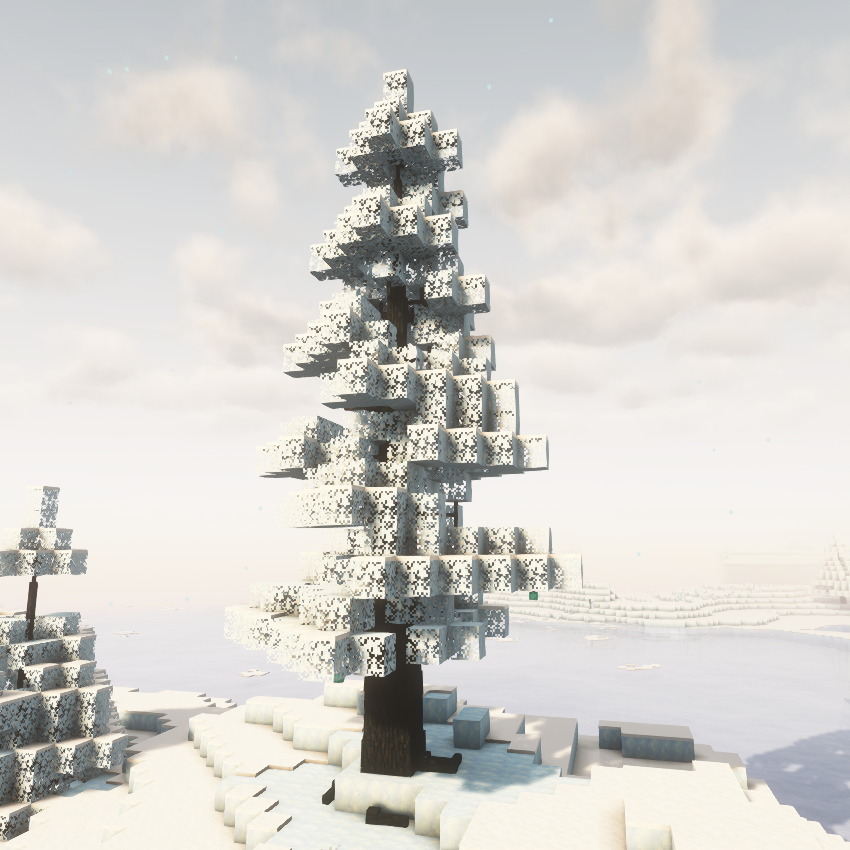
Dynamic Trees - Ice and Fire: Addon
Compatibility Mod between Dynamic trees and Ice and Fire: Addon

Crossroads
A tech mod with the goal of making automation interesting. No one block solutions, just simple pieces that combine to ma...
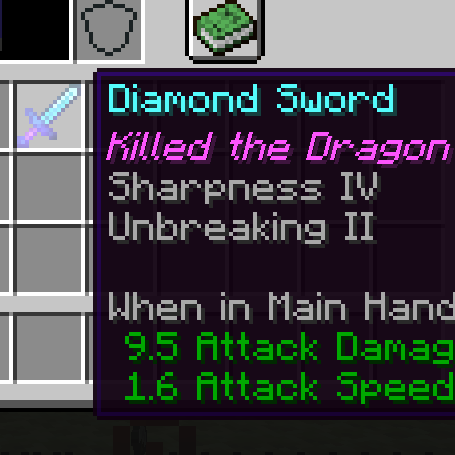
Dragon Items
Adds Lore to the item which kill the Ender Dragon

Differently Balanced Explorer's Compass
An Explorer's Compass crafted with Obsidian and Ender Eyes.
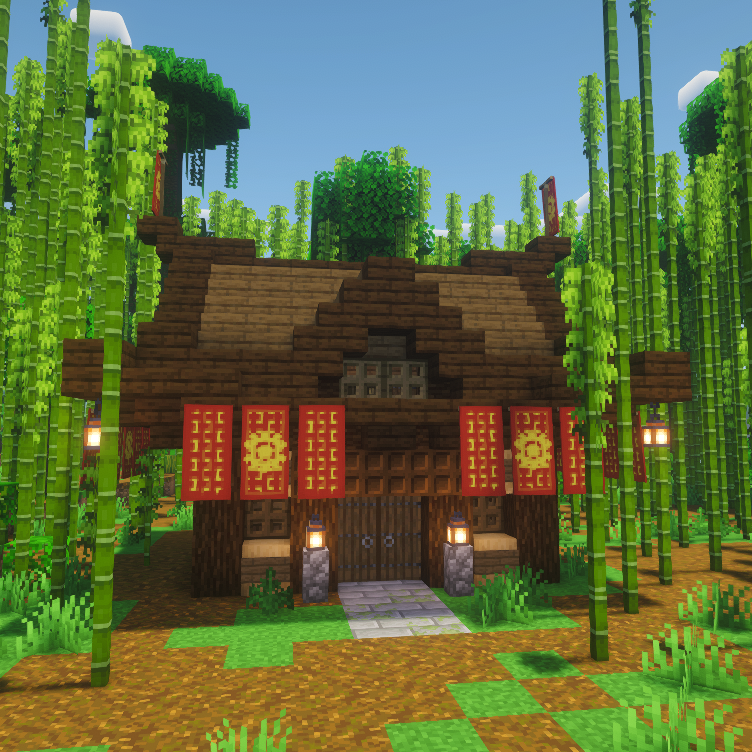
Bamboo Jungle Survival House
Adds a small bamboo jungle house, ideal for early game survival
CNPCExtended
Cnpc and Mcef integration that lets you display HTML browsers to players, this mod also adds client side queries like ge...