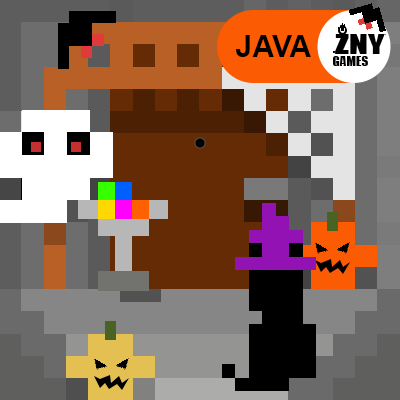
CLASSIC HALLOWEEN
Texture Packby znygames
Classic Halloween 🎃 is a GUI/ UI Texture Pack for Minecraft [JAVA / WIN10]
Type
Texture Pack
CurseForge Downloads
9,874
CurseForge ID
535620
Last Updated
Oct 3, 2026
Description


CLASSIC HALLOWEEN🎃
This texture pack gives Minecraft a creepy appearance and immerses the player in the world of ghosts and monsters.
🎞| TRAILER

🖼| EXAMPLE
HOTBAR

START SCREEN
more examples in the picture gallery above ⬆️
🗒| DESCRIPTION
This Minecraft texture pack has the theme of "Halloween" and all graphics have been designed in a Halloween style. The complete hotbar has been edited and contains all touch variants and the start screen have also been adapted to the theme to create a spooky and beautiful atmosphere.
You can use this pack in the standard Vanilla version and with Fabric.
Overall, this texture pack gives Minecraft a creepy appearance and immerses the player in the world of ghosts and monsters.
New! with this pack:
- This Java Minecraft texture pack is now also available for Fabric.
- The pack is playable with Fabric Loader versions 0.15.11 - 1.21.
- start screen,
- options
- button
- hotbar
🛈 |INSTALL
Note: If you encounter any issues, make sure that the texture pack is compatible with your version of Minecraft, and that you have followed all of the steps correctly.
▪️ Install as Fabric
▪️ Update your Java. At least Java 21
▪️ Install as Vanilla
-
- Open Minecraft: Launch Minecraft and click on the "Options" button.
- Go to the "Resource Packs" section: In the options menu, select "Resource Packs" to open the resource packs screen.
- Move the texture pack to the correct location: Locate the folder where your Minecraft resource packs are stored. The default location is usually in the "resourcepacks" folder under your Minecraft game directory. Move the downloaded .zip file to this folder.
- Select the texture pack in Minecraft: Back in the resource packs screen, select the texture pack that you just moved to the resource packs folder. The texture pack should now be listed in the "Selected Resource Packs" section.
- Apply the changes: Click on the "Done" button to apply the changes and enable the texture pack.
- Enjoy the new texture pack: Start a new game or load a saved game, and the new texture pack should now be in effect.
💬| COMMUNITY (っ^▿^)۶🍸🌟🍺٩(˘◡˘ )
 - YOUTUBE


Hey,
We invite you to join our Discord community where you can connect with fellow players, share your ideas, and report any bugs you encounter. Whether you have suggestions for improving the hotbar or need support with any issues, our community is here to help. Let’s build, explore, and create together!


🏁|LAST TEXTURE PACK BY ZNYGAMES
Check out the latest pack! ▶️ WINTER [JAVA]🎄
💖| THX!
See you in the next pack!

Recommended Gear
AffiliateHardware and extras that pair well with this texture pack.

As an Amazon Associate I earn from qualifying purchases.
Screenshots
Similar Texture Packs
Fancy Llama Decor
Makes llama decor similar similar to the trader one.
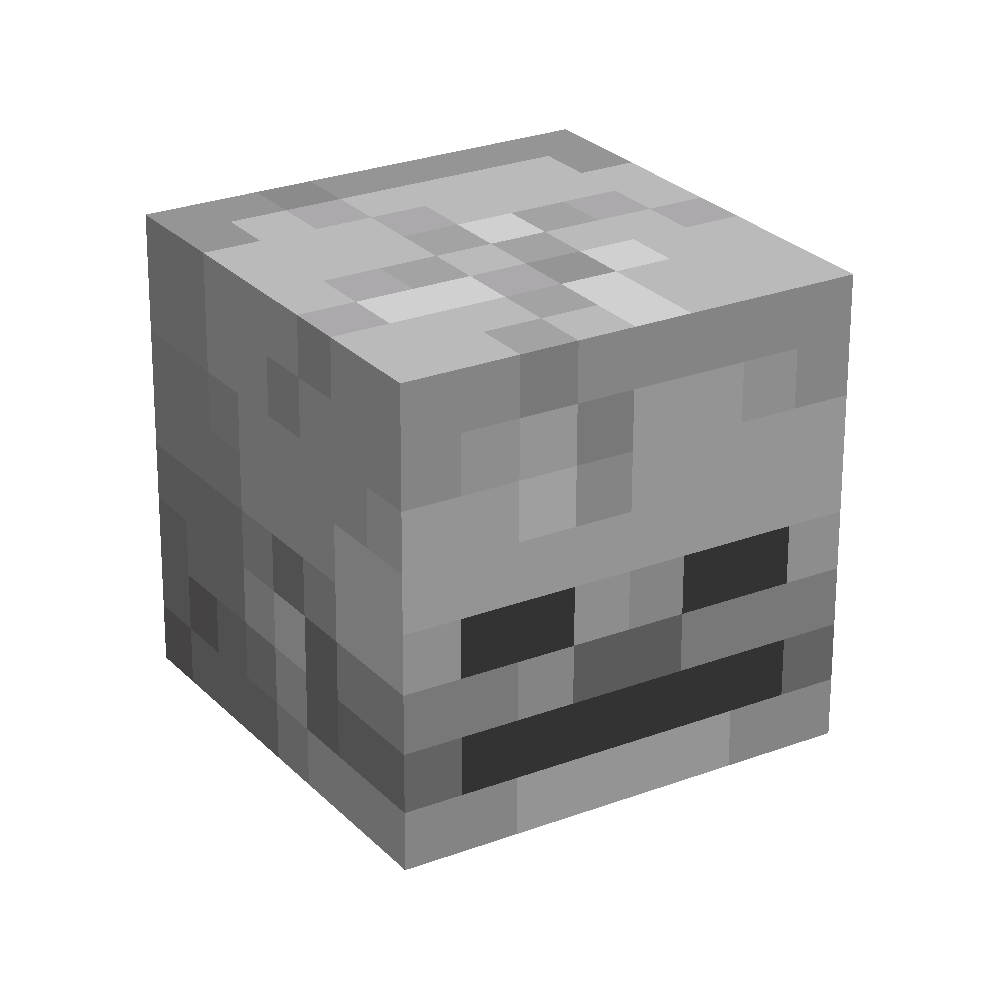
Corrected Mob Heads
Tweaks how mob heads appear in first-person and third-person perspectives.

Anime Icons Xaero's
Adds Xaero Minimap Icons for some Anime Mods.
![[Neo] Modern World Creation](https://media.forgecdn.net/avatars/1411/577/638914781161526337.png)
[Neo] Modern World Creation
Modern World Creation texture pack made for Neo Adventure modpack
Alien Evolution Alien X Fix Fabric/Froge
A resource pack for Alien Evolution that restores missing Celestialsapien (Alien X) content and adds compatibility with...
Minimal Rain & Snow
Reduces rain and snow obstruction