
Mindful Darkness
Modby Fuzs
Turning all the lights off! Automatic dark mode for guis; as configurable as possible.
Type
Mod
CurseForge Downloads
26,163,900
CurseForge ID
852669
Modrinth Downloads
4,939,256
Modrinth ID
pzCY6C3e
Last Updated
Sep 5, 2026
Description








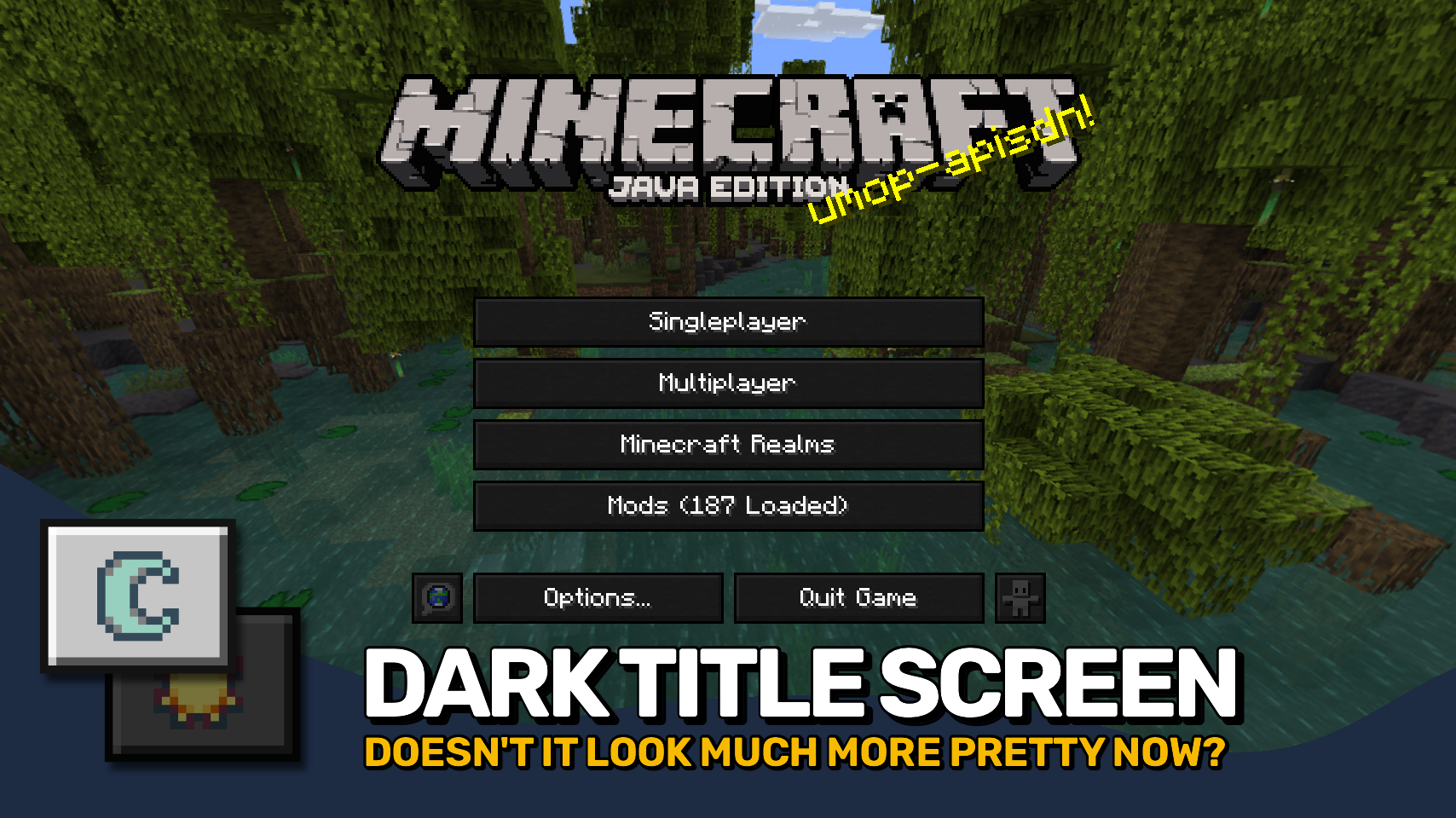
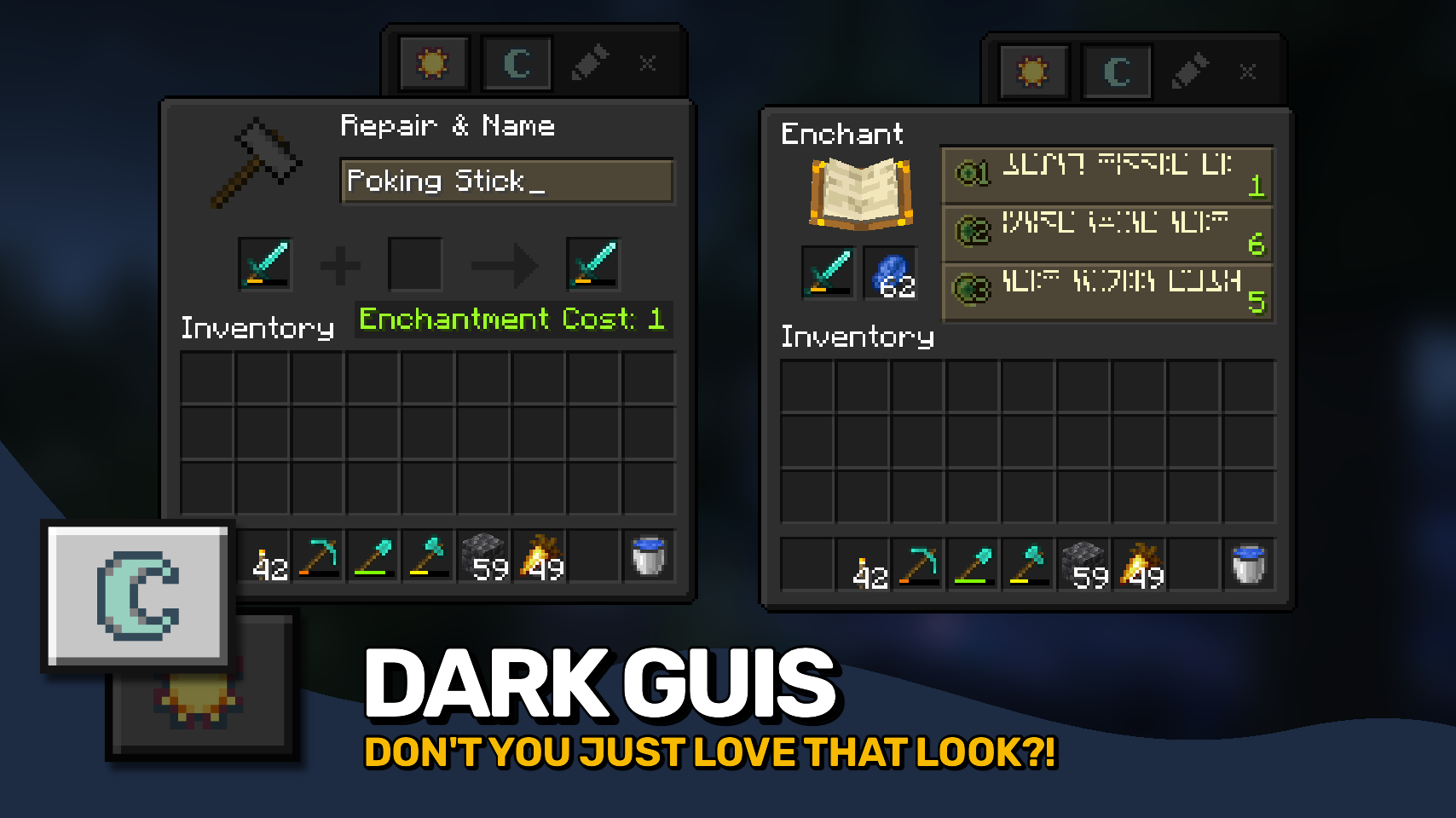
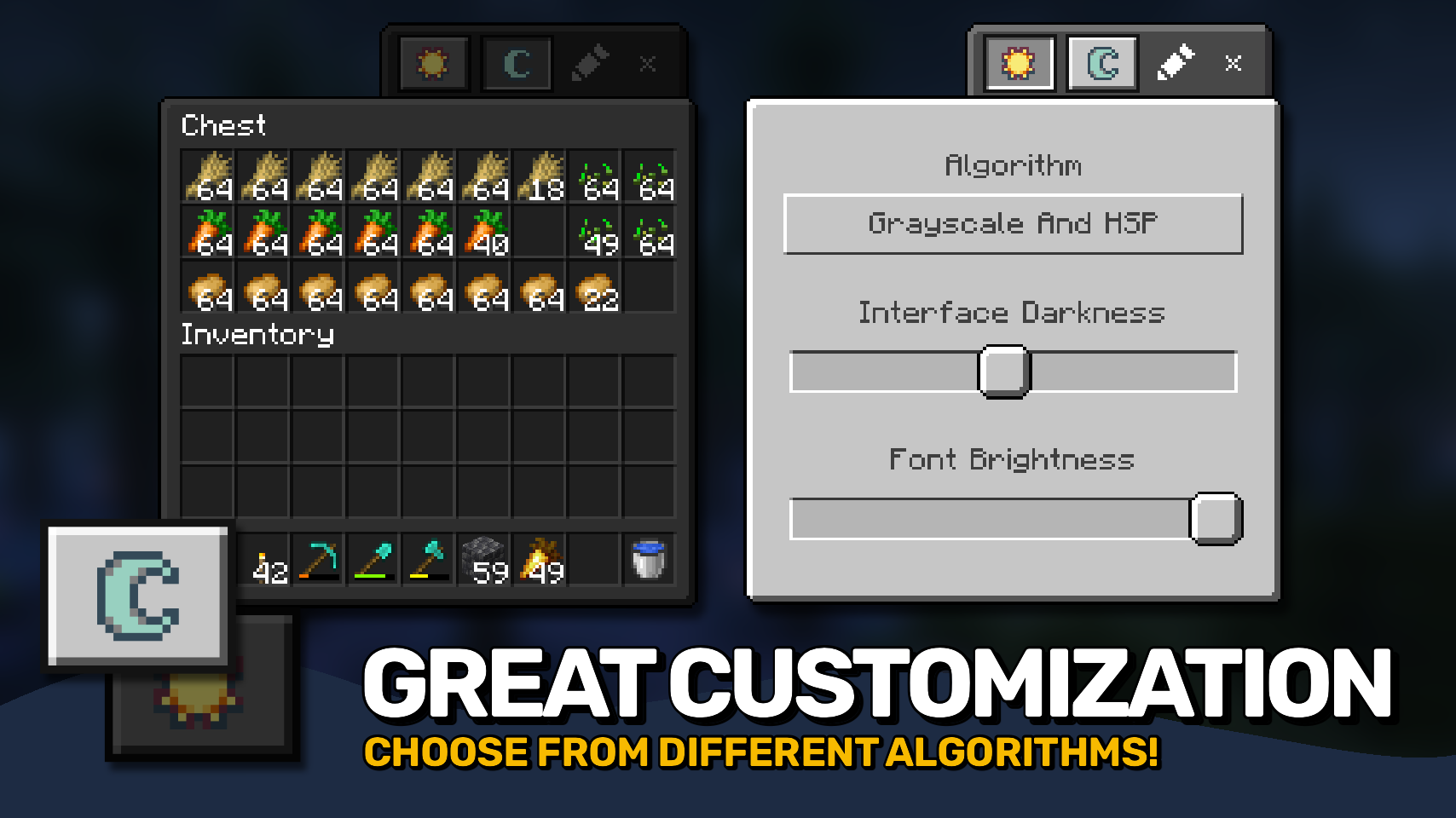
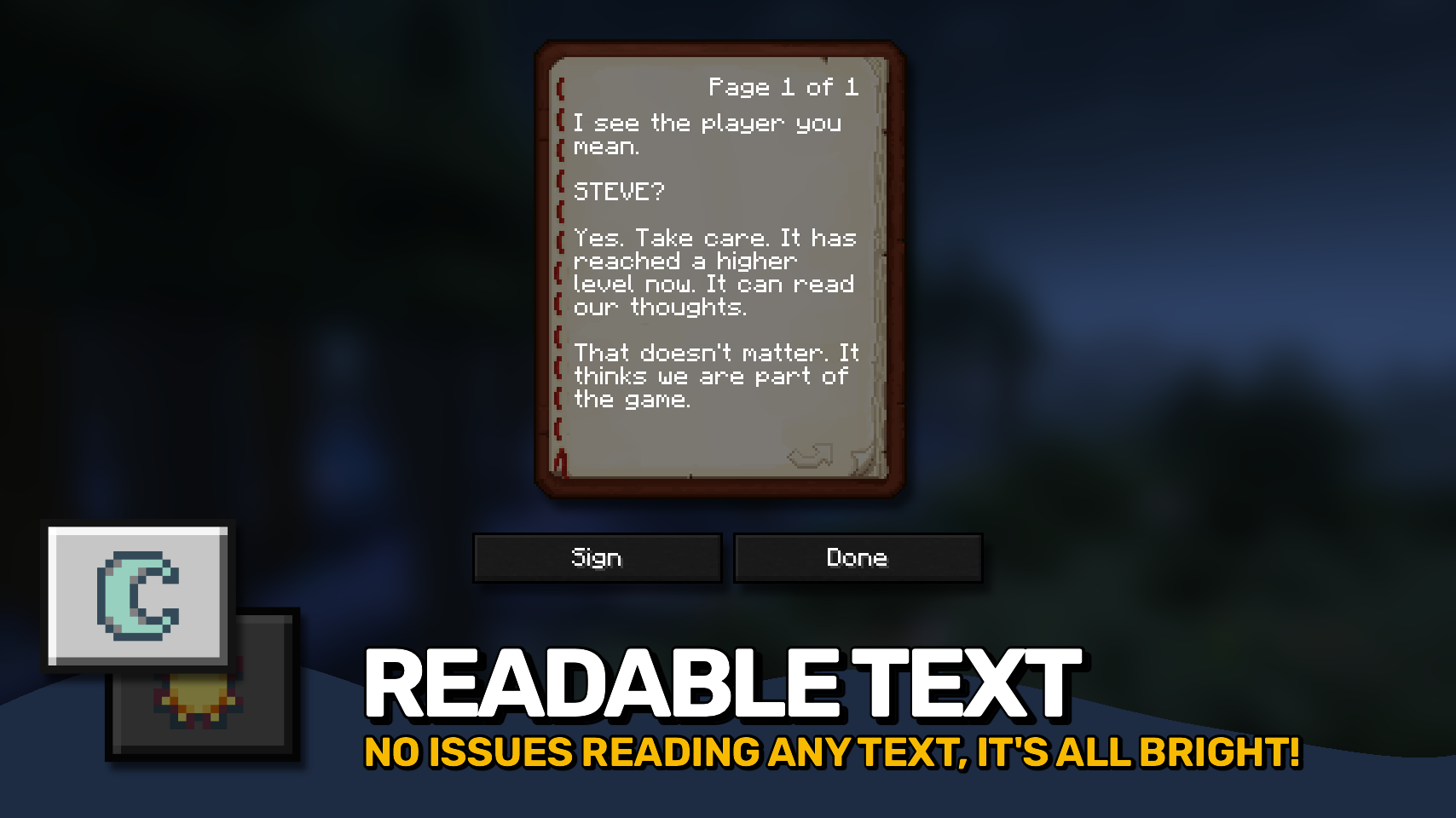
Mindful Darkness adds a fully automatic dark mode to your game! Darkens all guis without any texture changes required. Can be quickly turned on and off directly in-game. You can also choose from different algorithm and control the darkness intensity with ease. Also includes a simple system allowing you to control which textures are affected (see Configuration).


⏩ INSTALLATION REQUIRED ON CLIENT
⏩ REQUIRES PUZZLES LIB TO BE INSTALLED (FABRIC & NEOFORGE)
⏩ REQUIRES FABRIC API TO BE INSTALLED (FABRIC)
⏩ REQUIRES FORGE CONFIG API PORT TO BE INSTALLED (FABRIC)

If available for a mod, configuration is possible directly from in-game using the mod menu (requires Mod Menu by Prospector to be installed on Fabric). Please note that on older Minecraft versions installing Forge Config Screens is also a requirement.
For manual configuration using an external text editor all files are found at .minecraft/config, named as MOD_ID-client.toml, MOD_ID-common.toml, or MOD_ID-server.toml, depending on the type of config. Not all types might exist for a mod, if any at all.
Mindful Darkness does not automatically darken every gui texture in the game, instead you have to manually specify in the config which textures are affected. Resources can be specified using '*' as wildcard char, can affect all or just a single namespace and you can use '!' to exclude resources.
By default, configuration looks like this: "textures/gui/*.png, !minecraft:textures/gui/icons.png". This will include all textures in the textures/gui directory from all namespaces (since this is where mods ususally put their gui textures). Specifically for the minecraft namespace icons.png is excluded though (indicated by adding '!' at the beginning). NOTE: The order of defining resources matters for exclusions! Excluded resources need to come after any entry that would otherwise include them.

🌟 Thanks to Buuz135 and their Dark Mode Everywhere mod, which I stole the idea for changing the font color from.

Compatibility
Mod Loaders
Game Versions
Recommended Gear
AffiliateHardware and extras that pair well with this mod.

As an Amazon Associate I earn from qualifying purchases.
Screenshots
Similar Mods

Balm
Abstraction Layer for Multi-Loader Mods
Xaero's World Map
Adds a fullscreen worldmap which shows you what you have explored in the world. Can work together with Xaero's Minimap.

ImmediatelyFast
Speed up immediate mode rendering in Minecraft
Konkrete
Just another boring library mod.

FancyMenu
Customize Minecraft's menus with ease!

Moonlight Lib
Forge and Fabric lightweight library with utilities such as custom Villagers AI, data driven trades, global datapack, cu...
Included in Modpacks (107)
Most downloaded![Better MC [FORGE] - BMC4](https://cdn.modrinth.com/data/4BV47HRn/7f5ef7cc61b2593609aabef3ed07a866a4f11b73_96.webp) Better MC [FORGE] - BMC4
Better MC [FORGE] - BMC4
 Prominence™ II: Hasturian Era
![Better MC [FABRIC] BMC1](https://media.forgecdn.net/avatars/592/944/637965415571102225.png) Better MC [FABRIC] BMC1
Better MC [FABRIC] BMC1
![Better MC [FABRIC] BMC2](https://media.forgecdn.net/avatars/834/314/638224851106705287.png) Better MC [FABRIC] BMC2
Better MC [FABRIC] BMC2
 Fear Nightfall: Remains of Chaos
![Better MC [FORGE] BMC3](https://media.forgecdn.net/avatars/595/284/637969851390579025.png) Better MC [FORGE] BMC3
Better MC [FORGE] BMC3
 Prominence™ II: Hasturian Era
 Chocolate Edition Minecraft
 Prominence™ Classic
 OriginsSMP
 TownCraft
 The Fungal Infection | Co-Op Base Defense
 Cozy Create - Create Focused Adventure
 Prominence™ I (Legacy)
![The Everlasting Fog [The Horrors Cave Dweller, Herobrine, & More]](https://media.forgecdn.net/avatars/899/708/638345751714933615.png) The Everlasting Fog [The Horrors Cave Dweller, Herobrine, & More]
The Everlasting Fog [The Horrors Cave Dweller, Herobrine, & More]
 Reimagined
 Prominence™ I Classic (Legacy)
 Create Comes Alive (Create + MCA)
 Frozenopolis
 Doom Modpack - Raze The Nether