Chat Reworked
Modby Le0nia
Enhances Minecraft's chat with modern features inspired by messaging apps.
Type
Mod
CurseForge Downloads
3,526
CurseForge ID
Modrinth Downloads
2,806
Modrinth ID
Last Updated
Sep 19, 2026
Description
Chat Reworked overhauls Minecraft's basic chat system, bringing it closer to modern messaging platforms.
It adds multiple new features including:
- A context menu for message manipulation featuring
- Replying
- Editing
- Deletion
- +Some others
- Basic Markdown
- Viewable Image Attachments
- A new emoji system with a dedicated picker
- Configurable player message format
- @ mentioning
- Clickable links in chat
- MORE!
However, despite all of the new additions the mod still aims to stay true to Minecraft's simple nature - with a lot of the features being configurable.
Dependencies
This mod requires Balm!
How to
Open the context menu on a message
Right click the message in chat and a menu will come up beside where you clicked.
Add images
Just drag and drop a PNG/JPEG file onto the Minecraft window when the chat typing screen is open.
Apply Markdown
*text* - Italics
**text** - Bold
***text*** - Italics and bold
__text__ - Underline
~~text~~ - Strikethrough
Browse and select emojis
Open the small emoji icon at the end of the chat screen typing area (or press CTRL+E) and then search for emojis at the top and select one by clicking it. You can also use emoji shortcodes to quickly add any supported emoji by typing :name_of_the_emoji:.
Configuration
The Chat Reworked config system uses JSON5 files that can be found in <minecraft instance>/config/chatreworked-common.json5 / chatreworked-client.json5.
Many aspects of the mod can be changed through the config files. If you are hosting a large server with this mod it is recommended that you adjust the image configuration in the common config file to limit server RAM used on player image storage.
Compatibility
This mod currently has explicitly added compatibility to work with:
However it might not work with some other mods that modify chat's rendering.
You can report any problems you encounter with the mod in my Discord server's chat-reworked-support channel. You can join here.
Compatibility
Mod Loaders
Game Versions
Recommended Gear
AffiliateHardware and extras that pair well with this mod.

As an Amazon Associate I earn from qualifying purchases.
Screenshots
Similar Mods
Valkyrien-Skies Control Craft
Break Newton's rule -- Now your machines define gravity!

DragonMine Z: Apothic Stats
Bridges all attribute changing mods to influence DMZ's stats directly!
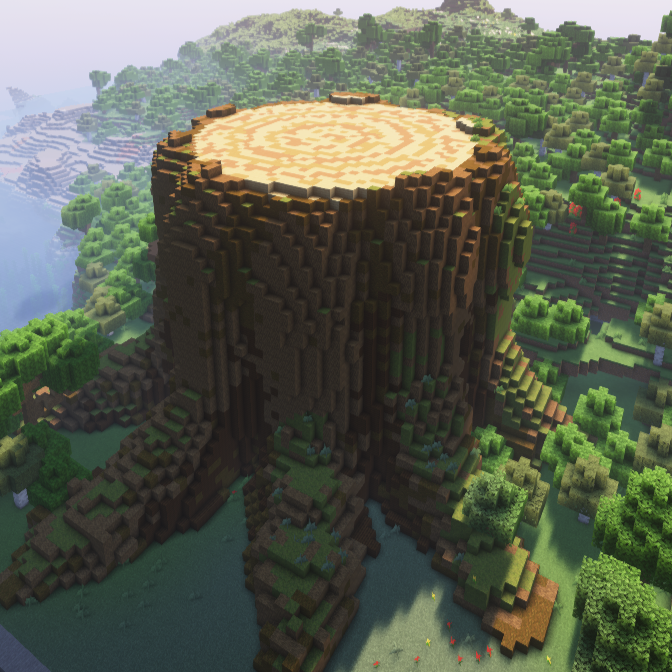
Giant Tree Stump
Adds a giant tree stump to plains and forest biomes
Skin Fighters - Vault Hunters 3 addon
Enables skins for Vault Fighters in VH3
Finarri's WearableBackpack+ToughAsNails Fix
Sepcial version of Wearable Backpacks with compatability fix for Tough as Nails in the Super Hostile Modpack
Ars Structurize
Adds more Ars Nouveau themed structures to your world!