

Fakename
Modby Tschipp
Fakename adds Commands to change the display name
Description
Fakename adds a simple way to change your Display name ingame.
The name does display in Chat, Death Messages and over the Head of the Player.
The name is world/server specific, meaning that it doesn't change your name permanently.
This is not a hack, the server needs to install the mod as well.
To set your fake name, type
/fakename set [player] <fakename>
This will set the player's fake name to the provided fakename. If no player is specified, the sender's fake name will be changed. You can also use color codes, preceded with a &
Example: &6Notch displays as gold.
You can also use white spaces by typing /- (1.12 only) or by using quotes " " (1.15 and above)
In 1.18+, if you want to use colors, you need to enquote the entire fakename with " "
Example: My/-Name/-Is/-Tschipp would display as My Name Is Tschipp (In 1.12)
Example: "My Name Is Tschipp" would display as My Name Is Tschipp (In 1.15+)
You can of course also combine color codes and white spaces.
To clear a fake name, type
/fakename clear [player]
This will remove the provided player's fake name. If no player is specified, the sender's fake name will be removed.
Aliases for the command are /fn and /fname.
You need to be OP on the Server / have Cheats enabled in your world if you want to execute the command.
(Or on 1.15+, you can clear your own name by leaving the player field blank)
To get the real name of a player, type
/realname <fakename> (on 1.12)
or
/fakename real <fakename> (on 1.15+)
If the fake name has any color codes or white spaces, ignore them.
Example: &4Herobrine/-the/-Boss would become HerobrinetheBoss
You can hit tab for auto completion. (Not on 1.15+, known issue)
This will return the the real name of the player with the provided fake name.
Aliases for the command are /rn and /rname. (on 1.12 only)
You do not need to be OP / have Cheats enabled to execute this command.
For 1.15+, you can change the permission levels of the commands in the server config (inside the world folder)
Recommended Gear
AffiliateHardware and extras that pair well with this mod.

As an Amazon Associate I earn from qualifying purchases.
Similar Mods
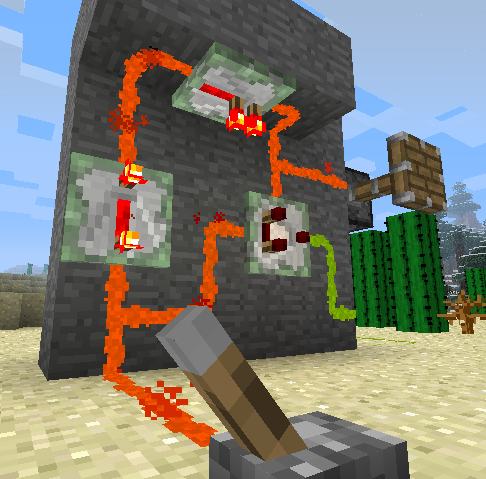
Redstone Paste
Adds a paste form of redstone, which can stick to various surfaces.
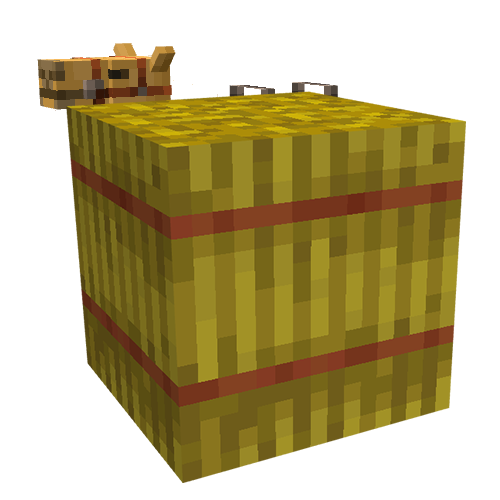
Camol
Camouflage blocks for any occasion. Make your stuff look like anything.

EMIffect
EMI addon that appends status effects in EMI and provides information about each status effect.

Flashback
Record your Minecraft gameplay, play it back and create stunning cinematic shots

Open Terrain Generator (OTG)
A data-driven world generation tool for Forge and Spigot that gives you full control over Minecraft’s world generation.
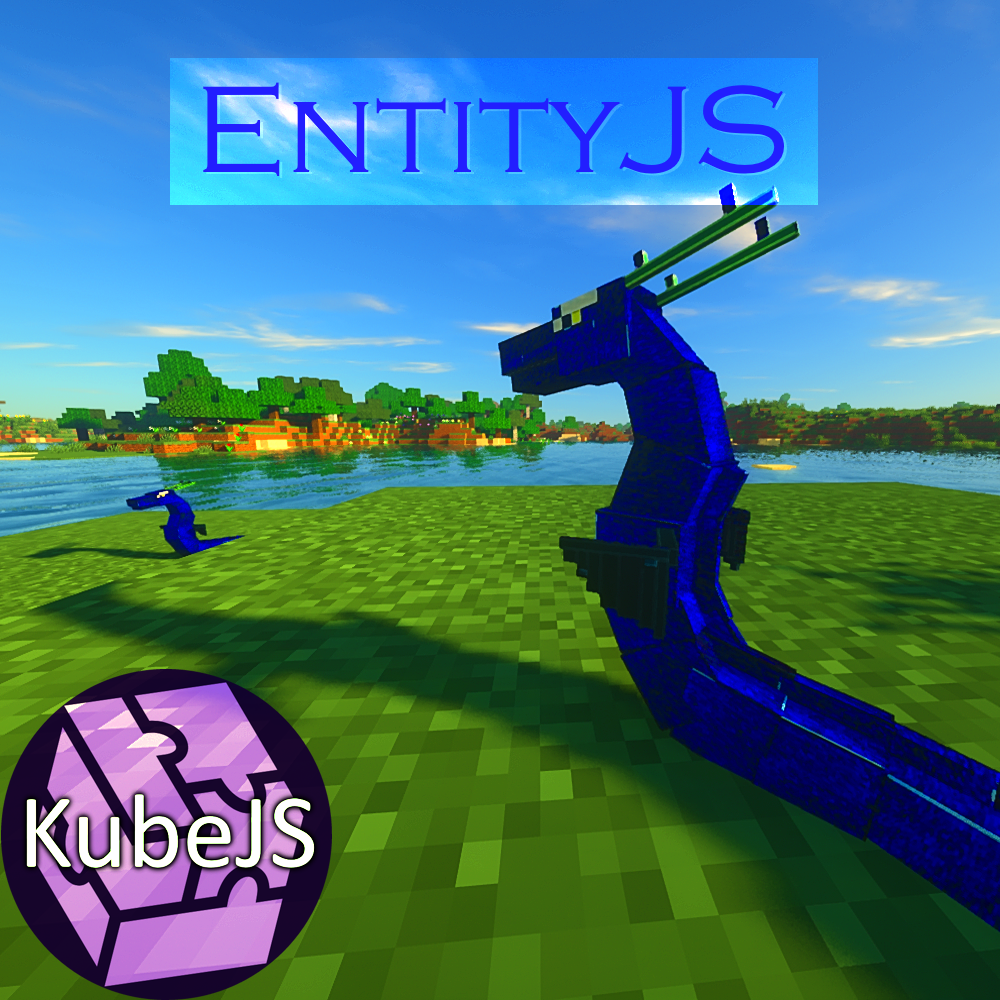
EntityJS
This mod uses KubeJS to dynamically register entities with full AI/Animation/Spawn Control support!
Included in Modpacks (25)
Most downloaded Dragoncraft
 QSMP Experience (UNOFFICIAL)
 Dragon Block C: The Paths
 City Life: Lumina City
 Official Demon Slayer RP Modpack
 PMDS (The Unofficial SDMP Modpack)
 Create the Server
 PokecraftZ (A Pokémon Zombie Survival RPG)
 PROJECT: Keyblade - An Oath to Return
 Brazil Kingdom SMP
 TRIX SMP - QSMP Fan Server
 Yu-Gi-Oh : Duel de Minecraft
 Sen2's Grand Craft [One Piece]
 The Neverhoods of Thaumcraft
 DBCUpdated
 SDMP SEASON 2
 Game of Thrones: Realm Pack 3.0
 Wyrmfell
 The TVA
 Flora City Furniture