

SS WitherStorm
Modpackby Mythical
This modpack is basically just an easy way of installing Cracker's Wither Storm Mod.
Type
Modpack
CurseForge Downloads
100,666
CurseForge ID
646683
Last Updated
Jul 25, 2026
Description
Wither Storm ModPack (FORGE)
Original Modpack By: notethanol. go check his pack out aswell! (https://www.curseforge.com/minecraft/modpacks/ethanols-ws-modpack)
What This Pack Includes:
You can find the mod list here, too many mods to keep in the description!
This Modpack adds the Minecraft StoryMode Wither Storm Boss To Minecraft Java With Some QOL Features.
Thank you all for 15k+ Downloads! I was not expecting this modpack to become this popular, I appreciate every one of you!
BisectHosing is a server hosting service that allows you to host game servers for: Minecraft, Valheim, Rust & many more. You can also host discord bots! To save 25% off your first month click the banner below and use the code mythical for 25% off your first month!

Wither Storm Guide:
The Beginnings
When locating a rundown house at x: 0 and z: 0, you’ll notice a platform with the blocks in a wither formation, with the notable difference of the Command Block in the center. To summon the Wither Storm, place the final wither skull laying next to the structure on top of the Command Block. Once completed, the Wither Storm will spawn at phase 0 and you’ll have 50 seconds to get the heck out of there.
The Wither Storm will, once fully summoned, try to chase you. If you haven’t run far enough away, you may need to play defensively to hide and protect yourself. Once you do escape, the next half hour or so mostly consist of the typical survival experience. During this time, I recommend getting plenty of food, tools and armor, boats (perhaps a horse?), and some sort of projectile (like snow or a bow and arrows). You should also be getting as much distance between you and the Wither Storm as possible. Soon enough, the Wither Storm will hit phase 4 and will grow to enormous proportions.
At this point, it’s time to get moving. The thing will begin to chase you, and you’ll need to get going. After chasing you for a few minutes, you may notice it stops and turns away from you and targets something else. It is now distracted, and this can be useful to run away from the thing and have some peace. Although, it may not always become distracted after chasing you, and this primarily depends on the distance. The farther away you are, the least likely it’ll become distracted. The most important thing is to make sure the Wither Storm isn’t chasing you though, as this can happen seemingly randomly (depending on how long you stay in one area, and how often you move). If it's not chasing you (normal speed) or it’s distracted, you can continue running away or start making a hide out. I wouldn’t get too fancy with builds however, as they can be easily torn apart by the mutant beast. A bunker could be handy though, in case of deaths and needing a quick way to regear.
The Command Block Book
The Withered Symbiont is a mutated wither sickened (more about wither sickness later) zombie. It is much more powerful and larger than a typical zombie, and it is summoned directly by the Command Block inside the Wither Storm. This is the only way of acquiring an enchanted command block book, used to craft a formidibomb to kill the Wither Storm. The only thing, however, is that a Withered Symbiont will only spawn when the Wither Storm is at the end of phase 5.
At this point, approaching the Wither Storm and loitering will eventually cause a Withered Symbiont to spawn. It is important to be prepared though while waiting for one, as you’ll need to be close to the Wither Storm, and being close to it means it’ll probably suck you in and consume you. I recommend having armor, tools and weapons, projectiles, a shield (using a shield will hide you from the Wither Storm), water bucket/boats (to prevent fall damage), and best of all, invisibility potions. Being invisible prevents the Wither Storm from targeting you completely, but invisibility potions will require the nether (although you’ll need to go to the nether for blaze powder later anyway). If you are ever picked up by the Wither Storm, shoot projectiles at the head pulling you in, and hope that it may injure it and it’ll drop you. If not, and it starts to chomp at you, hit it with your most damaging weapon/tool. If that doesn’t work, you’re pretty much toast. If it does work however, be prepared to have some sort of method of preventing fall damage, such as using a water bucket, jumping in a boat quickly, or if there is a nearby water pool, aim for that. If you have the resources, make fireworks and a crossbow, and shoot fireworks. The Wither Storm is easily distracted by fireworks and will stop what it's doing to take a look at the distraction. The same for TNT. This is useful when playing multiplayer, as you could save your friends and most importantly, yourself.
Once a Withered Symbiont spawns, locate the mob. It should spawn somewhere near you. Once you do, the Wither Storm theme will fade away and the Symbiont’s theme will start. When you hear this music, you can be sure that you are now fighting the Withered Symbiont, and the Wither Storm will actually completely ignore you while you’re doing so. When you arrive, you’ll hear familiar evoker sounds, indicating it is preparing a spell. You’ll then notice it to start to shoot some projectiles or try to attack/lunge at you. Here is a list of its spells:
- Evoker fangs: This spell copies the Evoker’s evoker fang spell. It launches a wall of fangs that snap in a wave pattern towards you.
- Sulker bullets: The Withered Symbiont will spin 5 shulker bullets in a circular orbit around itself. After a few seconds, these bullets will begin to track and move towards the player.
- Arrows: The Symbiont will spawn floating arrows above its head. After summoning a random amount, it’ll shoot all these arrows toward the player.
- Smash: As the name suggests, the Withered Symbiont will leap in the air and will smash usually behind the player, dealing explosion damage. A shield or running away when you notice it jumping up will help you prevent large amounts of damage.
- Fireball: Similar to the shulker bullets, the Symbiont will spawn fireballs and spin them in a circular orbit. One at a time, it’ll shoot these fireballs at the player (note though that you can’t knock the fireballs back and hurt the Withered Symbiont).
- Wither skulls: Wither skulls will shoot out from the front of the Withered Symbiont from an upright circular formation towards the player.
- Pull: Using this spell, the Symbiont will pull the player towards it. If the player gets too close to it, it’ll stop using the spell and will try to attack the player.
These spells are selected randomly and may be used several times before a new one is selected. The most dangerous is likely to be the smash, so stay cautious. After throwing several spells, the Withered Symbiont will then start summoning mobs, indicated by another evoker noise. Sickened mobs will then be summoned with a somewhat random assortment of armor, more health (but much slower) in between the Symbiont and the player. After summoning these mobs, the Symbiont will become “weakened,” will bend over, and is now vulnerable. It is important to mention that the Symbiont can only be attacked from its back, where a glowing purple gash is present. While it’s weakened, you can approach it without fear of it doing anything and can strike it, with any blow you’d prefer (preferably with a crit).
You may find yourself repeating this several times. Once you get it below 50% health however, the boss theme will become more intense and the interval of the spellcasting will increase significantly. The strength of the spells doesn’t increase however. You’ll notice sickened mobs will be summoned more often, with more of them and with better armor. Repeat this until you’ve killed the symbiont. After a “fancy” animation, a floating enchanted command block book will descend upon where it died. Collect it and run away, as you only have five minutes of invulnerability from the Wither Storm targeting you.
If you happen to die and respawn far away, there may be a chance that the Symbiont has despawned. The Withered Symbiont will only despawn when there is no Wither Storm nearby and no players, and by the time you get back to your death (if you remember where) the Wither Storm has probably moved too far away and the Symbiont has despawned. I’d recommend setting your spawn close by (but out of range of the Wither Storm) so you can respawn easily.
With this command block book now in your possession, you can now either craft super TNT to make a formidibomb or use it in a smithing table with any diamond tool to make command block tools. The former is the intended route, as to craft command block tools you’ll need to use up your only book and you’ll need to wait quite a while to go back for another. The Wither Storm has a summoning cooldown of up to around 10 mins, while the player who a Withered Symbiont was summoned for has to wait for much longer (if they killed it) for one to spawn for them again. In a multiplayer setting, after the Wither Storm’s cooldown, if atleast one player hasn’t killed one while another has, the Wither Storm will still spawn one for that player (although others can still kill and take part in the fight).
The Disease
There was a good chance that during your visit with the Wither Storm you'd encounter mobs with a purplish disease that covered them. This is wither sickness. Fortunately, as a player you have much greater immunity, but you are still susceptible. Wither sickness lowers a mob's max health while dealing damage slowly over time. The effect lasts basically forever, and you can tell if you have it by checking your potion effects or by looking at your character for the purplish disease. If not taken care of, you’ll eventually get so low in max health that you’ll die. While death is an easy option to get rid of it, you can craft golden apple stew and eat it to gain some beneficial effects and to start the curing process. While you’re being cured, you’ll continue to have the effect (although it won’t deal anymore damage), and after the purplish layer goes away you’re fully cured and the effect disappears. You can also use golden apple stew on any sickened mob, including fully converted ones (ones that are completely purple / purpley gray) to convert them back.
If you’ve not already, you’ll need to go to the nether and find a fortress to get blaze rods for blaze powder. You’ll need blaze powder to make a formidibomb, so the nether is a crucial part. It is important to take note that the Wither Storm will travel to wherever your portal is even if you’re in another dimension (because of how the Wither Storm chunk loads the area around itself), so it is important to be quick.
Stronger Than Ever
Before you even craft a formidibomb though, you need to know that as soon as it’s crafted, the fuse begins, and it can blow up in your inventory (and the explosion isn’t very nice). It is wise to get close to the Wither Storm first, then craft the item, and then ignite it with flint and steel when placed in targeting range of the Wither Storm (using flint and steel is important so you don’t wait a long time for it to explode, as igniting manually will lower the fuse time). After doing so, get the heck out of there and hide and watch. The Wither Storm will pick the bomb up when it’s close to detonation, and once it is rays of light will protrude from it. Its explosion will blind you and cause your ears to ring, but once the dust settles, the Wither Storm has been killed.
Now, it’s time to go search the corpse. You’ll notice it has split because of the bomb, and at the chest of the primary Wither Storm you’ll notice a rib cage with the Command Block in the center. Upon approaching the block, it appears dormant, but once you get too close it reactivates and starts pulling you towards it. Once you’re close enough, the ribs hide the Command Block and the Wither Storm springs back to life. Although not anymore powerful, the Wither Storm now consists of three separate entities, the segments coming back to life with it.
The Wither Storm will now continue to evolve, and sometime in phase 6 (the phase once split) the Wither Storm will go from 3 heads to 9 in total, making it much, much more deadly. You’ll need another enchanted command block book though, so you’ll need to approach it again to get one. When the Wither Storm evolves, all players’ Withered Symbiont summoning cooldown refreshes. Then craft a command block tool (any diamond tool in a smithing table with a command block book); the only way to destroy the Command Block, and start the journey to end the mutinous monster once and for all.
The Belly of the Beast
While the next step is to enter the Wither Storm, this can not be performed until there is an opening to do so. When it reaches the peak of its evolution, or at a seemingly random time, a hole will be quite noticeable above its primary head. This hole has a sort of purple film inside of it, which makes the hole noticeable even from great distances away. However, while you wait for the entrance to appear (which may be another hour or so), you should get prepared and properly equipped, if you wish not to die.
Diamond armor should be top priority, alongside enchantments, if possible. Everything should have protection, while the boots should have the best feather falling possible. You’ll need a command block tool to hurt the Command Block, other tools (pickaxes, shovels, etc), plenty of food, and possibly even regeneration potions. A water bucket (to prevent falls), a shield, and ender pearls are also extremely useful. A bow with plenty of arrows will also prove handy. Bring a stack of blocks as well, and a respawn anchor with glowstone blocks to set your spawn (if possible). Once you’re ready, and the entrance is visible, throwing an ender pearl, using a crossbow loaded with an ender pearl for further distance, or just simply touching the hole will transport you to the bowels. The best way to get into the bowels is to let the Wither Storm pull you in, then use the crossbow to shoot an ender pearl at the hole.
The bowels are quite dark, full of infected and tainted flesh, and various other tainted variants of blocks the Wither Storm has pulled in over time. Glowing mushrooms provide next to no light, and the bright pink fog masks what’s at the end of the tunnel. As you near the main room, a faint hum of the Command Block can be heard. Once the fog clears enough, you can see the block in its full form, surrounded by dormant tentacles. It is not aware of your presence.
Surrounding the floating pedestal where the Command Block resides are several other tentacles, also dormant, and two Wither Storm heads, sitting deactivated. No natural mobs spawn in the bowels, and the dormant tentacles and heads pose no threat, so take the time to prepare and get ready. Once you’re ready, hop on to the Command Block’s podium, while being aware of the seemingly bottomless hole, and hit it with a Command Block tool. Immediately, the Command Block will become aware of your presence, and will awaken its tentacles. These tentacles will whack you off the pedestal. Afterwards, the Command Block will raise its pedestal to get to higher ground. Then, a wave of sickened mobs will start to spawn around the area surrounding the hole. Defeat these mobs, heal up if need be, then get back on the podium by either building up or using an ender pearl, and strike another blow. However, be quick as its tentacles will try to whack you off before you can get a hit. If you somehow remain on the podium as it’s being raised, you’ll simply fall off and fall into the hole, and will find yourself back at the Wither Storm.
Fall damage is quite evident, and so preparing with feather falling boots will greatly reduce the damage. If you need to, heal quickly while you have a few seconds for the Command Block to summon the next wave of sickened mobs. At the same time, the other dormant tentacles will awake. These tentacles have the ability to grab hold of you and strangle you, while also swinging and dealing damage. After all the sickened mobs have been spawned, a Withered Symbiont will be summoned nearby. The Withered Symbiont isn’t quite normal here however, it won’t summon mobs on its own and it summons its spells at a much faster rate. Once the Withered Symbiont is dealt with, kill all the sickened mobs, heal up and head back up to the podium, while being quick to avoid being knocked off prematurely.
Hitting it for the third time will cause the same events. The Command Block will raise its podium, summon more sickened mobs, but this time, will awaken the two Wither Storm heads stationed near the roof on opposite walls. After summoning, the Command Block’s tentacles will curl in on the block, and the Command Block cannot be dealt damage until the heads are injured, meaning their tractor beams are off and they shake periodically. The sickened mobs summoned in this wave are much stronger, and they will also have some armor equipped. Be aware of everything as you go about, being pulled in by the heads, whacked at by tentacles, and more. Sickened creepers are quite strong, so try to use your shield to block their damage while also attracting a crowd to use the explosion on the other mobs. It’s important to keep your health up as much as possible. When the heads are injured, go up to the Command Block one last time, and inflict the final blow.
If you fall in the hole at any time, you’ll be transported back at the bottom of the Wither Storm, with maximum resistance so you won’t take any fall damage coming back. The Wither Storm will also temporarily ignore you, so you can regroup if need be. While setting your spawn with a bed does not work, a respawn anchor does. Set one up when you get into the bowels so in case you die, you’ll respawn easily. Keep a backup chest with more glowstone blocks to keep the anchor full, and perhaps some backup gear if necessary. It’s also important to note that the Command Block, when its tentacles aren’t curling in and it’s not summoning, can be hit even though sickened mobs still remain. However, it is advised to clear everything first, as if you don’t the sickened mobs will simply pile up, adding to the difficulty.
Once the Command Block is defeated, you’ll be automatically transported back to the Wither Storm, and get to watch its glorious end. Once it’s gone, you’ll get a withered nether star; your trophy. You’ve successfully defeated the Wither Storm.
Compatibility
Mod Loaders
Game Versions
Recommended Gear
AffiliateHardware and extras that pair well with this modpack.

As an Amazon Associate I earn from qualifying purchases.
Similar Modpacks

Cobblemon Updated - Includes Every Pokemon!
The Best Cobblemon Modpack!Includes every Pokemon

Pokemon Adventure
Welcome to the world of Pokemon

Landscapes Reimagined Genesis
Dive into adventure with our mod pack! Explore Terralith, marvel at YUNG's, MES, and MVS Structures; embrace the iconic...
Modded OneBlock
Ever wanted to play one block modded well here it is. data pack and world by IJAMinecrafts

Skyblocker Collections
[Hypxiel Skyblock Modpack (Not an official Hypixel product)] This modpack includes common clientside utilities along wit...
![Medieval MC [FORGE] MMC4](https://media.forgecdn.net/avatars/835/747/638227677956298580.png)
Medieval MC [FORGE] MMC4
Version 1.20.1 | Fantasy Adventure RPG & Exploration | Quests, Bosses, Custom Content!
Contained Mods (116)

Just Enough Items (JEI)
View Items and Recipes

JourneyMap
Real-time map used for mapping in-game or your browser as you explore.

Cloth Config API (Fabric/Forge/NeoForge)
Config Screen API for Minecraft

AppleSkin
Adds some useful information about food/hunger to the HUD

Balm
Abstraction Layer for Multi-Loader Mods

Jade 🔍
Shows information about what you are looking at. (Hwyla/WAILA fork for Minecraft 1.16+)

Bookshelf
An open source library for other mods!

Waystones
Teleport from waystone to waystone or craft magical scrolls to warp.

Curios API (Forge/NeoForge)
A flexible and expandable accessory/equipment API for users and developers.

Clumps
Clumps XP orbs together to reduce lag
Entity Culling Fabric/Forge
Using async path-tracing to hide BlockEntities/Entities that are not visible

FancyMenu
Customize Minecraft's menus with ease!

Collective
🎓 Collective is a shared library with common code for all of Serilum's mods.
Konkrete
Just another boring library mod.
![[ETF] Entity Texture Features - [Fabric & Forge]](https://media.forgecdn.net/avatars/983/279/638491557830728907.png)
[ETF] Entity Texture Features - [Fabric & Forge]
Custom, Emissive and Varied mobs like Optifine and so much more.. +Player skin features!)
playerAnimator
player animation library

Kotlin for Forge
Adds a Kotlin language loader and provides some optional utilities.
![[EMF] Entity Model Features [Fabric & Forge]](https://media.forgecdn.net/avatars/983/284/638491564386011875.png)
[EMF] Entity Model Features [Fabric & Forge]
EMF is an, OptiFine format, Custom Entity Model replacement mod available for Fabric and Forge.

CreativeCore
a core mod

Sound Physics Remastered
A Minecraft mod that provides realistic sound attenuation, reverberation, and absorption through blocks.

SuperMartijn642's Config Lib
Config Lib makes dealing with config files just a bit easier.
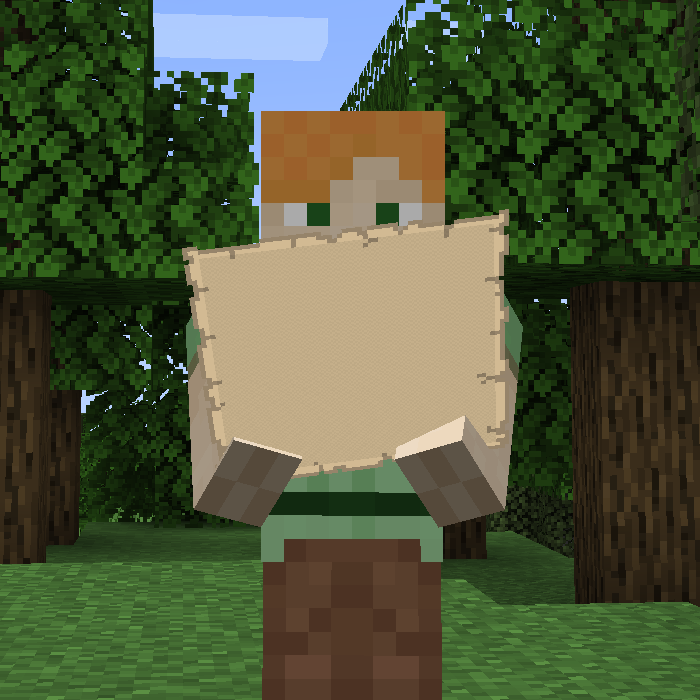
Not Enough Animations
Bringing first-person animations to the third-person

SuperMartijn642's Core Lib
SuperMartijn642's Core Lib adds lots of basic implementations that allow for similar code between different Minecraft ve...
![Iceberg [Neo/Forge]](https://media.forgecdn.net/avatars/425/207/637653794535451378.png)
Iceberg [Neo/Forge]
A modding library that contains new events, helpers, and utilities to make modder's lives easier.

Oculus
Unofficial Fork of "Iris", made to work with FML
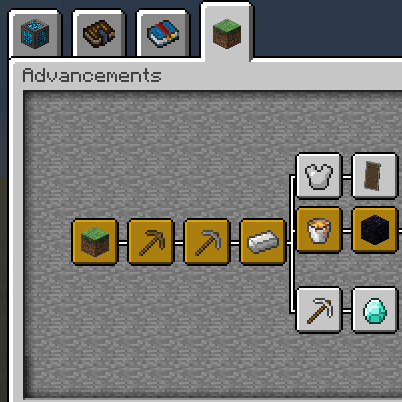
Better Advancements
Successor to BetterAchievements for the new advancements system in minecraft 1.12+

YUNG's API (Forge/NeoForge)
A library mod for YUNG's Minecraft mods

Simple Voice Chat
A working voice chat in Minecraft!

YUNG's Better Mineshafts (Forge/NeoForge)
A long-awaited and much-needed abandoned mineshaft overhaul!
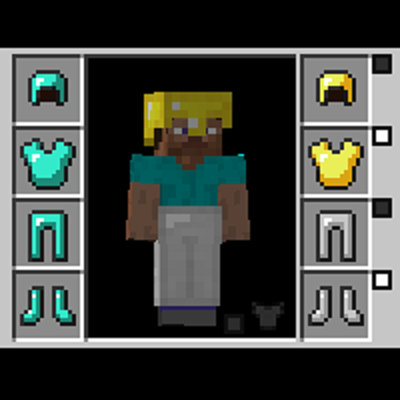
Cosmetic Armor Reworked
This mod allows you to wear two sets of armor, one for display, one for function.

TerraBlender (Forge)
A library mod for adding biomes in a simple and compatible manner!

Configured
Automatic in-game configuration menus for every mod!

Chat Heads
See who are you chatting with!
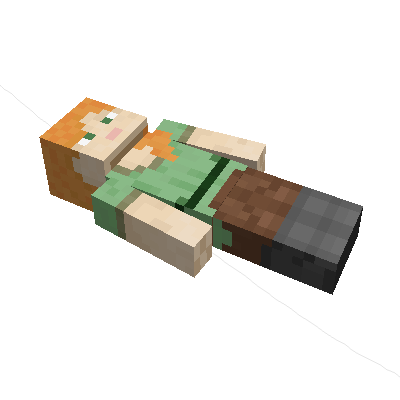
Corpse
Never lose your items again!
AI Improvements
Performance and logic upgrades for mod AIs

Skin Layers 3D
Render the player skin layer in 3d!

Biomes O' Plenty
Adds 50+ unique biomes to enhance your world, with new trees, flowers, and more!
![Prism [Neo/Forge]](https://media.forgecdn.net/avatars/581/617/637946673404611382.png)
Prism [Neo/Forge]
A library all about color! Provides lots of color-related functionality for dependent mods.
![Legendary Tooltips [Neo/Forge]](https://media.forgecdn.net/avatars/438/697/637684634562173457.png)
Legendary Tooltips [Neo/Forge]
Give your rare items a fancier tooltip! Also adds additional tooltip configuration options.

Macaw's Bridges
A simple mod that adds a lot of bridges!

YUNG's Better Dungeons (Forge/NeoForge)
A complete redesign of Minecraft's dungeons!
Just Zoom
Zoom by pressing a hotkey and adjust the zoom factor with your mouse wheel!

Serene Seasons
Seasons with changing colors, shifting temperatures, and more!

YUNG's Better Nether Fortresses (Forge/NeoForge)
A complete redesign of Minecraft's Nether fortresses!
![Better Combat [Fabric & Forge]](https://media.forgecdn.net/avatars/566/413/637925434672465483.png)
Better Combat [Fabric & Forge]
⚔️ Easy, spectacular and fun melee combat system from Minecraft Dungeons.

YUNG's Better Strongholds (Forge/NeoForge)
A complete redesign of Minecraft's strongholds
![Advancement Plaques [Neo/Forge]](https://media.forgecdn.net/avatars/409/257/637624038913829647.png)
Advancement Plaques [Neo/Forge]
Replace those boring advancement popups with something flashier.

YUNG's Better Ocean Monuments (Forge/NeoForge)
A complete redesign of Minecraft's ocean monuments!

Shoulder Surfing Reloaded
Shoulder Surfing Reloaded is a highly configurable third person camera mod for Minecraft

McJtyLib
Companion mod for all mods by McJty (RFTools, XNet, Deep Resonance, Not Enough Wands, SignTastic, ...))

Cherished Worlds
Favorite/pin/bookmark certain worlds, which will always be at the top of the list and cannot be deleted.

YUNG's Better Witch Huts (Forge/NeoForge)
Adds overhauled witch huts to swamps!

YUNG's Better Desert Temples (Forge/NeoForge)
A complete redesign of Minecraft's desert temples!

Tips
Adds a tip section to various loading screens.

Bad Wither No Cookie - Reloaded
Localizes the wither and dragon death sounds.
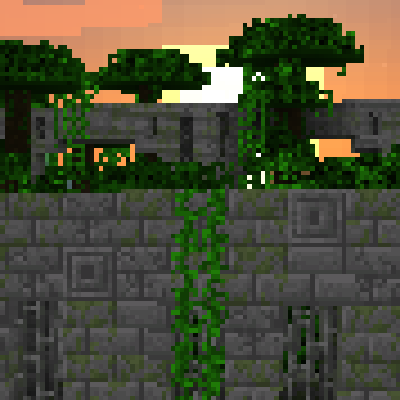
Repurposed Structures (Neoforge/Forge)
Adds more variations of vanilla structures and features such as a Jungle Fortress!
![BisectHosting Server Integration Menu [FORGE]](https://media.forgecdn.net/avatars/789/675/638144267881390750.png)
BisectHosting Server Integration Menu [FORGE]
BisectHosting Server List Integration Menu for Modpacks [FORGE ONLY]

Tool Belt
A utility belt that holds your tools

Double Doors
🚪 Multiple identical double doors, trapdoors and fence gates can be opened simultaneously.
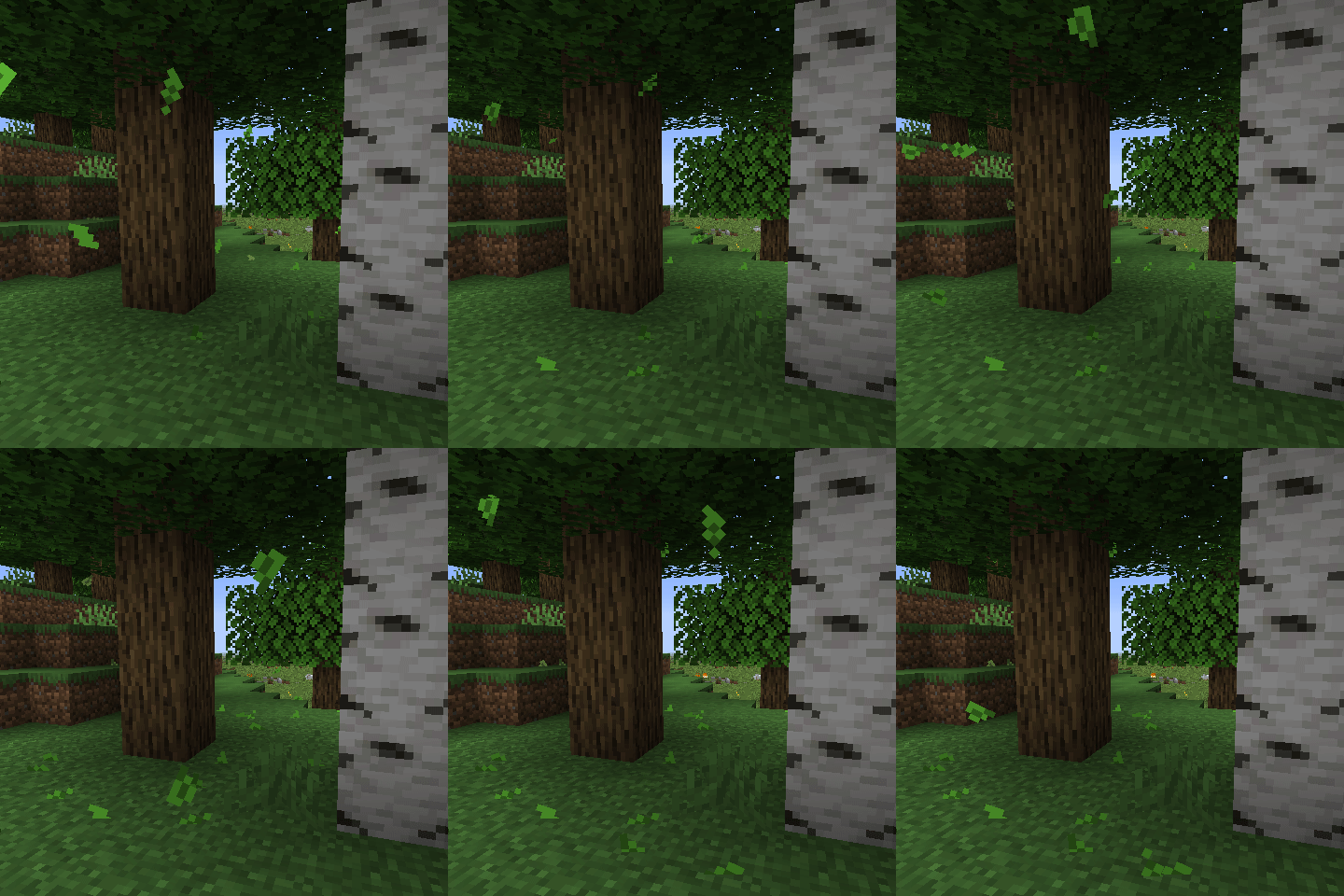
Falling Leaves (NeoForge/Forge)
Falling Leaves from trees

Library Ferret - Forge
Shared lib for the mods of jtorleon-studios-team

YUNG's Bridges (Forge/NeoForge)
Adds beautiful naturally generated bridges throughout the world

Inventory HUD+
Adds your main inventory, potion effects and your equipments to your HUD. And few other features.

Saturn
A performance mod designed to optimize Minecraft's memory usage.

YUNG's Extras (Forge/NeoForge)
Extra structures, features, and vanilla+ content suitable for any modpack

Trade Cycling
Refresh villager trades without needing to break workstations.

EnhancedVisuals
Feel the pain!
![Combat Roll [Fabric & Forge]](https://media.forgecdn.net/avatars/610/552/637992878478315173.png)
Combat Roll [Fabric & Forge]
🧶 Adds combat roll ability, with related attributes and enchantments.
Villager Names
🧑🌾 Gives all villager entities a default or custom name to liven up the world.

Traveler's Titles (Forge/NeoForge)
Epic, RPG-like titles when entering biomes & dimensions!
![Pufferfish's Skills [Fabric & Forge & NeoForge]](https://media.forgecdn.net/avatars/786/631/638138098303113835.png)
Pufferfish's Skills [Fabric & Forge & NeoForge]
Adds a fully configurable skill system to the game.

Visuality: Reforged
Little visual improvements by adding a bunch of new particles.

Catalogue
A universal mod list menu for all modloaders!
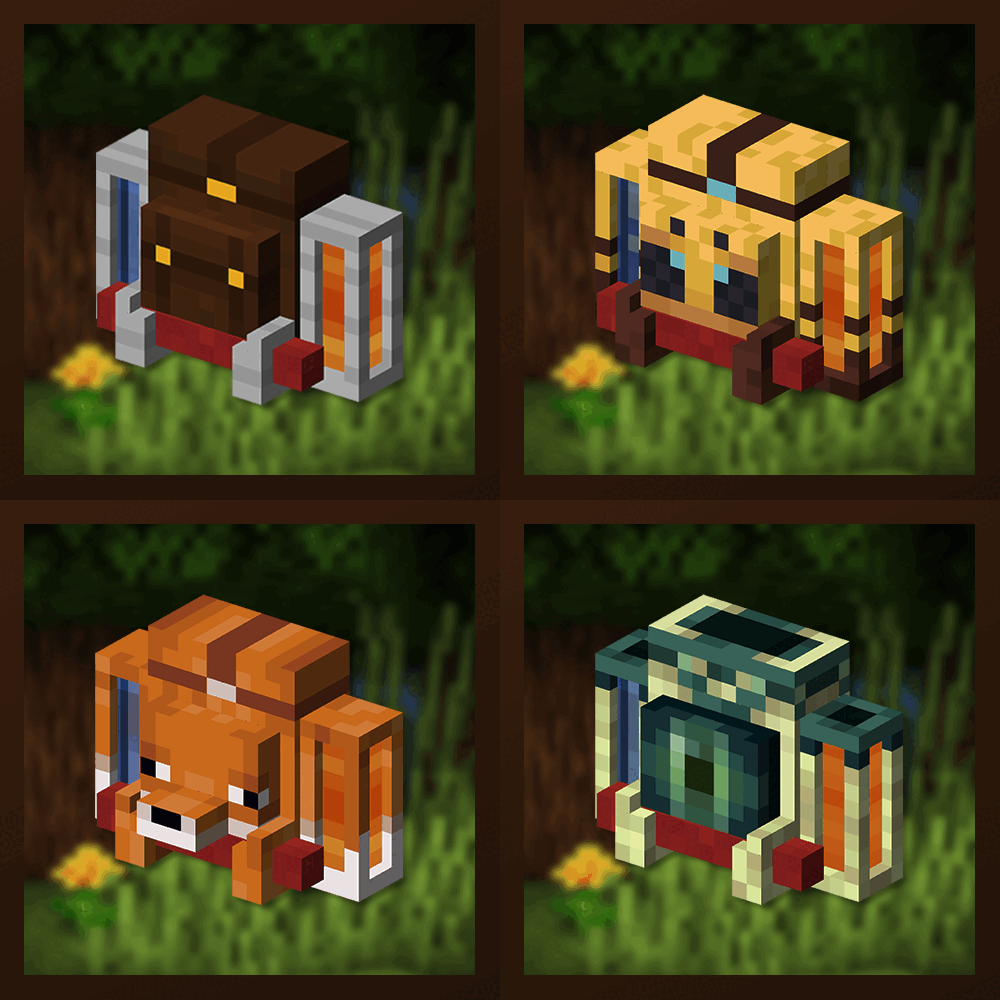
Traveler's Backpack
Unique and upgradeable backpacks with customisation, Curios API integration and more!

Rubidium
Unofficial Fork of CaffeineMC's "Sodium", made to work with FML

Embeddium (Rubidium) Extra
Port of Sodium Extra to work with Embeddium/Rubidium on (Neo)Forge

Simple Discord RPC
A simple to use RPC plugin for Minecraft and Modpacks

Canary
A performance mod designed to optimize Minecraft's general performance and unofficial fork of Lithium mod for Minecraft...

Better Villages - Forge
This mod enhances the villages in Minecraft by improving existing structure, making them feel more alive and engaging to...

Controllable
Play Minecraft Java Edition with a Controller / Gamepad
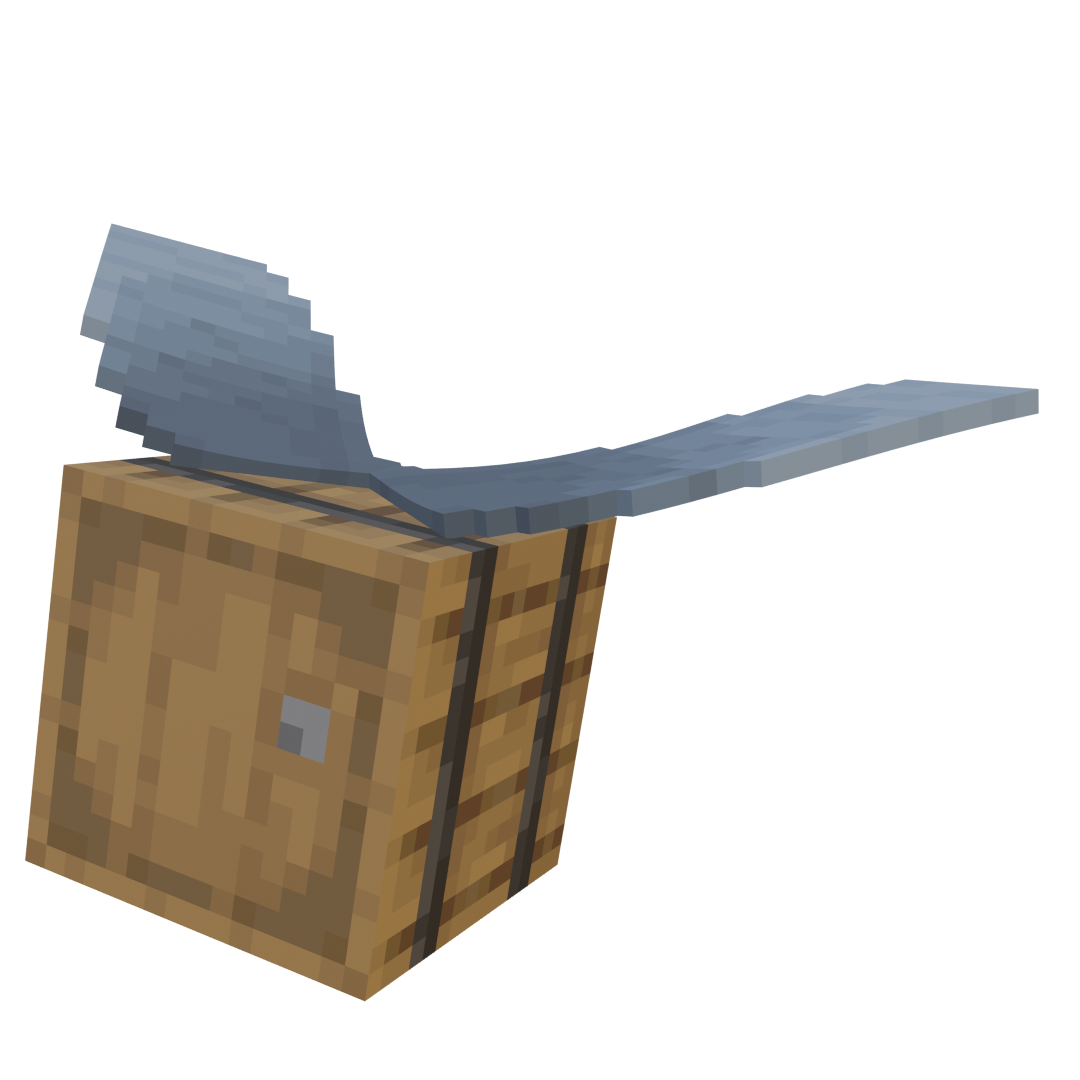
Do a Barrel Roll
Microsoft flight simulator for Minecraft elytras.

MemoryLeakFix
A mod that fixes random memory leaks for both the client and server

Dynamic Lights
portable and moving lightsources
![Immersive Armors [Fabric/Forge]](https://media.forgecdn.net/avatars/494/546/637806302373612811.png)
Immersive Armors [Fabric/Forge]
A lot of unique and vanilla-faithful armor sets.
![Item Borders [Neo/Forge]](https://media.forgecdn.net/avatars/417/257/637640874948180814.png)
Item Borders [Neo/Forge]
Add colored borders to inventory slots to make your rare items stand out!
Boat Item View (Forge/Neoforge)
See your held items when in a moving boat!
![Auudio [Forge]](https://media.forgecdn.net/avatars/527/263/637847899686470564.png)
Auudio [Forge]
Library mod to easily play background sound in menus and worlds.

Radon
Unofficial Fork of CaffeineMC's "Phosphor", made to work with FML
![Load My Resources [Forge]](https://media.forgecdn.net/avatars/441/419/637691522253742576.png)
Load My Resources [Forge]
Load resources on game start, like a resource pack, but enabled by default.
Moving Elevators
Moving Elevators adds real Elevators to Minecraft!

Default Dark Mode
🌙 The Dark Mode / Dark Theme Resource Pack

Cracker's Wither Storm Mod
Adds a mutant, ginourmous, evolved variant of the Wither programmed to hunt you down while destroying everything it can.

Slightly Improved Font (32x)
This resource pack adds a slightly improved version of vanilla Minecraft font (32x version)
![Game Menu Mod Option [Forge]](https://media.forgecdn.net/avatars/667/419/638061485254285617.png)
Game Menu Mod Option [Forge]
MOD settings to the game menu as before 1.12.2
![Shulker Box Tooltip [Fabric/Forge/NeoForge]](https://media.forgecdn.net/avatars/850/113/638251427406536090.png)
Shulker Box Tooltip [Fabric/Forge/NeoForge]
What's in my shulker box?

Lan Server Properties
Enhance the vanilla "Open to LAN" Gui for online mode and port customization

PlayerRevive
Revive your friends

Fabric Capes
Lets you use capes from OptiFine, LabyMod and other cape mods

Icons
Adding icons to several aspects of the game

PingHUD
Enhanced ping display in the tab list

Not Enough Crashes (Forge)
When crashing, you can go back to the title screen and keep playing, without needing to restart, alongside other things...

Ping
Inspired by Portal 2, this mod brings the Ping tool into Minecraft

Better Burning
Improves the burning and fire mechanics of Minecraft.

Anvil Never Too Expensive
Removes the level cap in the Anvil GUI

Display Case
Decorative block for beautiful storage of one item
Subterrestrial
Adds Underground Cabins from Terraria.
Dismount Entity
🚏 Allows players to dismount/remove/exit entities/mobs from mounted entities without breaking them.

Axes Are Weapons
Disables the increased durability loss in combat, enables Looting for axes and more!

Full Brightness Toggle
🔆 [Client] Press G to toggle the brightness/gamma in-game to maximum and get fullbright night vision.

Infinite Trading
♾ Prevents villager trades from locking up, making them always available. Trade away!
![Audio Extension for FancyMenu v2 [Forge]](https://media.forgecdn.net/avatars/534/637/637856463446594320.png)
Audio Extension for FancyMenu v2 [Forge]
Add audio elements to FancyMenu layouts.

Fullbright UB
Experience Fullbright UB in Sodium, Optifine and Vanilla

In-Game Account Switcher
This mod allows you to change your logged in account in-game, without restarting Minecraft

Visual Enchantments
Adds new sprites for all enchanted tools and wepons

ReBlured
Adds a blur effect to all GUI backgrounds
![Tool Leveling+ [Forge]](https://media.forgecdn.net/avatars/493/209/637802763698202156.png)
Tool Leveling+ [Forge]
level up your enchantments higher than the vanilla limit