

An Extra Pinch of Vanilla
ModpackThis modpack serves a simple purpose. To provide a simple way to play Minecraft vanilla with quality of life improvements and tools to aid in a multiplayer server.
Description
An Extra Pinch of Vanilla Survival Pack
A client-focused Vanilla+ modpack built for small multiplayer servers, private survival worlds, and groups of friends who want a smoother, more immersive, and more convenient Minecraft experience without changing the core game.
The pack keeps vanilla progression and gameplay intact while improving performance, rendering, animations, visuals, sound, interface elements, inventory management, building tools, navigation, multiplayer communication, and everyday quality-of-life features.
It is designed to work well on mostly vanilla servers, although some features, such as proximity voice chat, may require server-side support.
Highlights
Vanilla-Friendly Experience
No major gameplay overhauls, custom progression systems, new dimensions, or large content additions.
The focus remains on enhancing the standard Minecraft experience while keeping the pack suitable for vanilla and mostly vanilla multiplayer servers.
Performance & Rendering
Includes a broader set of performance and rendering optimizations through mods such as Sodium, Lithium, C2ME, Entity Culling, More Culling, Dynamic FPS, Alternate Current, and Distant Horizons.
These improvements help with rendering, entity and block culling, chunk processing, game responsiveness, and general performance.
Distant Horizons is included but disabled by default to reduce the performance impact on slower computers.
Visuals & Animations
Improves player and entity models, animations, particles, lighting, explosions, menus, hotbars, item interactions, tooltips, distant terrain, and other visual details while preserving the vanilla art style.
Fresh Animations and its extensions provide additional animated entity models, while mods such as Smooth GUI, Smooth Scrolling, Smooth Swapping, Immersive Hotbar, and Legendary Tooltips add extra polish to the interface.
Audio & Atmosphere
AmbientSounds and Presence Footsteps expand environmental and movement audio, making caves, biomes, weather, footsteps, and general exploration feel more immersive without changing gameplay.
Inventory & Quality of Life
Adds improvements for inventory management, mouse controls, automatic stack refilling, keybind management, chat history, recipe browsing, block information, and other everyday interactions.
The goal is to reduce repetitive actions and improve usability without automating or replacing normal survival progression.
Building & Navigation
Includes Litematica for schematic-assisted building, Xaero's Minimap and World Map for navigation, Locator Heads, Map Distance Fix, and other utilities useful during exploration and construction.
Multiplayer & Social
Includes proximity voice chat, multiplayer utilities, player maps, and small social features designed for survival servers and groups of friends.
PatPat adds a simple interaction that allows players to pat living mobs.
Essential is also included for its multiplayer and social utilities.
Optional Content
Shaders
The included shaders are installed but disabled by default. Players can enable their preferred shader pack through the video settings.
Distant Horizons
Distant Horizons is included but disabled by default.
Players with enough system resources can enable it to render terrain far beyond Minecraft's normal render distance.
Container GUI Styles
Both versions of Recolourful Containers are included.
The standard version is enabled by default. To use the dark version:
- Disable Recolourful Containers GUI + HUD
- Enable Recolourful Containers GUI + HUD (DARK)
Do not enable both versions at the same time.
Included Content
Resource Packs
- Fresh Animations
- Fresh Animations: Classic Horses
- Fresh Animations: Creepers
- Fresh Animations: Details
- Fresh Animations: Emissive
- Fresh Animations: Objects
- Fresh Animations: Player Extension
- Fresh Animations: Quivers
- Fresh Animations: Spiders
- Recolourful Containers GUI + HUD
- Recolourful Containers GUI + HUD (DARK)
- Theone's Eating Animation Pack
Performance & Rendering
Visuals, Animations & Immersion
Audio & Atmosphere
Interface, HUD & Information
Inventory, Controls & Quality of Life
Building, Navigation & Multiplayer
Libraries & Dependencies
Compatibility
Mod Loaders
Game Versions
Recommended Gear
AffiliateHardware and extras that pair well with this modpack.

As an Amazon Associate I earn from qualifying purchases.
Screenshots
Similar Modpacks
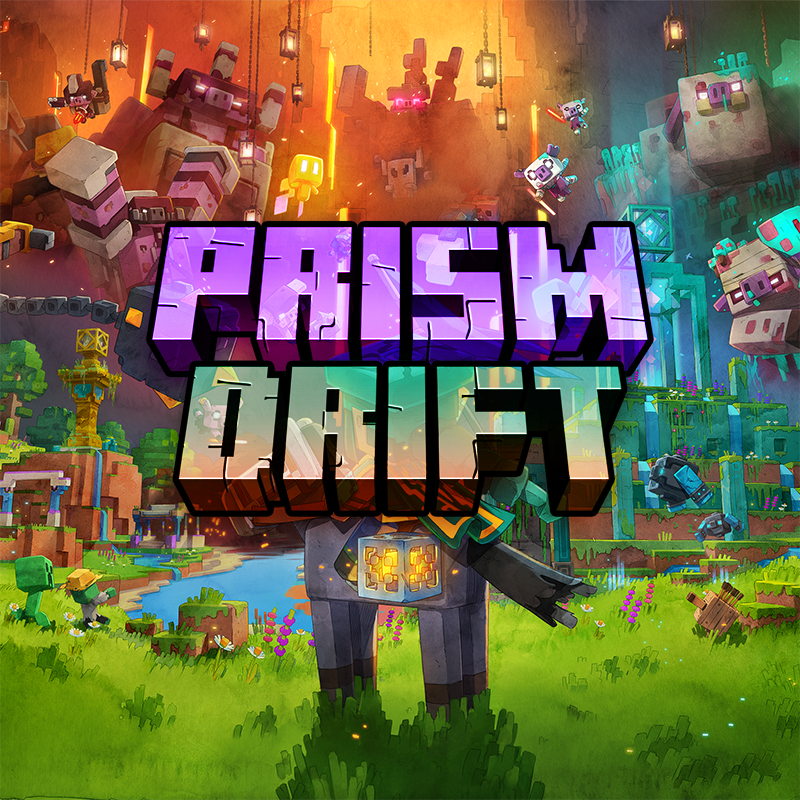
Prism Drift
Balanced without magic and guns, adventure filled with loads of dimensions and various bosses
The Goofy Gooners MC
An enhancement to the vanilla gameplay with new mobs and biomes, with many new structures to explore and dungeons to loo...
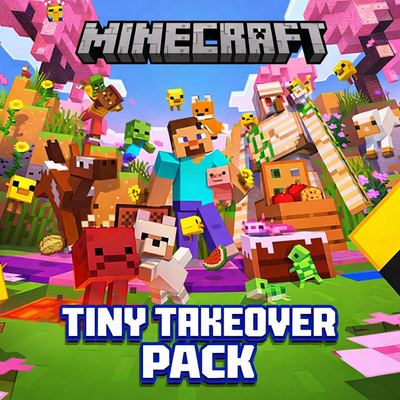
Tiny Takeover Pack
A lightweight vanilla+ modpack that enhances the Tiny Takeover update with improved performance, visuals, and quality of...

Batoon's Modpacks: Optimization
26.1.1 - 1.21.11 Maximum FPS Modpack. If you want to play the most modern version of Minecraft, use this.

Mapmakers SMP
This is a small collection of Vanilla Improvement Mods that are mainly used for the SMP of Members from Minecraft Realms...
the wither storm all add ons
I made this mod pack that is just about the wither storm
Contained Mods (74)
![[EMF] Entity Model Features [Fabric & Forge]](https://media.forgecdn.net/avatars/983/284/638491564386011875.png)
[EMF] Entity Model Features [Fabric & Forge]
EMF is an, OptiFine format, Custom Entity Model replacement mod available for Fabric and Forge.
![[ETF] Entity Texture Features](https://cdn.modrinth.com/data/BVzZfTc1/af683d206d50b05258d865b0d6e4aa2f2cee12f2_96.webp)
[ETF] Entity Texture Features
Emissive, Random & Custom texture support for entities in resourcepacks just like Optifine but for Fabric

3D Skin Layers
Render the player skin layer in 3d!

Alternate Current
An efficient and non-locational redstone dust implementation

AmbientSounds 6
#listentonature

Anvian's Lib
A small utility library for Anvian's mods.

AppleSkin
Adds some useful information about food/hunger to the HUD

Better Mount HUD
Improves the ingame HUD while riding a mount

Blur+
Spices up the boring vanilla blur effect – featuring animations, colors and lots of customizability!
Boat Item View
See your held items as you row your boat!
![Chat Animation [Smooth Chat]](https://media.forgecdn.net/avatars/927/15/638397249106651520.png)
Chat Animation [Smooth Chat]
Makes chat messages appear with a smooth animation.

Chat Heads
See who are you chatting with!

Cloth Config API (Fabric/Forge/NeoForge)
Config Screen API for Minecraft
Collective
🎓 Collective is a shared library with common code for all of Serilum's mods.
Complementary Shaders - Reimagined
Preserving the elements of Minecraft with exceptional quality, detail, and performance.
Complementary Shaders - Unbound
Transforming the visuals of Minecraft with exceptional quality, detail, and performance.

Concurrent Chunk Management Engine (Fabric)
A Fabric mod designed to improve the chunk performance of Minecraft.
Continuity
A Minecraft mod that allows for efficient connected textures

Controlling
Adds a search bar to the Key-Bindings menu

CreativeCore
a core mod

Cubes Without Borders
A mod that allows you to play Minecraft in a borderless fullscreen window.

Distant Horizons
See farther without turning your game into a slide show

Dynamic FPS
Improve performance when Minecraft is in the background
Entity Culling Fabric/Forge
Using async path-tracing to hide BlockEntities/Entities that are not visible

Essential Mod
Enhance your Minecraft with one simple mod. Host worlds for free, chat with friends, and so much more!

Explosive Enhancement
Makes the explosion animation look cooler.

Fabric API
Core API library for the Fabric toolchain

Falling Leaves
Adds a neat little particle effect to leaf blocks

Fresh Animations
Make your game like the trailers! Dynamic animated entities to freshen your Minecraft experience.

Fresh Animations: Classic Horses
Recreates the old look for horses, but with Fresh Animations. An official FA extension.

Fresh Animations: Creepers
New look for creepers, compatible with Fresh Animations. An official FA extension.

Fresh Animations: Details
Adds an assortment of extra details to mobs for Fresh Animations. An official FA extension.

Fresh Animations: Emissive
Makes some Fresh Animations' textures emit light. An official FA extension.

Fresh Animations: Objects
Animates non-mob entities in Fresh Animations' style. An official FA extension.

Fresh Animations: Player Extension
Animates players in Fresh Animations' style. An official FA extension.

Fresh Animations: Quivers
Gives skeletons quivers, compatible with Fresh Animations. An official FA extension.

Fresh Animations: Spiders
Overhauls the design of spiders with Fresh Animations. An official FA extension.
![Iceberg [Neo/Forge]](https://media.forgecdn.net/avatars/425/207/637653794535451378.png)
Iceberg [Neo/Forge]
A modding library that contains new events, helpers, and utilities to make modder's lives easier.
Immersive Hotbar
Adds animations to the hotbar to make it more immersive

InventoryTweak
Fast and easy inventory sorter

Iris Shaders
A modern shader pack loader for Minecraft intended to be compatible with existing OptiFine shader packs

Jade 🔍
Shows information about what you are looking at. (Hwyla/WAILA fork for Minecraft 1.16+)

Just Enough Items (JEI)
View Items and Recipes

LambDynamicLights
The most feature-complete and optimized dynamic lighting mod.
![Legendary Tooltips [Neo/Forge]](https://media.forgecdn.net/avatars/438/697/637684634562173457.png)
Legendary Tooltips [Neo/Forge]
Give your rare items a fancier tooltip! Also adds additional tooltip configuration options.
LibJF
A library for my mods
Litematica
A modern schematic mod written for Fabric (and LiteLoader on 1.12.x), with extra features for Creative mode work

Lithium (Fabric/NeoForge)
An optimization mod for Minecraft which improves server performance significantly.

Locator Heads
Show player heads on the locator bar and other usefull settings.
MaLiLib
A library mod required for masa's client-side mods
Map Distance Fix
A simple mod that shows a player indicator instead of a white dot when outside map boundaries.

Mod Menu
Adds a mod menu to view the list of mods you have installed.

More Chat History
Increases the size of the chat history.
MoreCulling
A mod that changes how multiple types of culling are handled in order to improve performance

Mouse Tweaks
Enhances inventory management by adding various functions to the mouse buttons.
![PatPat [Mod]](https://media.forgecdn.net/avatars/1083/364/638624153598755617.png)
PatPat [Mod]
Allows you to pat ANY loved and unloved living mobs in Minecraft!

Presence Footsteps
An overly complicated sound mod
![Prism [Neo/Forge]](https://media.forgecdn.net/avatars/581/617/637946673404611382.png)
Prism [Neo/Forge]
A library all about color! Provides lots of color-related functionality for dependent mods.

Recolourful Containers GUI + HUD
Do you want more immersive, more interesting, more colourful GUIs and HUD? Than this pack is for you!
Recolourful Containers GUI + HUD (DARK)
Do you want more immersive and more colourful GUIs and HUD? Than this pack is for you! NOW IN DARK

Respackopts
Config menus for resource packs
Searchables
Searchables is a library mod that adds helper methods that allow for searching and filtering elements based on component...

Simple Voice Chat
A working voice chat in Minecraft!
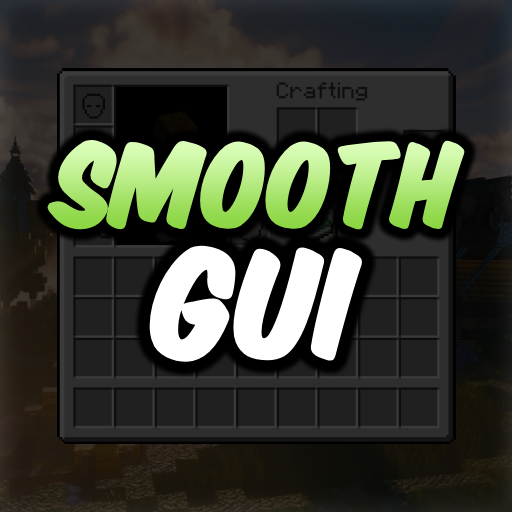
Smooth Gui
Makes menu screens open with a smooth animation.

Smooth Scrolling
Customize the scrolling smoothness or speed in various places like chat, hotbar, creative screen...
Smooth Swapping
Moves items smoothly in inventories

Sodium
The fastest and most compatible rendering optimization mod for Minecraft. Now available for both NeoForge and Fabric!

Sodium Extra
Features that shouldn't be in Sodium
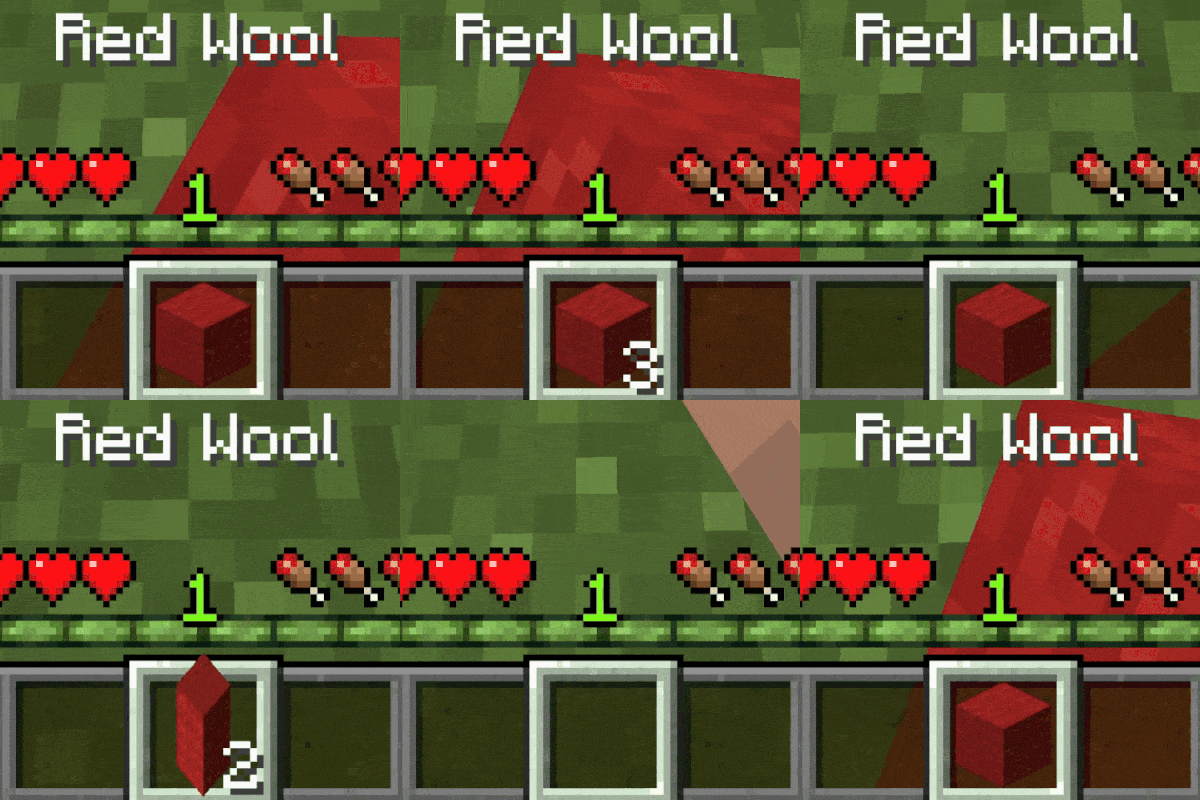
Stack Refill
📚 Automatically refills the player's hand when using the final item if a replacement exists.

Text Placeholder API
Placeholder and Text manipulation library for your Minecraft mods.
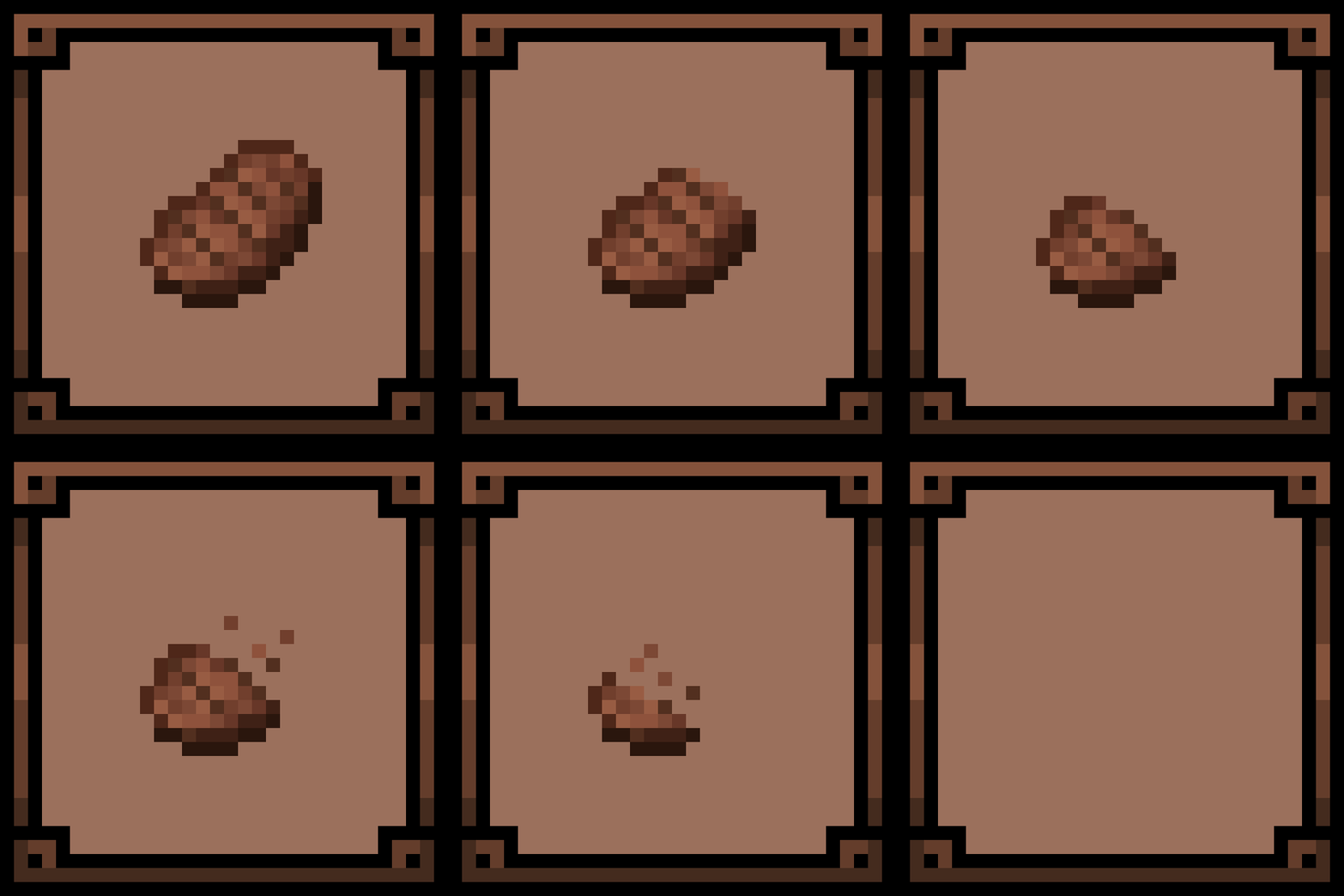
Theone's Eating Animation Pack
A texture pack that adds sprite animations for edible and drinkable items.
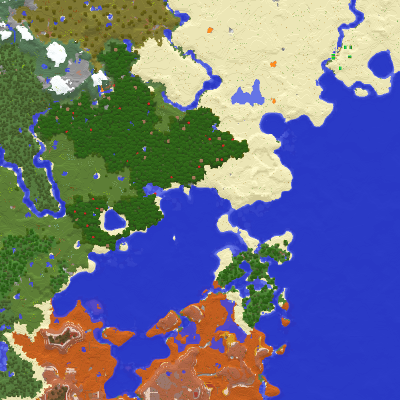
Xaero's Minimap
Displays the nearby world terrain, players, mobs, entities in the corner of your screen. Lets you create waypoints which...
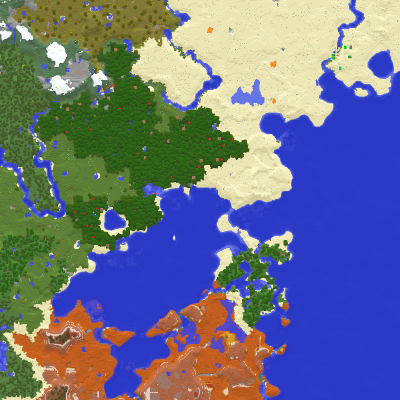
Xaero's World Map
Adds a fullscreen worldmap which shows you what you have explored in the world. Can work together with Xaero's Minimap.

YetAnotherConfigLib
A builder-based configuration library for Minecraft.