

Recording Client for Locals MC Server
Modpackby PeculiarPineTreePlays
Replay Mod, FPS boost, optional visual improvements. Designed for content creators, for recording videos & livestreams!
Description
New Version Finally Released for Minecraft 1.21! 🥳
Download here: https://www.curseforge.com/minecraft/modpacks/recording-client-for-content-creators
Note: I'll be releasing any future versions of my Recording Client on that page. This current page will no longer receive updates. Enjoy! 😄
Recording Client for Locals MC Server:
This modpack is designed for content creators.
Low end PC's get a massive FPS boost, while high end PC's can enjoy visual improvements.
Hi! I'm Robert. I put together this modpack to get actual FPS while running 1.19 on my budget PC, and for a better recording experience while playing on the Locals Minecraft Server.
NOTE: This client modpack will not grant access to the Locals Minecraft Server (talk to the admins for that). But it WILL give you FPS boost & visual improvements for recording your own worlds if you wish.
Examples of what you can do with this client:
(sidenote: Most of my content is on Rumble, but CurseForge would only embed YT here for some reason)
Some Mods/Features Included:
(I've tried to find open-source mods to make licensing easier for recording).
Video Recording:
- Replay Mod (for recording timelapses)
- Bobby (extreme render distances up to 128 chunks!). Very useful for Replay Mod.
- Freecam (built-in spectator mode camera) (just don't use this to find people to kill and stuff)
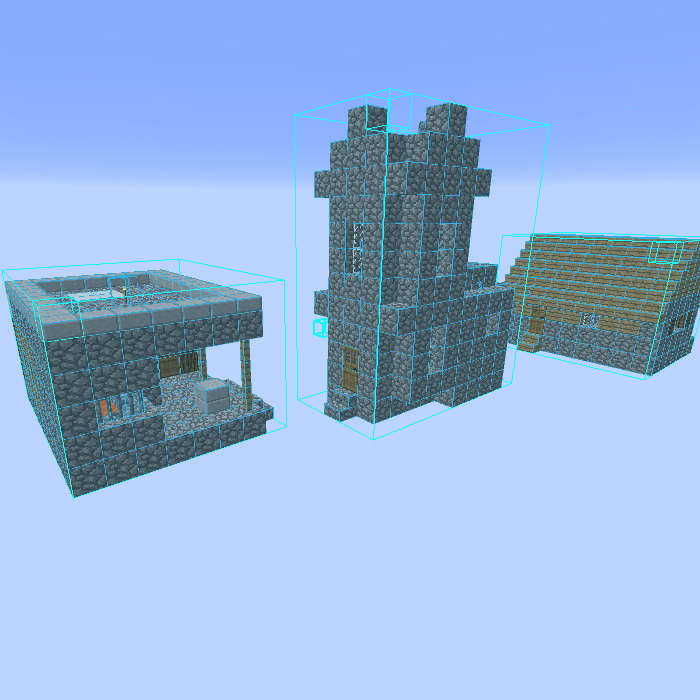
- Litematica (build schematics mod)
- Zoomify (camera zoom mod) (also adds a fun/dramatic "secondary zoom" button!)
FPS Boost:
- Sodium (FPS boost)
- Various Sodium support mods (extra FPS boost!)
- FerriteCore (RAM reduction)
- LazyDFU & Smooth Boot (improve MC launch times)
Visual Improvements:
(Most of these are optional, enable/disable as you wish):
- "Borderless Mining" (improved fullscreen mode when using multiple displays. Also allows choosing which monitor to fullscreen on.) (May lower FPS. Configurable via "mods" menu)
- FPS/coordinate overlay (enable in settings)
- Iris Shaders (Shaders support mod. Install your own shaders into it.)
- KronHUD (Many visual HUD options! Can display: Ping, Keystrokes, Movement Speedometer, Compass HUD, etc.) (Press "H" to config)
- BetterF3 (Better F3 screen)
- Coloured Tooltips & ShulkerBoxTooltip
- Chat Heads (shows player heads in chat)
- Controlling (searchable keybinds menu)
- LambdaBetterGrass (connected textures)
- LambDynamicLights (torches glow in your hand)
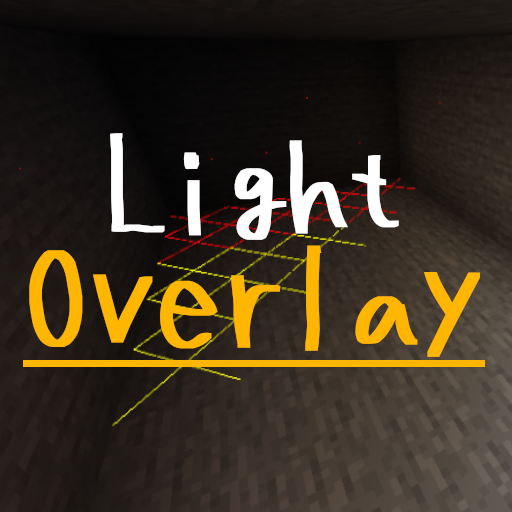
- Light Overlay (Mob-proof your builds! F7 enables overlay. Explained here: https://www.curseforge.com/minecraft/mc-mods/light-overlay )
- MiniHUD ("Mob despawn sphere" overlay! & many other features useful for making farms!)
- Tips (adds random tips to loading screens)
- Resource pack: Motschen's Better Leaves (bushy leaves!) (Note: enable "Cull leaves" & set "Cull leaves depth" to 1 in video settings, or FPS will be terrible)
No Chat Reports:
- "No Chat Reports" mod (prevents 1.19 chat reporting. See Q&A below)
Permissions:
Your Videos/Streams:
Feel free to make your own videos/streams using this modpack. And send me the link! I'd love to see how you're enjoying this modpack!
I only ask that you credit me in some way. And that, if reasonably possible, you provide a link to this page, so your viewers can download this pack for themselves if they choose.
Q&A:
- Q. Can I use this client modpack even if I'm not on the Locals Minecraft Server? A. Yes! Feel free to use this modpack for your own single-player worlds or servers (if your server allows it).
- Q. Visual improvements, how do I enable/disable them? A. Many of them are in the "resource packs" menu. Those that aren't typically are in the "mods" menu.
- Q. Freecam is allowed? A. Just don't use Freecam to find people to kill and stuff (like in a PVP-type scenario), and it should be fine.
- Q. Replay Mod file sizes? A. Replay mod records in a lightweight format. It's website says "An average Replay File of 10 Minutes duration usually is between 2MB and 10MB large." This means if you record 3 hours per week, for an entire YEAR, it'll be between 1.8GB & 9.3GB. (In contrast, a SINGLE 3 hour OBS recording for me is typically 5GB-8GB).
- Q. Does Replay Mod replace OBS? A. Not really. Replays still have to be rendered into a video afterwards to be usable. It's good as a supplement to OBS, (i.e. useful for a different purpose).
- Q. How to use Replay Mod? A. Instructions here: https://www.replaymod.com/
- Q. How is 128 chunk render distance possible? Don't servers have a limit? A. MC servers have a render distance limit (default = 10 chunks) that overrides your client's max setting. Bobby mod gets around this by "caching" chunks previously sent by the server, to be displayed later. It also uses a single player world ("bobby-fallback") to load extra chunks the server has never sent before. You can see which are "fake chunks" by setting Bobby to "Taint Fake Chunks = true", then pressing "F3 + a" to reload chunks.
- Q. Why is there a "bobby-fallback" world in single player? A. (see above answer)
- Q. "My game crashes. Help!" A. If you accidentally enabled "item updates" (or "Action bar") in KronHUD overlay settings, it crashes the game for some reason. Steps to fix: 1. Launch MC 2. Do NOT load a world yet (or it'll crash again). Stay on the MAIN MENU for now. 3. Click "Mods" > KronHUD > Configure (hamburger menu) > Configuration > Set "Item Updates" & "Action bar" to "Disabled". 4. NOW load the world. Problem solved!")
- Q. Is it Hypixel safe? A. No. Some mods in this client are not allowed by Hypixel. (eg: Freecam)
- Q. "I don't like Curseforge, or PC/Mac's too old for launcher. Am I out of luck?" A. Try downloading this via the MultiMC launcher. I'm told that should work.
Note on 1.19 Chat Reporting:
- Q. What about "chat reporting" in MC 1.19.84? (as it's been called)
- Q. What is it? A. It's a "feature" where other players can report your chat messages if they disagree with you, and Mojang can ban you from all multiplayer servers, even in older versions of Minecraft (apparently Bedrock can ban from single player worlds too?). The biggest issue is that it gives Mojang centralized control over banning, when that power should really rest with the individual servers/admins. Here's one explanation I found (more in depth) if you're curious: https://fabulously-optimized.gitbook.io/modpack/readme/chat-reporting-faq#what-would-make-the-system-fair
- Q. Did you disable it? A. Yes. Long Answer: Mojang can track chat because each chat message now includes a "cryptographic signature" (added in 1.19). This modpack includes the "No Chat Reports" mod, which removes those signatures. However, this may need to be allowed by the server to work, so this mod also shows a status icon (above chat) indicating whether it's working or not. We set up our server to allow removing those signatures, to prevent the chat reporting.
- Q. My friends (using Vanilla 1.19.1+) see the popup "Messages sent on this server may be modified and might not reflect the original message"... what's that mean? A. Their Minecraft's just complaining it can't track chat anymore. Basically it's going back to the way chat has always functioned in Java edition (pre-1.19.1), so nothing to worry about.
Credits:
Includes the Replay Mod. Link to the Replay Mod website: https://www.replaymod.com/
Compatibility
Mod Loaders
Game Versions
Recommended Gear
AffiliateHardware and extras that pair well with this modpack.

Minecraft Enderman Character Plush
Enderman plush toys, and a reliable gift for a younger player.

LEGO Minecraft Set
Official sets that translate the building side of the game off-screen.
As an Amazon Associate I earn from qualifying purchases.
Similar Modpacks
Waffles Custom One Block
This is the modpack I used in my Modded One Block 100 Days!

Banished
The dark story of Hubris, fight your way through hordes of mobs in a cave world with only your remaining magic.

Sky Questing
A heavily quest based modpack in the sky!
Haven: CaveBlock
Brand New Questing Skyblock Modpack for all | +1600 Quests | +250 Mods | Progressive difficulty
![SafraSMP [Forge]](https://media.forgecdn.net/avatars/1681/484/639068448742787818.png)
SafraSMP [Forge]
The modpack you we're searching for, Farmer!

The Fool
Deception, disguise, and fraud: the dragon slayer becomes the dragon.
Contained Mods (35)

Architectury API
An intermediary api aimed to ease developing multiplatform mods.
![Better Ping Display [Fabric]](https://media.forgecdn.net/avatars/308/480/637391935446636498.png)
Better Ping Display [Fabric]
Displays ping in milliseconds in the player list in a configurable way
BetterF3
A mod that provides a highly customizable, more human-readable Debug HUD.

Bobby
Allows for render distances greater than the server's view-distance setting.
Borderless Mining
Changes Fullscreen to use a borderless window.

Chat Heads
See who are you chatting with!
CIT Resewn
Re-implements MCPatcher's CIT (custom item textures from optifine resource packs)

Cloth Config API (Fabric/Forge/NeoForge)
Config Screen API for Minecraft

Controlling
Adds a search bar to the Key-Bindings menu

Cull Less Leaves
Cull leaves while looking hot!

Debugify
Fixes Minecraft bugs found on the bug tracker

Fabric API
Core API library for the Fabric toolchain

FerriteCore (Fabric)
Memory usage optimizations

Freecam
A simple, standalone freecam mod.

ImmediatelyFast
Speed up immediate mode rendering in Minecraft

Indium
Sodium addon providing support for the Fabric Rendering API, based on Indigo

LambDynamicLights
The most feature-complete and optimized dynamic lighting mod.
LazyDFU
Makes the initialization of DataFixerUpper "lazy", making the game start more quickly
Light Overlay (Rift/Forge/Fabric)
A simple mod to provide users with NEI-like light level overlay.
Litematica
A modern schematic mod written for Fabric (and LiteLoader on 1.12.x), with extra features for Creative mode work
MaLiLib
A library mod required for masa's client-side mods

MidnightControls
Adds controller support and enhanced controls overall.

MidnightLib
Common library with a built-in configuration system
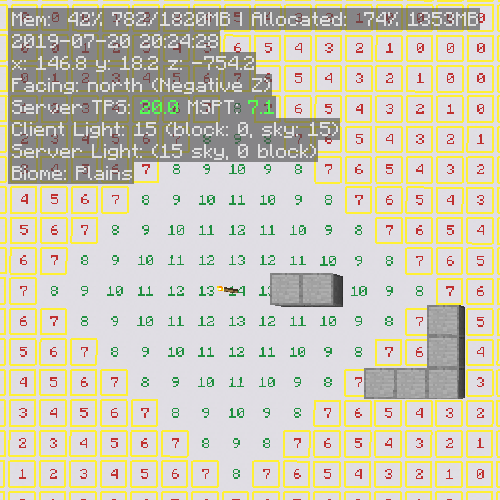
MiniHUD
A "mini F3" HUD mod, with light level, spawn & slime chunk overlays etc.

Mixin Conflict Helper
User-friendly errors for Mixin conflicts.
MixinTrace
Adds a list of mixins in the stack trace to crash reports

Motschen's Better Leaves
Improves the appearance of leaves with high mod compatibility and performance!

No Chat Reports
Makes chat unreportable (where possible)

Reese's Sodium Options
Alternative Options Menu for Sodium

Searchables
Searchables is a library mod that adds helper methods that allow for searching and filtering elements based on component...
![Shulker Box Tooltip [Fabric/Forge/NeoForge]](https://media.forgecdn.net/avatars/850/113/638251427406536090.png)
Shulker Box Tooltip [Fabric/Forge/NeoForge]
What's in my shulker box?

Simple Voice Chat
A working voice chat in Minecraft!

Sodium Extra
Features that shouldn't be in Sodium
WI Zoom
The zoom from the Wurst Client as a standalone mod.

YetAnotherConfigLib
A builder-based configuration library for Minecraft.